267
How to capture clips
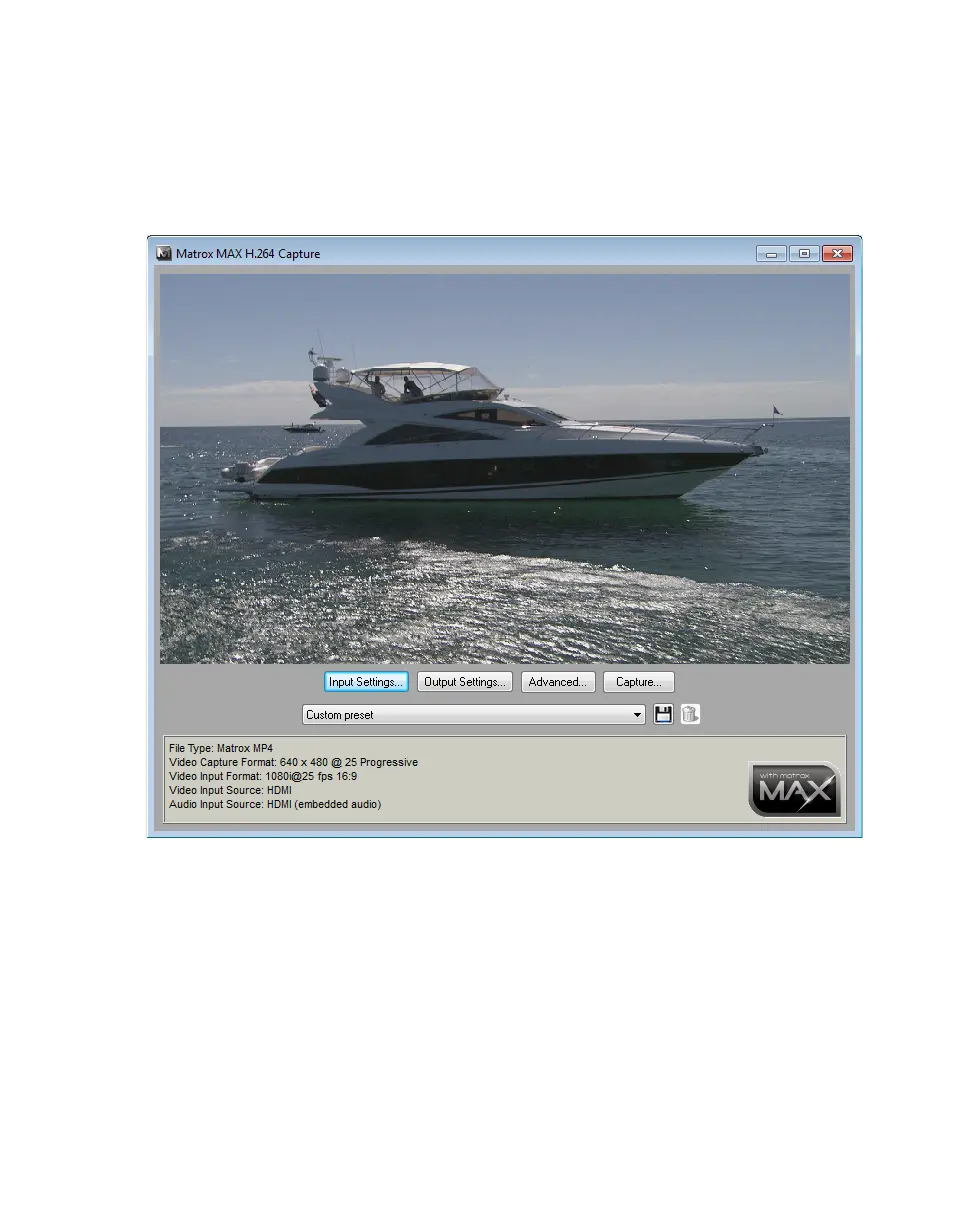
How to capture clips
1 Connect the video and audio input sources from which you want to capture
clips to the corresponding inputs on your MXO2 hardware.
2 Choose Start > Programs > Matrox Mtx.utils> Matrox MAX H.264
Capture
.
3 Click Input Settings to select your video and audio input settings for
capturing clips as explained in “Specifying your input settings” on page 268.
4 Click Output Settings to select your video and audio output settings for
monitoring the source material that you’re capturing as explained in
“Specifying your output settings” on page 270.
5 Select a preset for the type of clips that you want to capture. The Matrox
presets available depend on the frame rate of your video input source.
6 Click the Advanced button to review the settings provided by your selected
preset and make any required changes as explained in “Specifying your
capture format settings” on page 272.



 To Next Page