24
Chapter 4, Connecting External Devices to Matrox MXO2 Rack
Powering MXO2 Rack
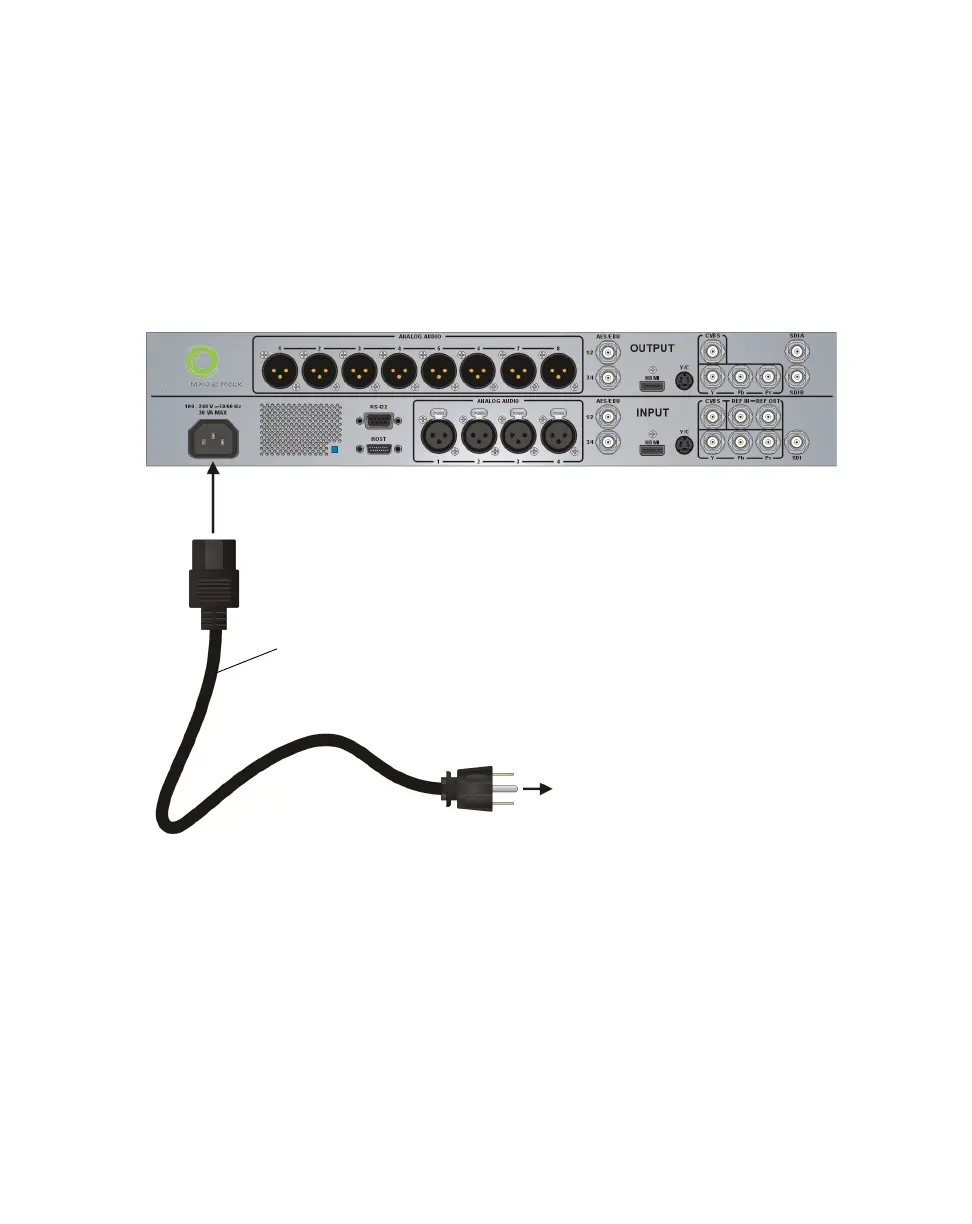
You can power MXO2 Rack using an AC outlet and an IEC-C13 power cord. To
turn off your MXO2 Rack, unplug it from the AC outlet while your computer is
shut down.
¡ Important When MXO2 Rack is connected to a computer that is running, do
not disconnect MXO2 Rack from its power source. Shut down your computer
before removing power from MXO2 Rack.
To A C
outlet
IEC-C13
power cord
MXO2 Rack



 To Next Page