260
Chapter 20, Using the Matrox MAX H.264 Codec with Adobe Software
For more information about using Adobe Encore and specifying transcode
settings, see your Adobe Encore documentation.
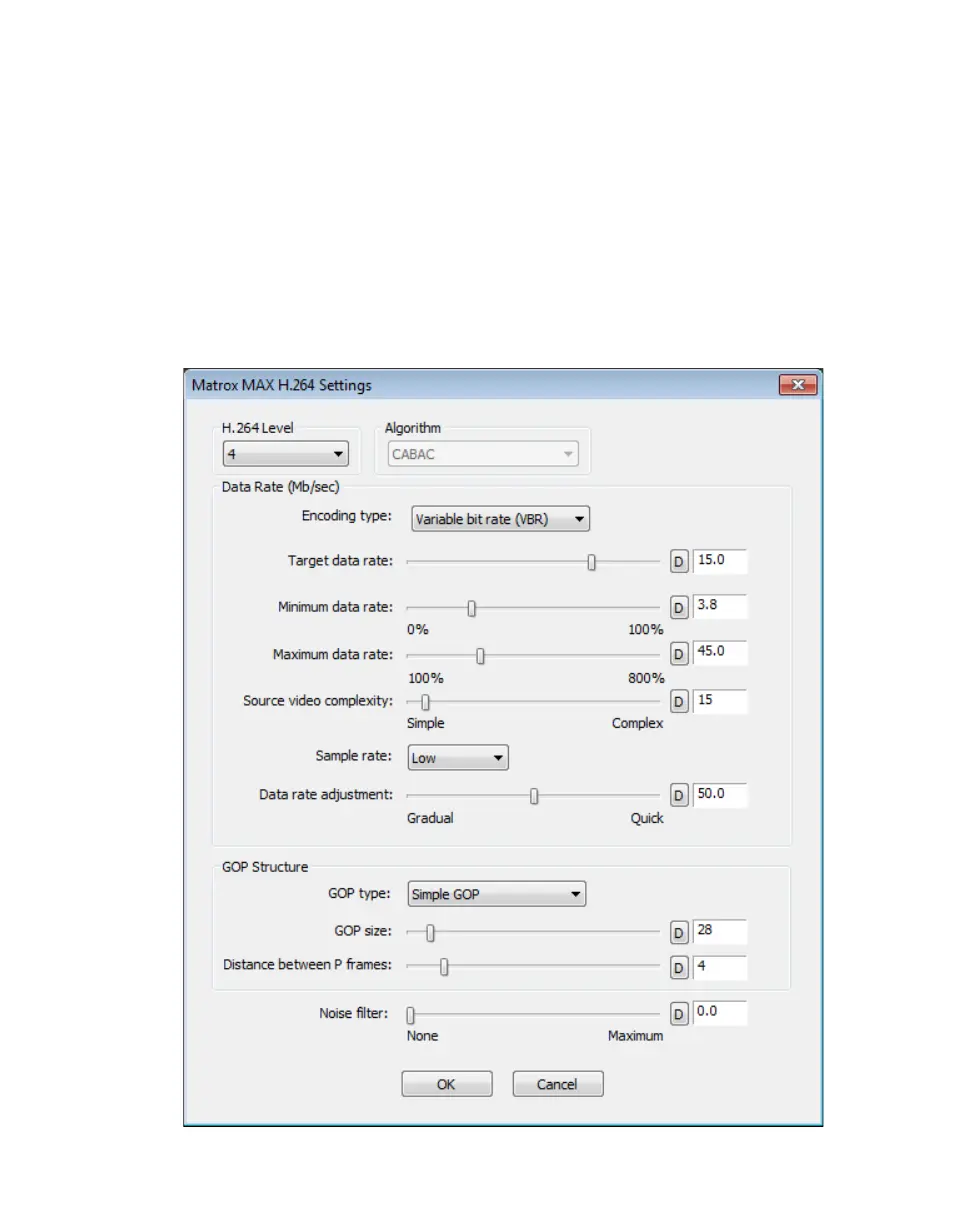
Specifying your Matrox MAX H.264 settings
When creating Matrox MAX H.264 files (Matrox .264 or .mp4 files), appropriate
codec settings are applied based on the Matrox preset you selected. If needed,
you can customize the settings that you want for the H.264 compression.
°To select your Matrox MAX H.264 settings:
1 Click the Configure button provided for the Matrox MAX H.264 codec
settings.



 To Next Page