282
Chapter 22, Monitoring Your Matrox MXO2 System
Displaying hardware information
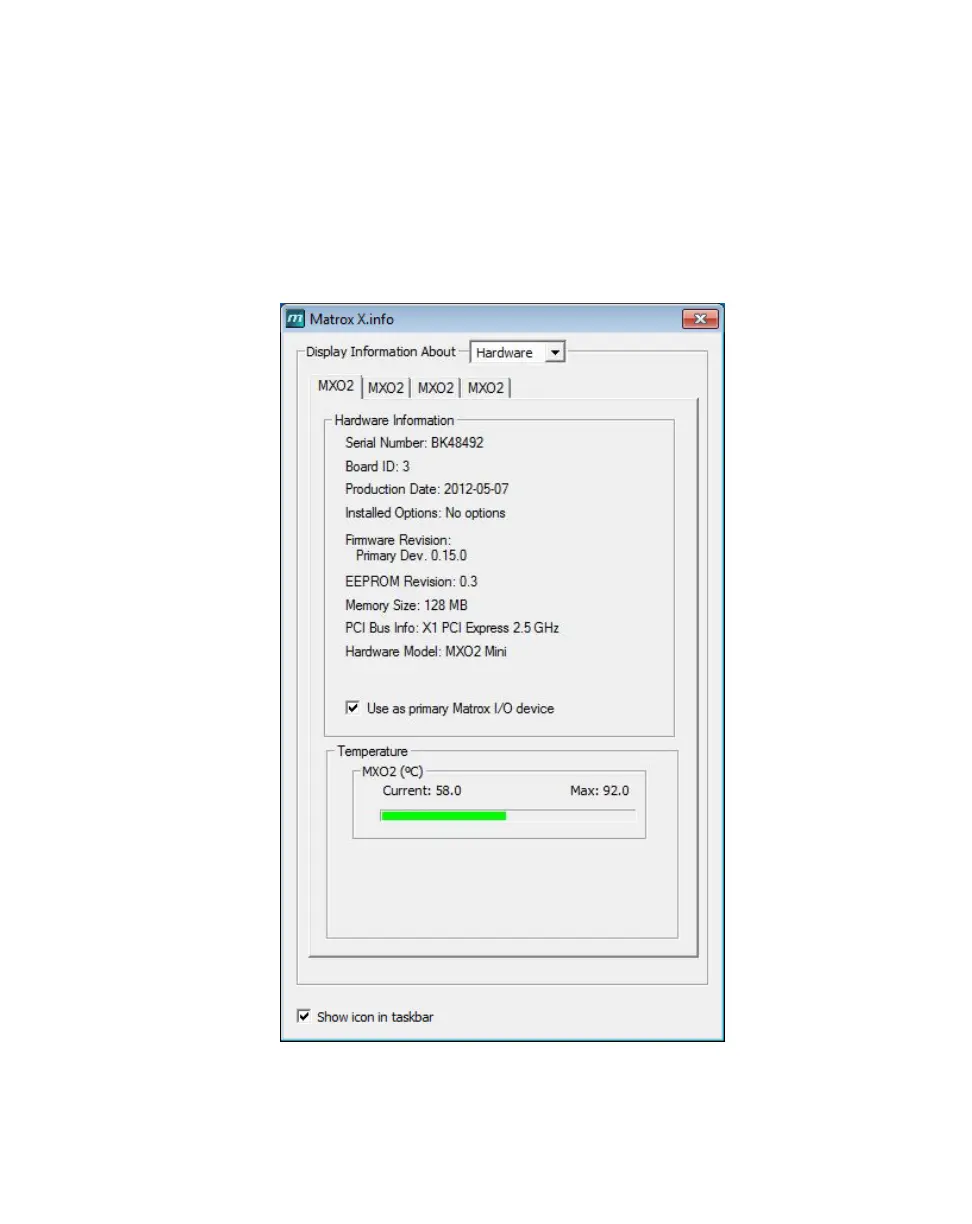
To display information about your Matrox MXO2 hardware, select Hardware
from the
Display Information About list. This displays a page with hardware
information (for example, serial number and production date). You can also
monitor the current and maximum operating temperatures for your MXO2
hardware.
If you have multiple Matrox MXO2 devices, a separate tab will be provided to
display the hardware information for each device.
¡ Important Whether or not you have opened Matrox X.info, if your MXO2
exceeds the maximum operating temperature, you’ll receive a warning message



 To Next Page