164
Chapter 11, Using Matrox MXO2 with Avid Editing Applications
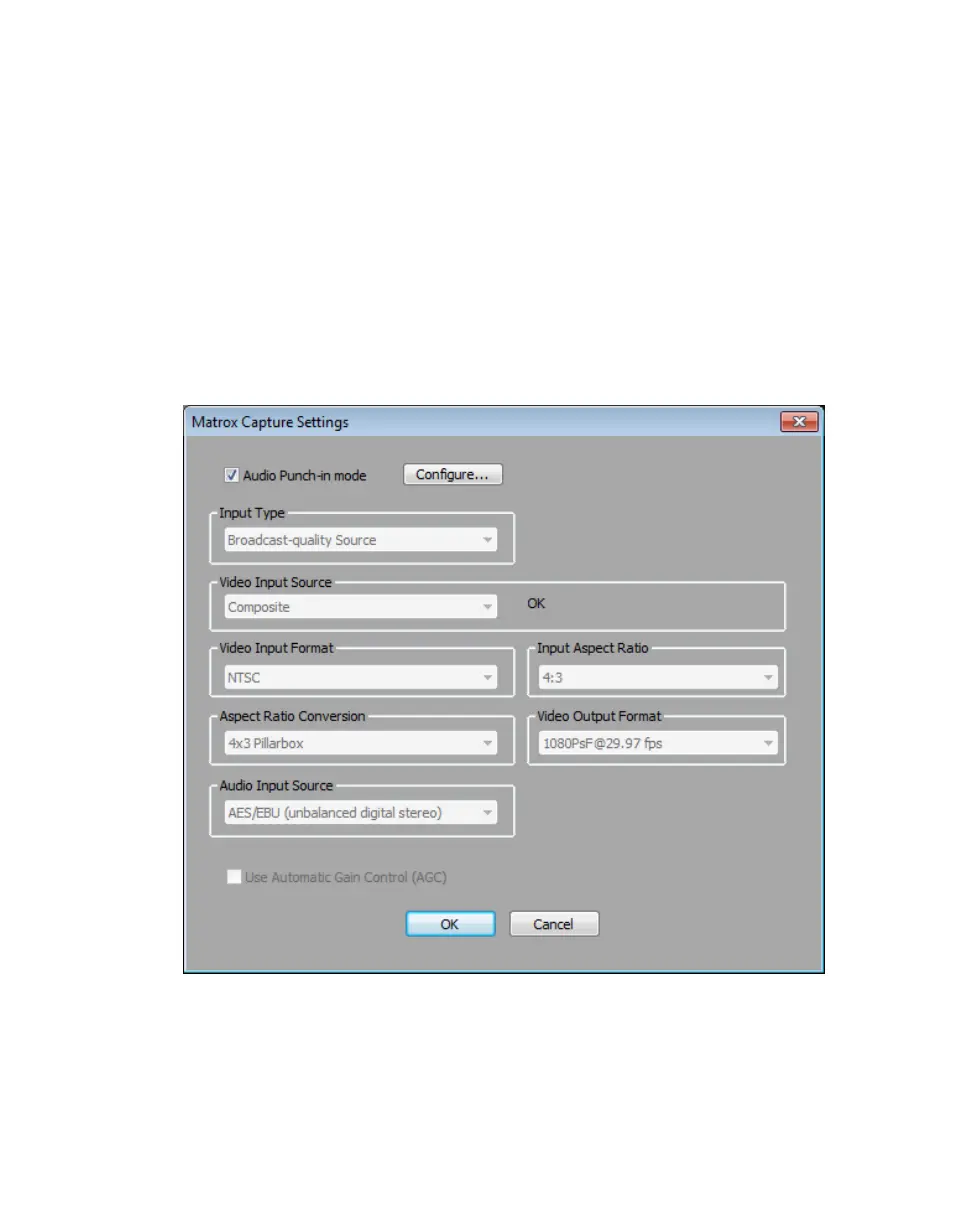
Adding a voice-over to your sequence
Matrox MXO2 supports the Audio Punch-In tool, which allows you to record
audio directly into the
Timeline to add voice-over narration, such as to add
commentary to newsreels and documentaries.
¦NoteThe Audio Punch-In tool supports recording to mono tracks only.
Connection and setup
1 Connect the microphone to the audio input on your source device and
connect the audio output (analog or AES/EBU) from the source device to the
corresponding audio input on your MXO2 hardware.
2 Click the Settings tab in the Project window, and then double-click Video
Input
.



 To Next Page