118
Chapter 9, Setting Up Matrox Effects with Adobe Premiere Pro
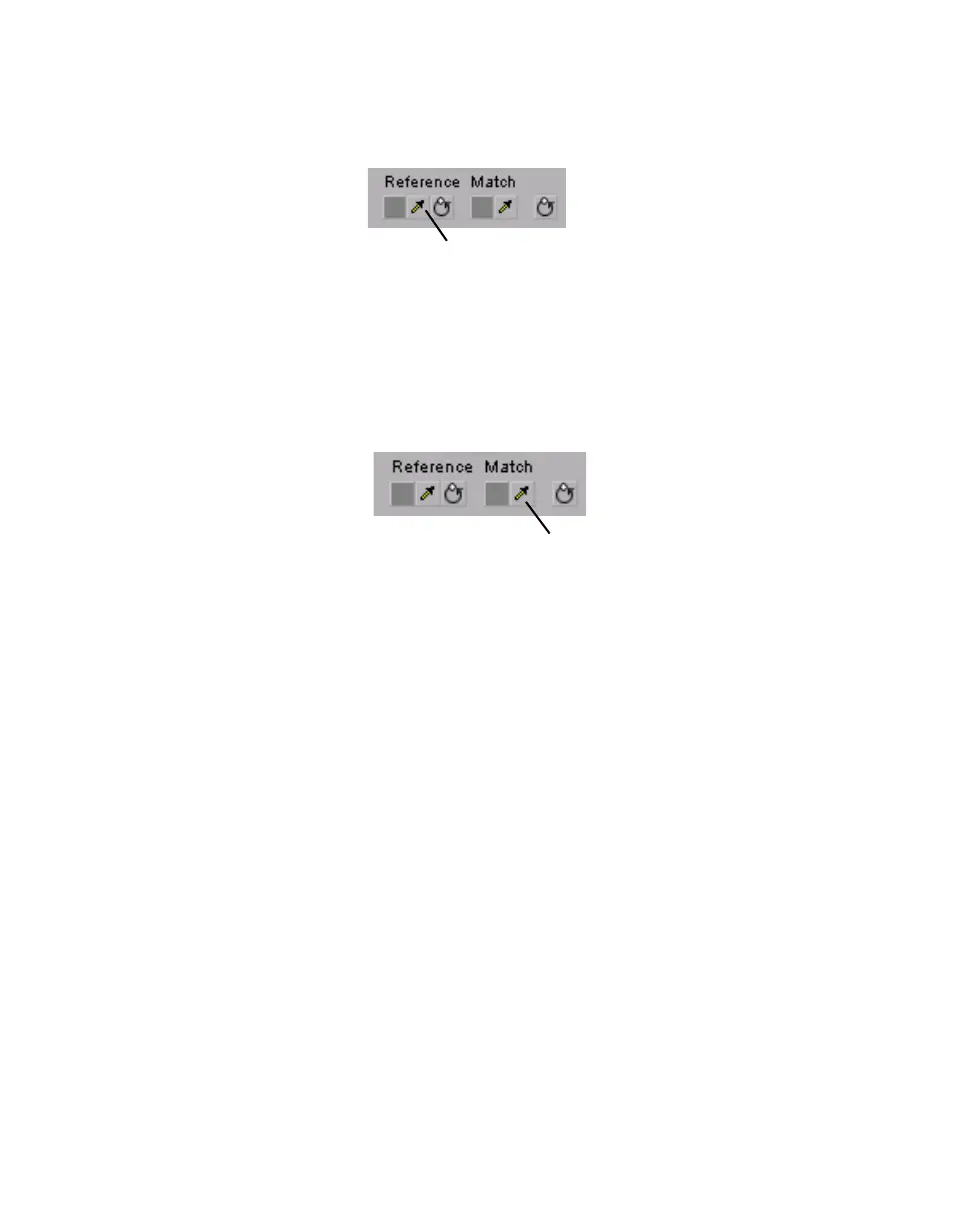
6 Select a reference color from your reference clip by using the Reference
Color eyedropper under the color map you want to affect (
Master,
Shadows, Midtones, or Highlights).
7 For example, to match a very dark color in your reference clip to your target
clip, click the Reference Color eyedropper under the
Shadows color map,
and click (or click and drag) on the desired color in your reference clip.
8 Select a match color from your target clip in the Source Monitor window by
using the Match Color eyedropper under the corresponding color map
(
Master, Shadows, Midtones, or Highlights).
Reference Color eyedropper



 To Next Page