120
Chapter 9, Setting Up Matrox Effects with Adobe Premiere Pro
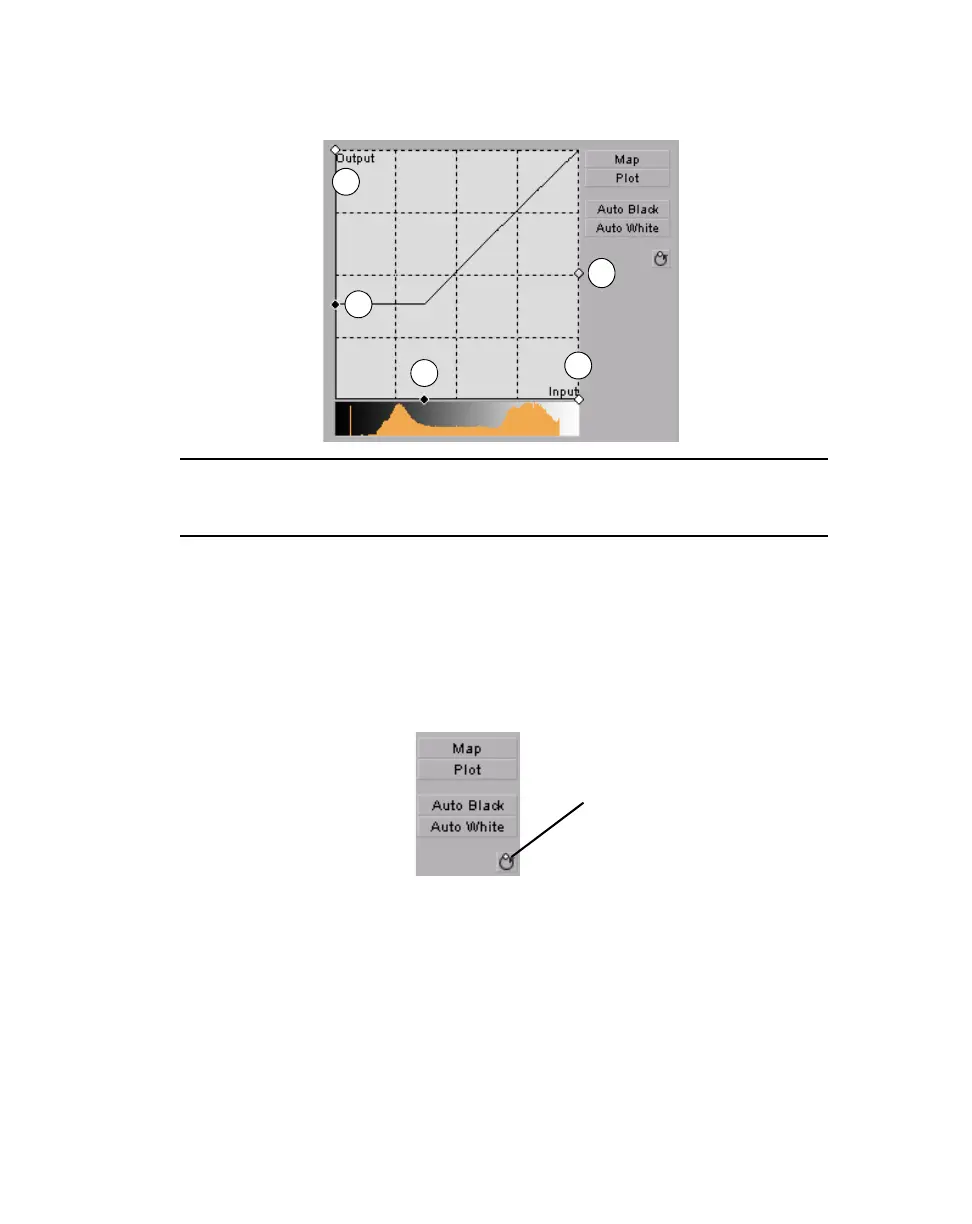
in the graph to adjust the Input and Output levels for black and white, as
well as the
Gamma.
•
Auto Black Click this to define the darkest pixels in your clip as black.
The intermediate luminance values are proportionally redistributed.
• Auto White Click this to define the lightest pixels in your clip as white.
The intermediate luminance values are proportionally redistributed.
¦NoteIf you want to restore the default luminance values at any time, click
the Restore Default Values button.
0 Input
Black
Level
1 Input
White
Level
2 Output
Black
Level
3 Output
White
Level
4 Gamma
Restore
Default Values
button



 To Next Page