127
Creating a Matrox secondary color correction
each luminance value present in your image as a vertical line. A longer line
indicates a higher amount of pixels in your image of that line’s luminance
value.
•
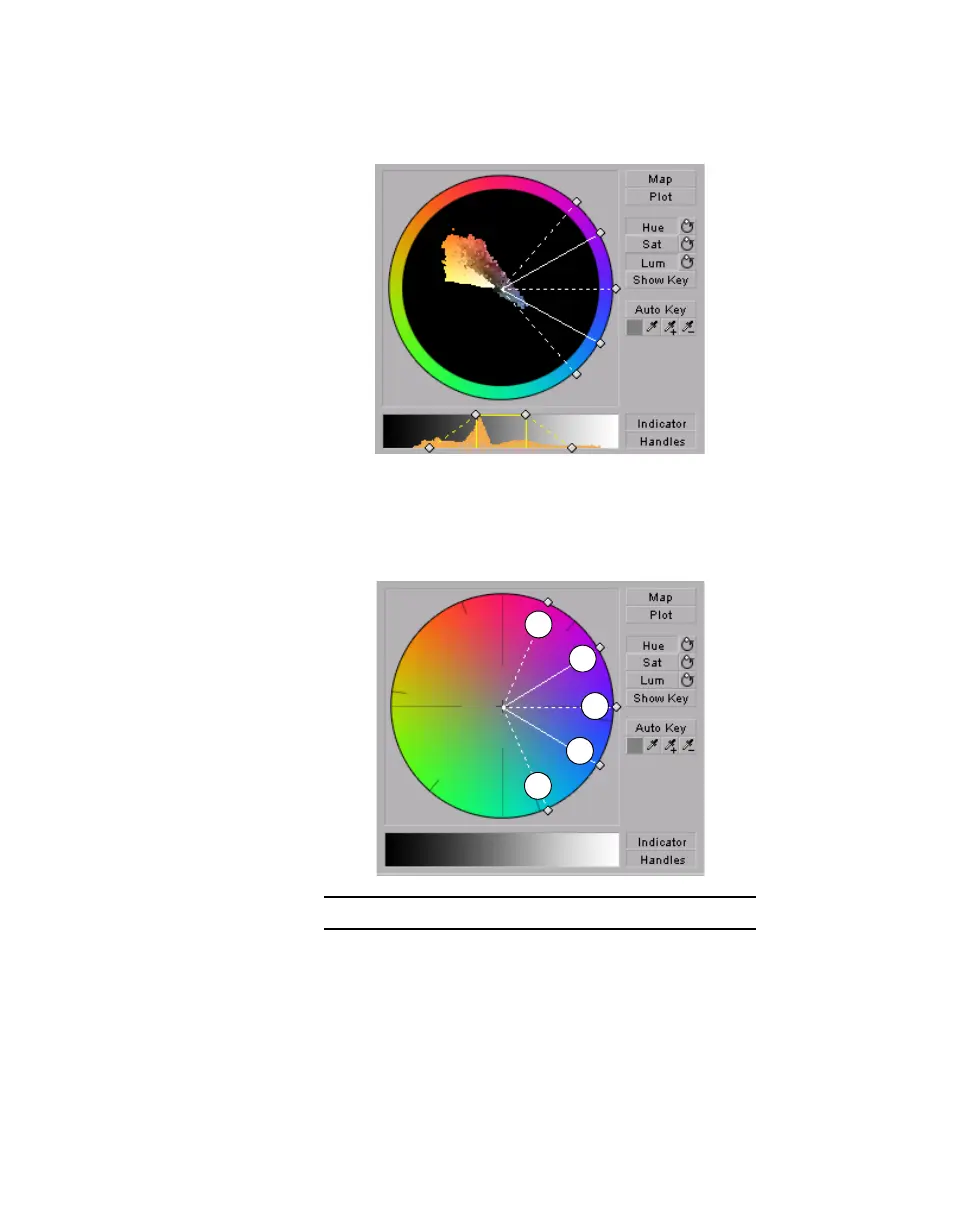
Hue Click this button to enable or disable the Hue Key properties (Hue,
Aperture and Softness). When enabled you will be able to see the Hue
Key
indicator and handles to modify the Hue Key properties in the selective
key graph.
•
Sat Click this button to enable or disable the Saturation Key properties
(
Low Clip, Low Gain, High Gain, and High Clip). When enabled you will
0 Hue 1 Aperture 2 Softness



 To Next Page