173
Using the Matrox A/V Tools interface
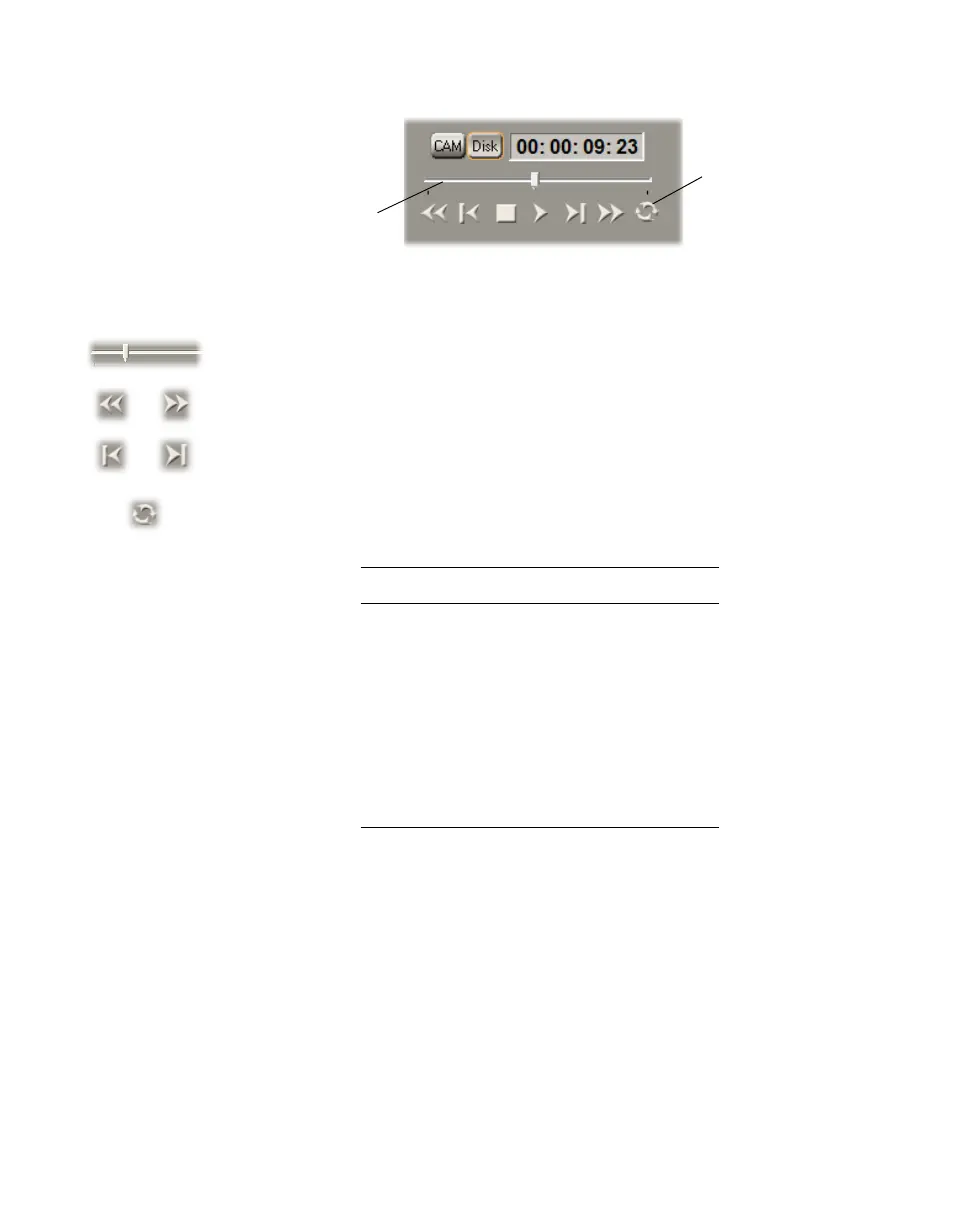
The transport controls are much like those on your VTR:
Most of these controls perform standard transport functions, but some can be
used for special tasks:
•
Scrub Drag the slider on the Positioner to scrub through any clip in your
clip list.
•
Cue to In or Out point on disk Click the Rewind or Fast Forward
button to cue to the beginning or end of a clip on disk.
•
View frame-by-frame Click the Frame Reverse or Frame Advance
button.
•
Play a clip on disk repeatedly Click the Loop button, then click the
Play button.
Keyboard Shortcuts
Disk mode
K
Play B
Rewind Z
Fast Forward X
Frame Advance ’ (apostrophe)
Frame Reverse ; (semicolon)
Stop V
Loop A



 To Next Page