194
Chapter 12, Using Matrox A/V Tools
Monitoring audio levels for capture
If you select
Show VU meters on the Audio Capture Settings page, each
time you configure your capture settings or start a capture in A/V Tools, VU
meters will be displayed to let you monitor the levels of your currently selected
audio input source.
¦NoteThe VU meters won’t be available if you’re working with 1080i @ 29.97
fps video and using a 10-bit video processing format.
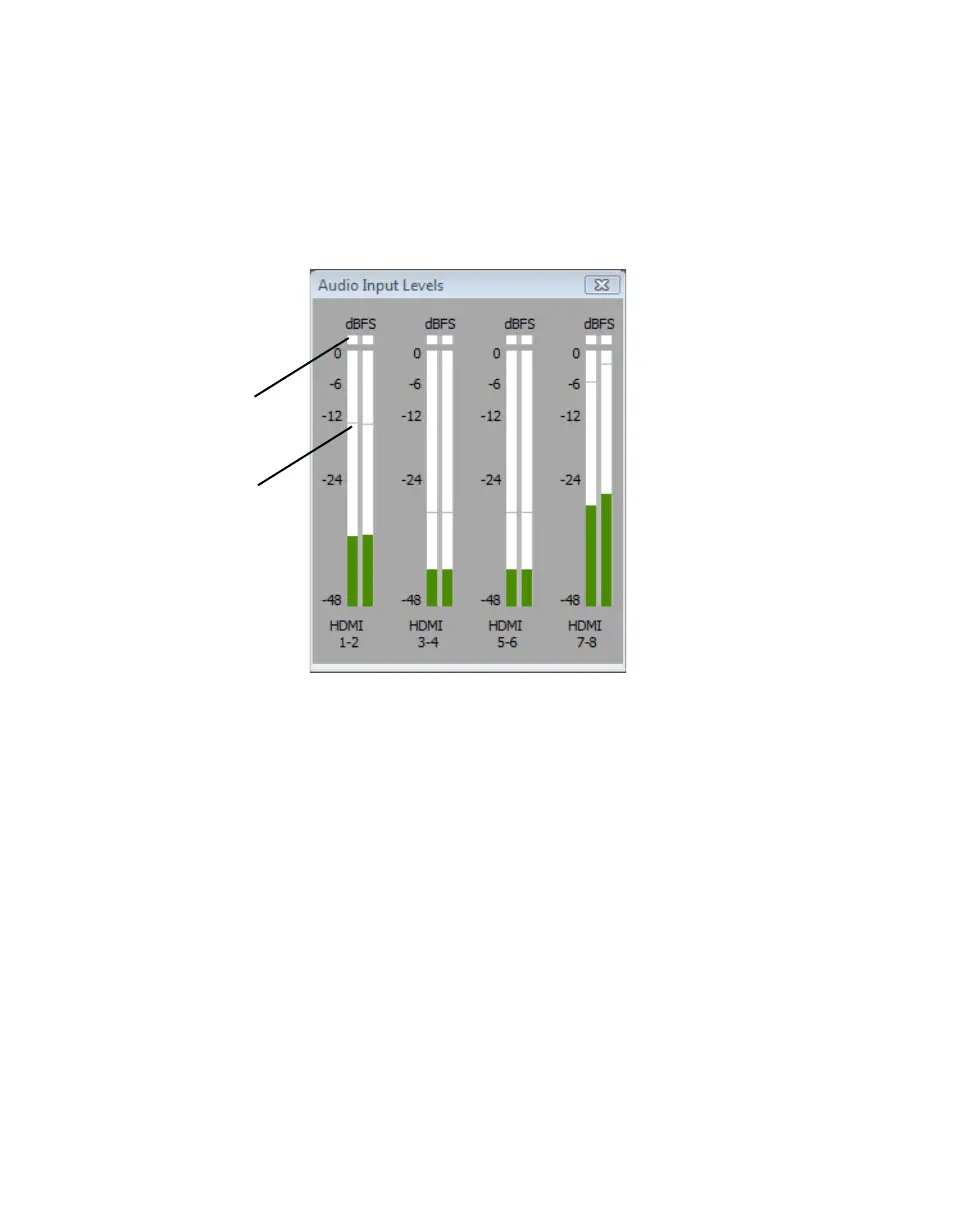
As you play your audio source, the color of the input level is green at or below
–12 dBSF, yellow between –12 and –6 dBFS, and red above –6 dBFS. The
clipping detectors will “light up” (become red) whenever audio clipping occurs.
The peak level indicators are thin lines that show the highest level recently
reached. These indicators will show the peak level for about two seconds or until
a higher peak level is reached.
If needed, adjust the audio level on your source device to keep the average input
level between –30 and –10 dBSF.
Clipping
detectors
Peak level
indicators



 To Next Page