217
Specifying your settings for media streaming
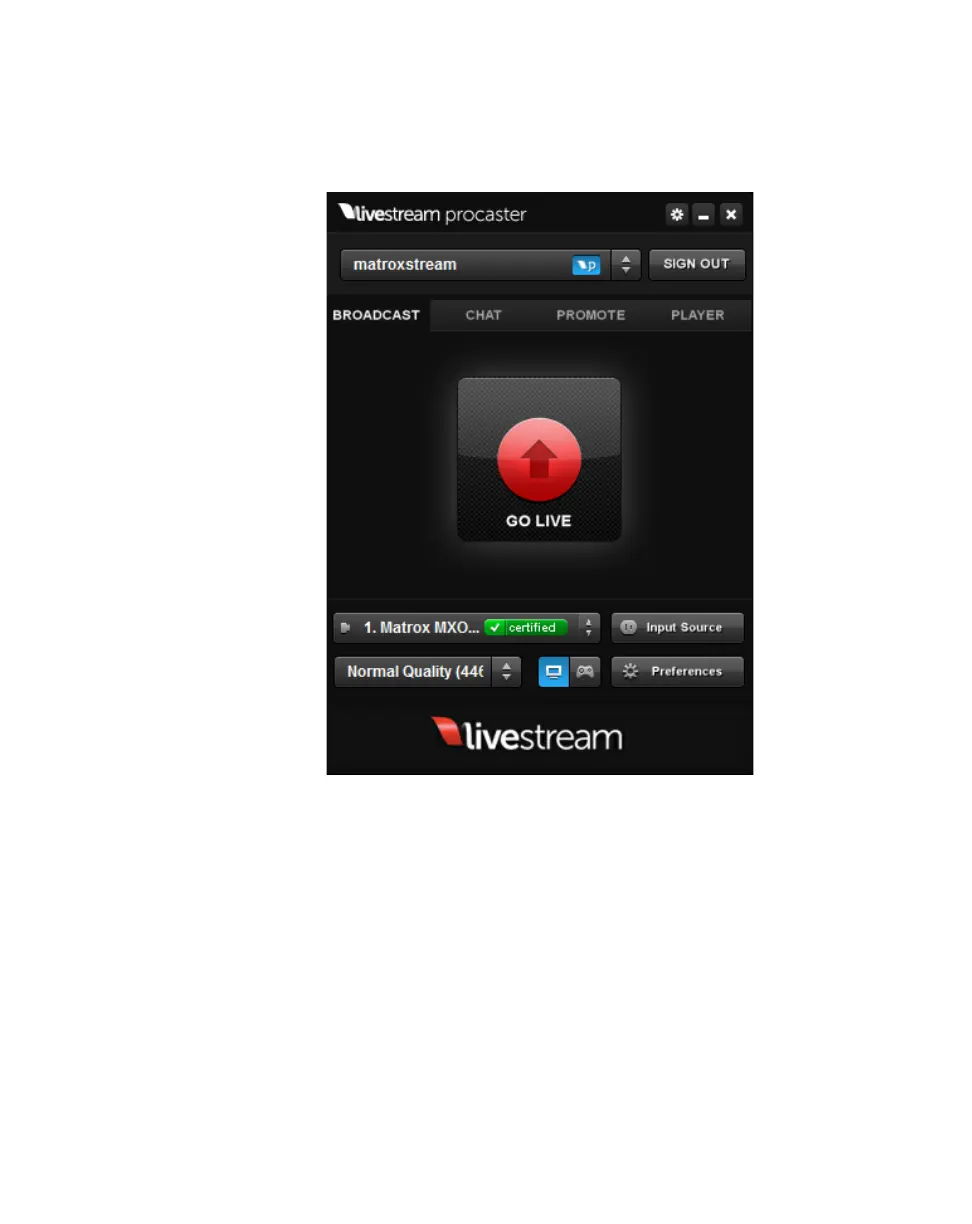
1 Connect the video and audio input sources that you want to stream to the
corresponding inputs on your MXO2 hardware.
2 Start Livestream Procaster, enter your username and password, then click
LOGIN.
3 Below the GO LIVE button, your Matrox hardware will automatically be
selected as your video input source.



 To Next Page