221
Specifying your settings for media streaming
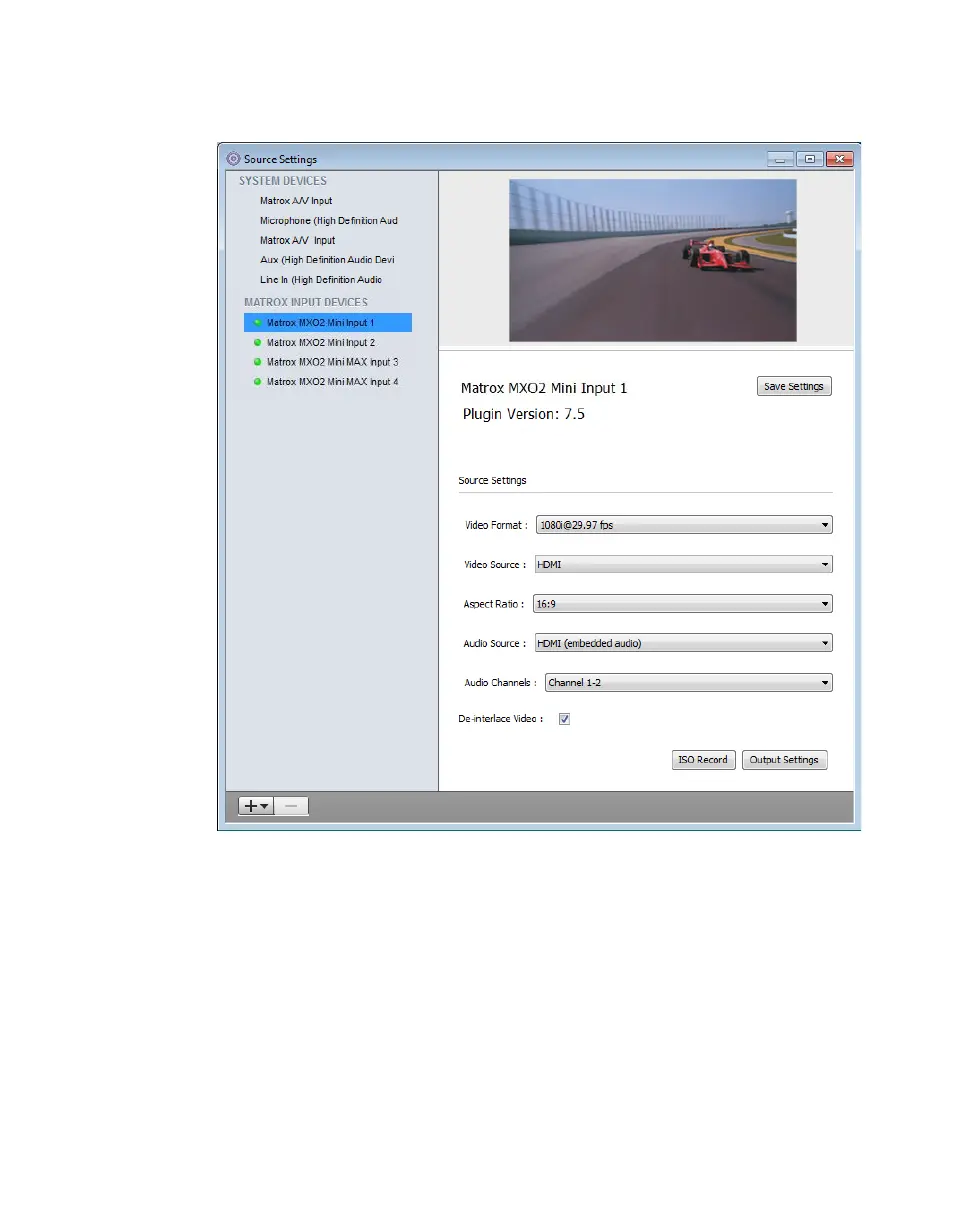
4 To configure your source settings, choose Sources > Show Sources
Settings
.
5 In the Source Settings dialog box, under MATROX INPUT DEVICES,
select the Matrox device that you want to configure, and then specify the
following settings:
$ From the Video Format list, select the video format that matches your
source video. For a list of the video input formats supported on the various
MXO2 inputs, see “Supported input formats” on page 306.
$ From the Video Source list, select the type of video input you want to
stream. For example, to stream video from your HDMI source, select
HDMI. The available video input sources depend on your selected video
input format.



 To Next Page