256
Chapter 20, Using the Matrox MAX H.264 Codec with Adobe Software
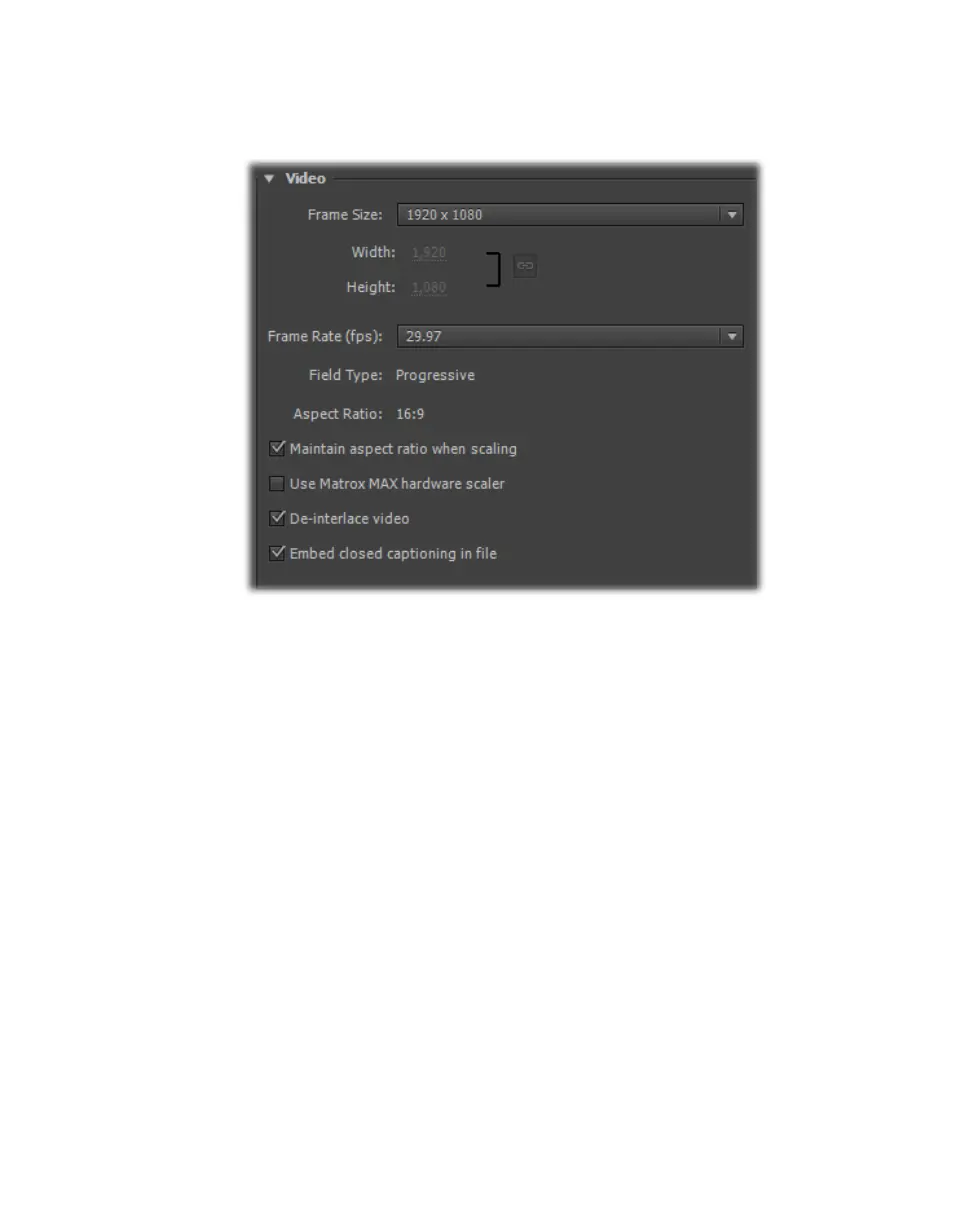
4 If your sequence includes closed caption text and you’d like the closed
captioning to be embedded in your exported Matrox .mp4 file, under
Video,
select
Embed closed captioning in file:
Remarks
$ Only CEA-608 closed captioning data in your sequence can be embedded
in your exported Matrox .mp4 file.
$ Embedding of closed captioning is supported only when exporting a
sequence that has a frame rate of 29.97 fps to an export format that also
has a frame rate of 29.97 fps.
$ The closed captioning in your Matrox .mp4 file can be displayed when
you play back the file using supported applications and mobile devices
that are capable of playing back .mp4 files with closed captioning. If you
don’t see the closed captioning when you play back your Matrox .mp4
file, try changing the file’s extension to .m4v.
5 From the Source Range list in the Source panel, select the range you want
to export, such as
Work Area.
6 Click Export to immediately start your export.



 To Next Page