Operating Instructions – Labmaster
©
130 and MB20G Systems
Instruction Manual
Chapter 4: Touch Panel Operation
© MBraun, Inc. Edition 1/2007 Page 4-1
CHAPTER 4: TOUCH PANEL OPERATION
4.1 General Information
The glovebox system utilizes a Touch Screen Display panel. All functions and/or selections are
performed by lightly touching the button or icon on the screen.
An optional protective self adhesive foil is available for the touch
screen. This protects the screen from scratches, dirt and grime.
This protective foil also provides a matte surface to reduce glare
and can be removed at any time without leaving any residue on the
screen.
Do not use any sharp or pointed objects to remove the protective
foil as this may result in damage to the touch screen.
4.2 Input and Password Fields
Input Fields
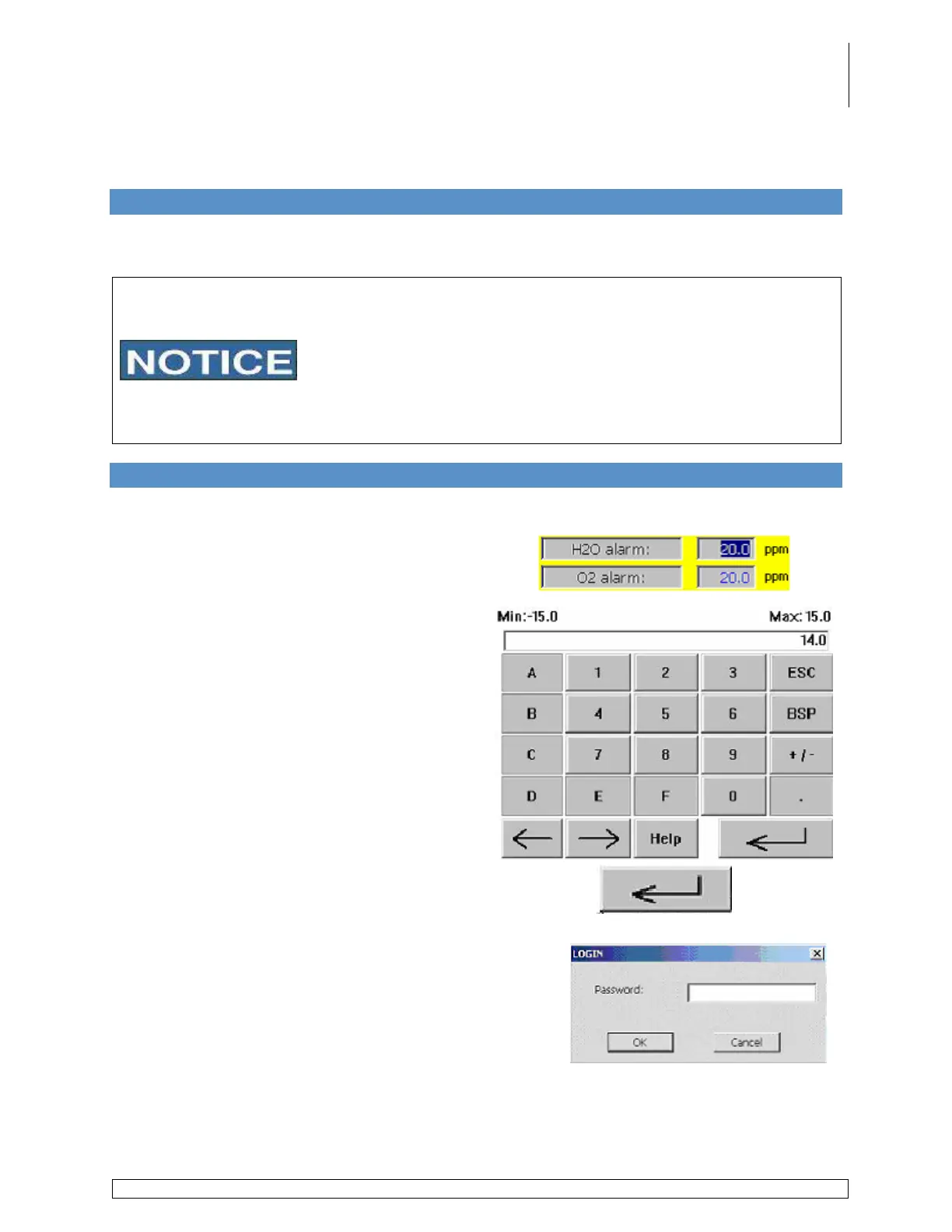
Certain screens contain information which can
be changed by the user. This information is
entered using an alphanumeric pad which is
displayed when an input field is touched.
When an input field is activated, a keyboard is
displayed on the screen.
Using this keyboard, you can enter new values
into an input field.
After completing the entry, press the enter key to
confirm the value.
Password Fields
Certain input fields require a user password to be
entered. When an input field requiring a password is
touched, a password screen is displayed. To enter the
password, touch the white area in the screen. Only
authorized users can make changes to the input fields.



 To Next Page