Operating Instructions – Labmaster
©
130 and MB20G Systems
Instruction Manual
Chapter 7: Installation
© MBraun, Inc. Edition 1/2007 Page 7-10
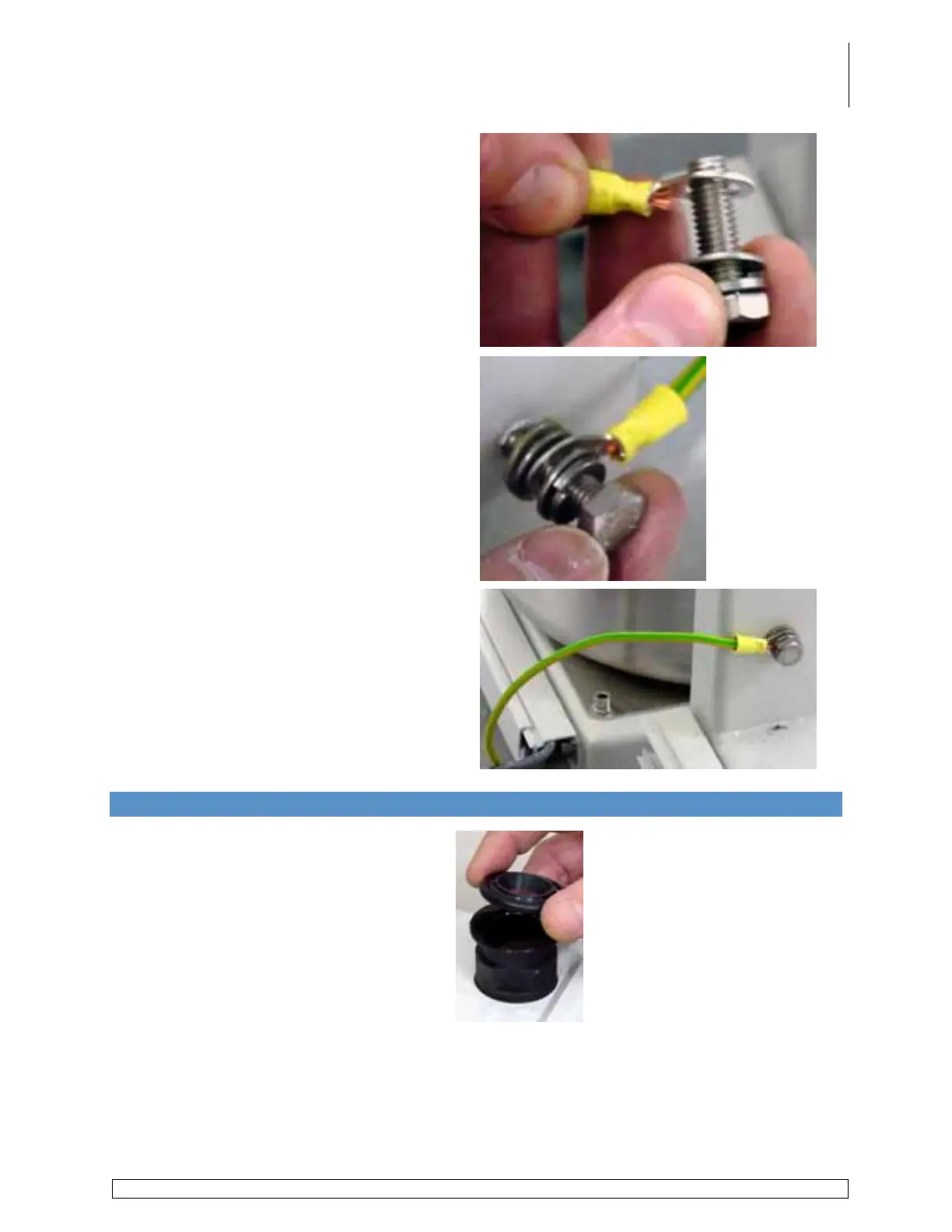
Remove the two bottom washers from the
bolt.
Place the end of the ground wire (F) onto the
bolt.
Place the washers onto the bolt with the
toothed washer teeth pointing towards the
leg of the stand.
Screw the bolt back into the leg by turning in
a clockwise motion.
7.8 Attaching the Vacuum Pump Oil Mist Filter
Place the black o-ring onto the remaining
port on the vacuum pump.



 To Next Page