Operating Instructions – Labmaster
©
130 and MB20G Systems
Instruction Manual
Chapter 7: Installation
© MBraun, Inc. Edition 1/2007 Page 7-13
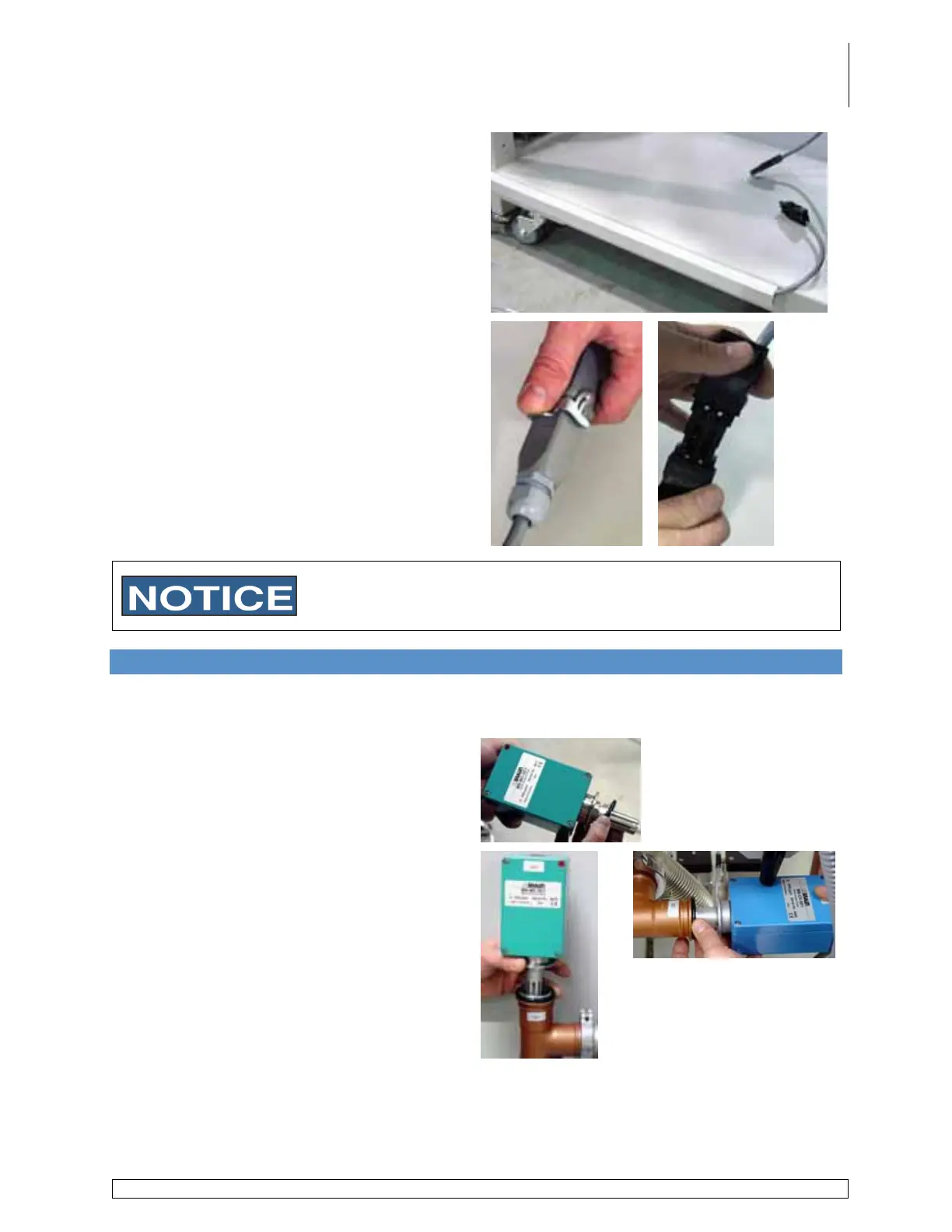
Run the freezer connection cable (G) along
the inside of the wire track.
Place the end of the cable on the stand and
replace the wire track cover.
Connect the power supply plug for the
compressor.
The connector type will vary from system to system. The picture
shown above displays the two possible connector types that will be
used. Contact the M.Braun Service Department with any questions.
7.11 Attaching the Analyzers
General Information
This section applies only to systems that are equipped with analyzers.
Carefully place a KF40 o-ring on the analyzer
port.
Carefully place the sensor end of the analyzer
into the corresponding port on the circulation
piping running the length of the system on the
underside of the glovebox.
H2O analyzer is positioned on the side of the
box opposite the antechamber(s).
O2 analyzer is positioned on the same side of
the box as the antechamber(s).



 To Next Page