TA80V User Manual
3.3 Other Settings
3.3.1 Check the Alarm Records
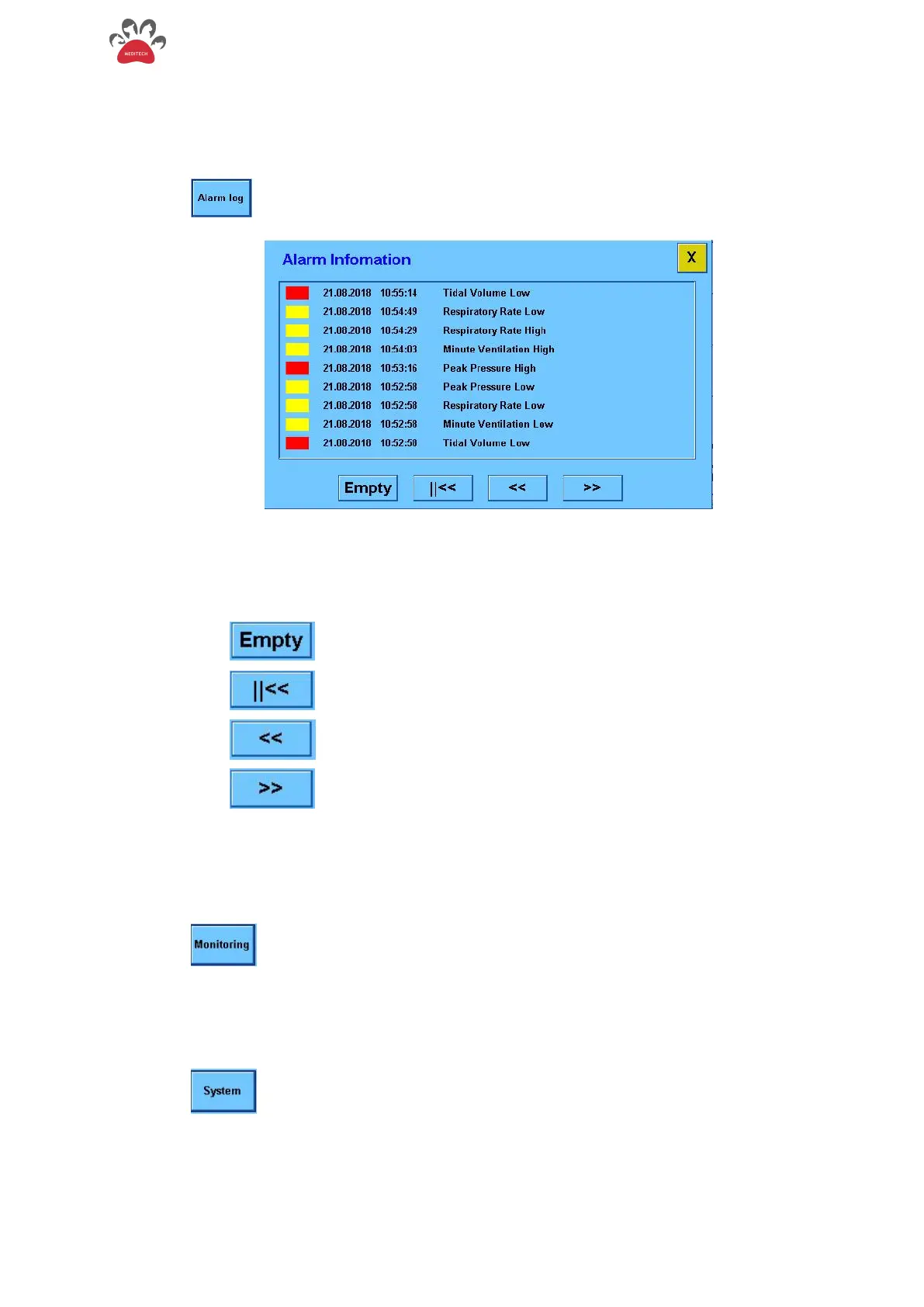
Touch the " " button and enter the alarm information menu as shown in Figure 3-4 below.
- Figure 3-4 Alarm information menu
The red and yellow color at the front of the alarm record indicates the level of the alarm; the time
when the alarm occurred is recorded at the back; and the content of the alarm information is at the
end.
Empty all the alarm records
Go to the front part of the record
3.3.2. View the Total Monitoring Parameters
Touch the " " to view all monitoring information.
3.3.3 View the System Data
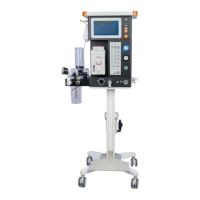
Touch the " " button to enter the system setting menu as shown in Figure 3-5 below


 To Next Page