User Interface
1006en01 03-11-24 63
Answer:
1. Enter the “Sample Memory” menu 1.
2. Scroll down to line 1.4 and press [Enter].
3. Scroll to line “From Date=” and press [Enter].
Now, the bottom line will change to “198 OF 198”, confirming that all samples
in memory are selected. (the number “198” is an example only).
4. Press [Menu] to return the menu 1
5. Scroll to line 1.5 and press [Enter].
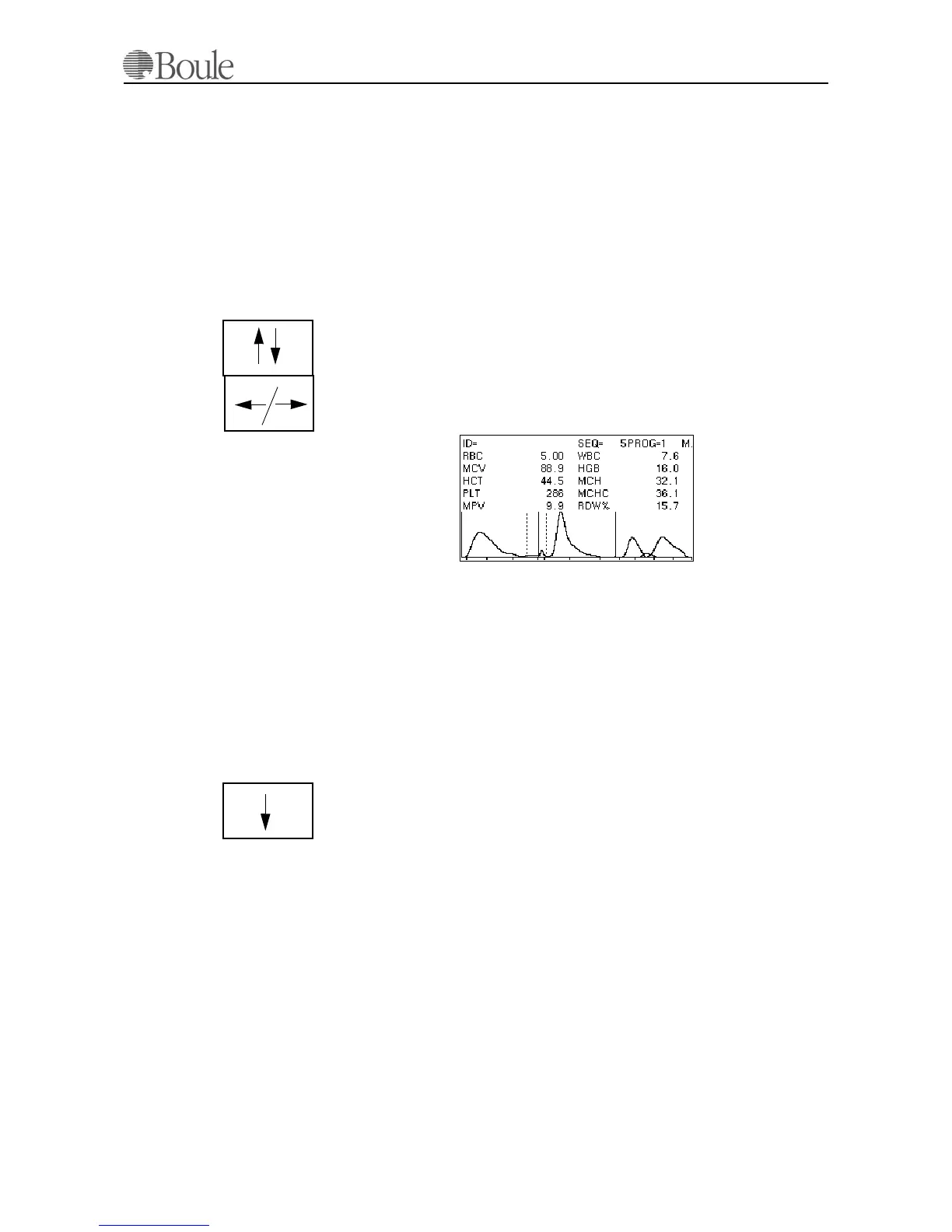
The display shows now the last sample in memory.
1. Use the “up/down” keys to scroll through the sample memory.
2. Use the “right/left” keys to display different parameters.
The [Print] key can be used to print a specific sample.
The letter 'M' is displayed in the upper right corner to indicate that the display
shows a sample in memory and not the last run.
Question 3 (example) CA620-CellGuard
We want to check the mean value of all PLT concentrate samples in memory.
Answer:
Enter the “Sample Memory” from the main menu 1.
1. Scroll down to line 1.4 and press [Enter].
2. Scroll to the line “From Date=” and press [Enter].
3. Scroll down with the “up/down” key to the line PROG and select “2”. As
“2” is assigned to PLT concentrate mode.
The display might change to “22 OF 200” confirming that 22 samples were tested
in PLT concentrate mode.
4. Press [Menu]to return to the sample memory menus.
5. Scroll down to Q/C calculations and press [Enter].
6. Press [Print] to get a print out of the statistics.
1076en.gif



 To Next Page