30 Operator's Manual English
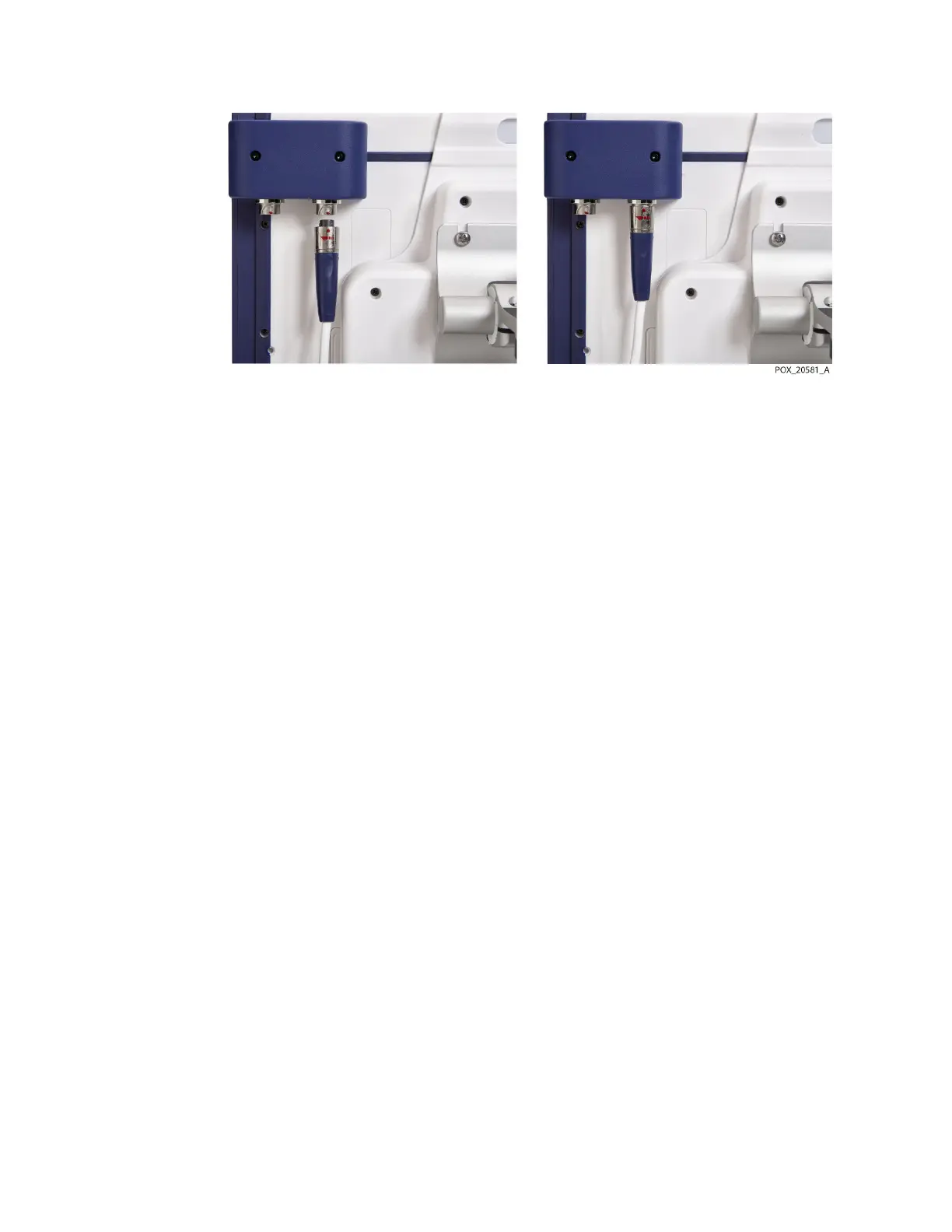
Figure 16. Connecting the Preamplifier Cable
2. Insert the cable connector directly upward into the connection until the locking
sleeve rotates and clicks into place.
3. Repeat steps if using a second preamplifier.
Note: To disconnect a preamplifier cable from the monitor, grasp the locking sleeve and
rotate it in the direction indicated by the arrow while pulling downward.
3.5.4. Connect the Reusable Sensor Cables (RSCs)
Each preamplifier allows connection of up to two sensors via reusable sensor cables (RSCs).
Using two preamplifiers, the monitoring system can accommodate up to four RSCs and
four sensors.
To connect the RSCs:
1. Align the RSC’s male connector with the connection slot on the preamplifier. The
connector and slot are keyed to guide insertion.
2. Press firmly until the connector snaps into place. Ensure that the clip on the
connector engages completely with the connection slot.



 To Next Page
 Loading...

