46 Operator's Manual English
17. As you monitor the patient, you may need to perform the following tasks:
•
Respond to alarms - See Alarm Indicators, page 60, Alarm Messages,
page 99, Silencing or Pausing Alarms, page 64, and Dismissing an Alarm,
page 65.
•
Mark clinically significant events - See Event Marks, page 66.
Note: In the event of defibrillation, the monitoring system will recover operation
without intervention within 30 seconds after the defibrillation voltage is removed.
18. When the monitoring session is complete, follow the steps in Finish Monitoring,
page 72.
4.8. Optional Set-Up Tasks
•
Changing the Sensor Placement Sequence, page 46
•
Repositioning On-Screen Sensors, page 47
•
Assigning or Modifying the Patient ID, page 49
•
Changing the On-Screen Sensor Labels, page 50
•
Changing the Screen Brightness, page 51
4.8.1. Changing the Sensor Placement Sequence
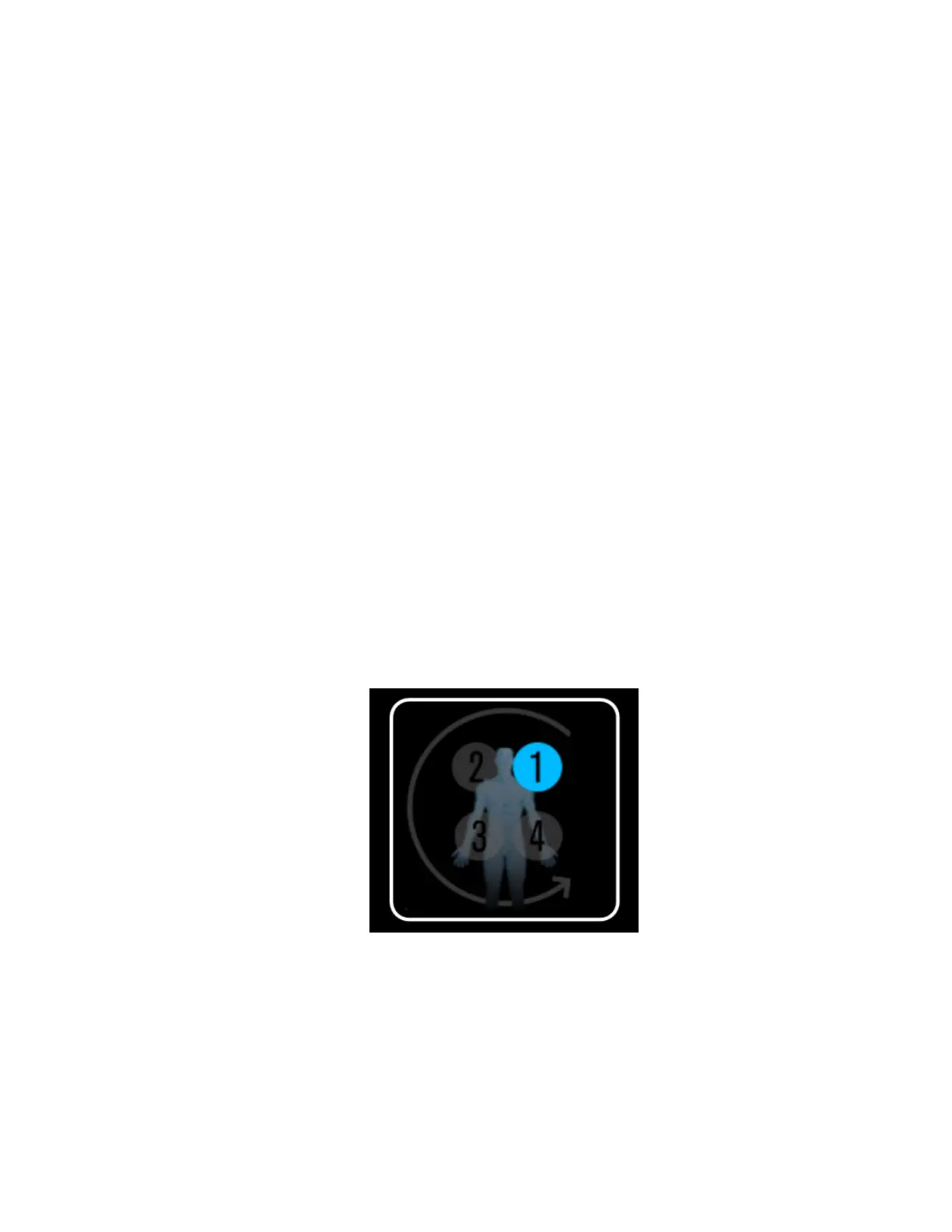
By default, the monitoring system assumes that you will use two cerebral sensors and two
somatic sensors per case. You are prompted to connect the sensors in the following order:
Figure 26. Default Sensor Placement Sequence
If you monitor a different combination of sites, you can change the prompts to one of the
following sequences:



 To Next Page
 Loading...

