4
Operator's Manual English 67
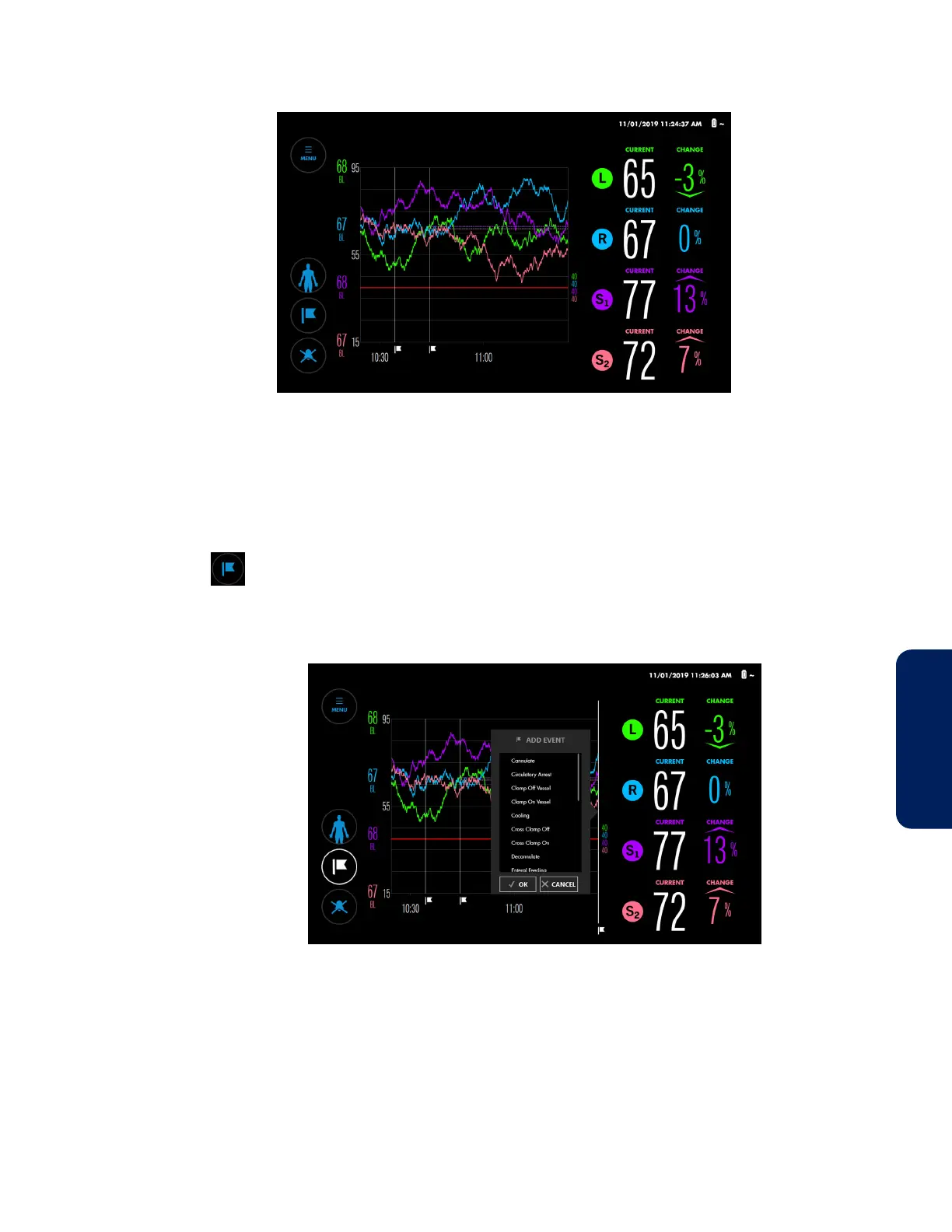
Figure 58. Events Marked in Trend View
4.12.2. Marking Events
To mark an event:
1. While monitoring, press MARK EVENT.
The ADD EVENT menu lists the available events.
Figure 59. ADD EVENT Menu
2. Scroll through the list by pressing anywhere within the list and dragging up or
down. When you see the event you want, press it to highlight it. (If you don’t see
the event you want, see Changing the Event List, page 69.)
3. Press OK. The event mark appears on the trend graph.
4.12.3. Viewing an Event Mark Label
Event mark labels indicate the event name and the time the event was recorded. You can
view event mark labels while monitoring or reviewing a case history.



 To Next Page
 Loading...

