3
Operator's Manual English 33
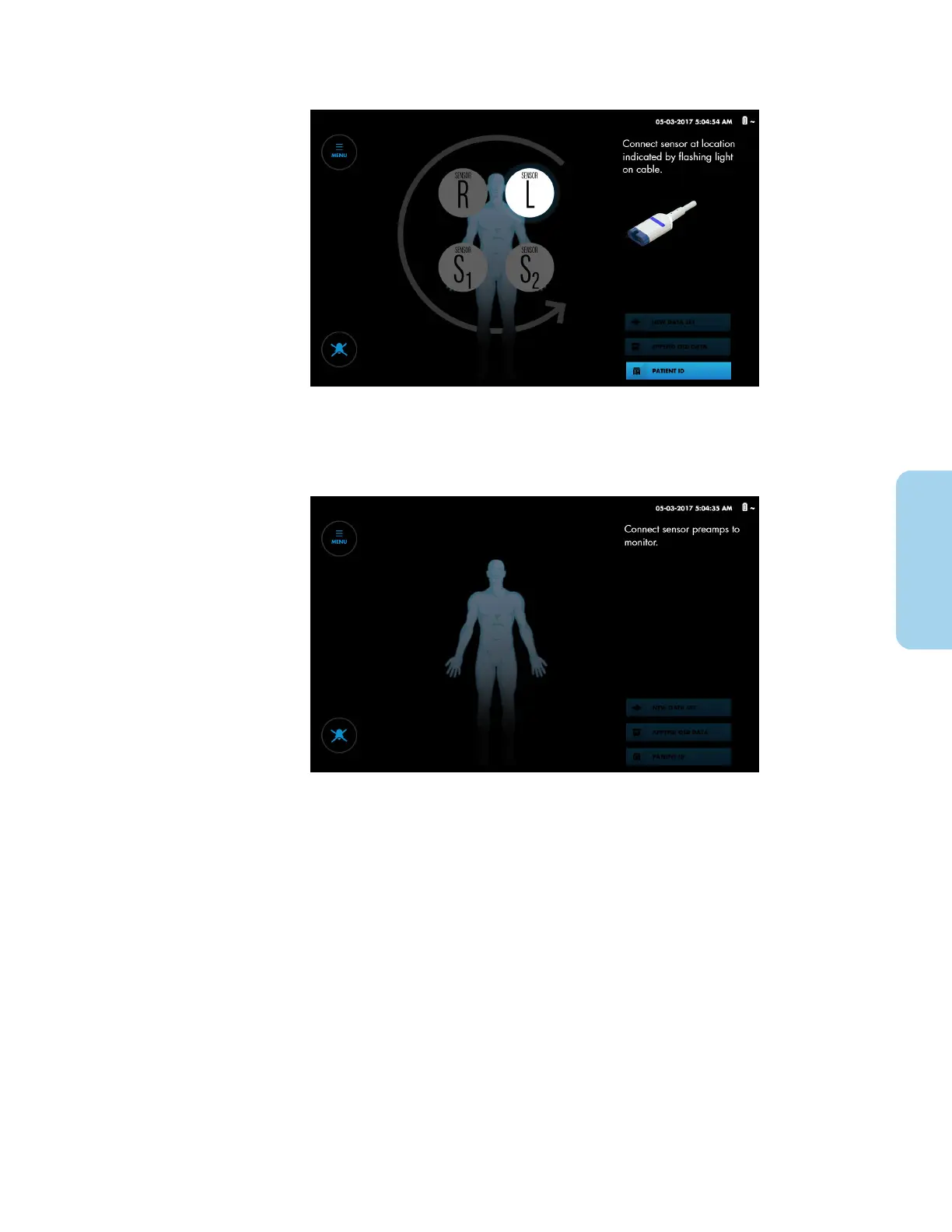
Figure 20. Set-Up Screen - Preamplifier(s) Connected
Note: If no preamplifiers are connected to the monitoring system, the screen
prompts you to connect them (Figure 21). See Connect the Preamplifier(s), page 29.
Figure 21. Set-Up Screen - No Preamplifier(s) Connected
Note: Make sure that the battery is fully charged prior to clinical use. Table 2,
page 25 describes the charging status indicators.
3.5.6. Set Institutional Defaults
Table 4 describes the institutional settings available for the monitoring system. Institutional
defaults must be set by an authorized technician. Refer to the monitoring system's service
manual. Refer to Table 6, page 40 for information about additional options that can be set
or changed by the clinician.



 To Next Page
 Loading...

