4
Operator's Manual English 59
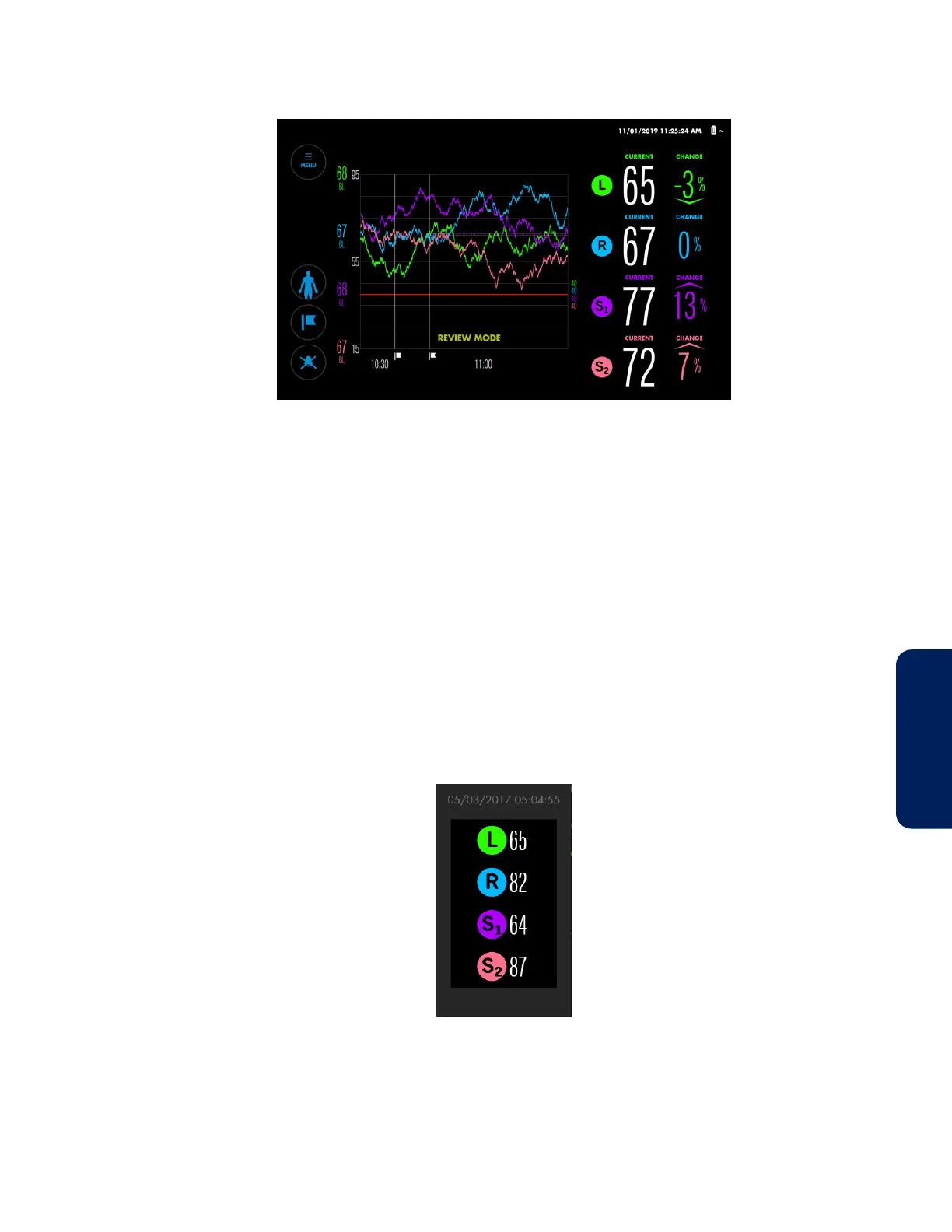
Figure 46. Trend View Review Mode
To review data that has scrolled off the trend view:
1. Briefly touch within the trend graph and swipe to the right. The data shifts back in
time as indicated by the time scale. The message “REVIEW MODE” appears.
2. Repeat swipes until the data you want to view appears. Note that the amount of
shift corresponds to the length of the swipe.
3. To return to current trend data, swipe to the left until the message “REVIEW MODE”
no longer appears.
4.10.6. Viewing Previous rSO
2
Values on the Trend Graph
While monitoring a patient, you can view rSO
2
values that were recorded earlier in the case.
Values appear in a pop-up corresponding to the point of interest (Figure 47).
Figure 47. Trend Graph Pop-Up
To view previous rSO
2
values on the trend graph:
1. Press and hold the point of interest on the trend graph. The values at that point
appear in a pop-up that indicates the time they were recorded.



 To Next Page
 Loading...

