4
Operator's Manual English 69
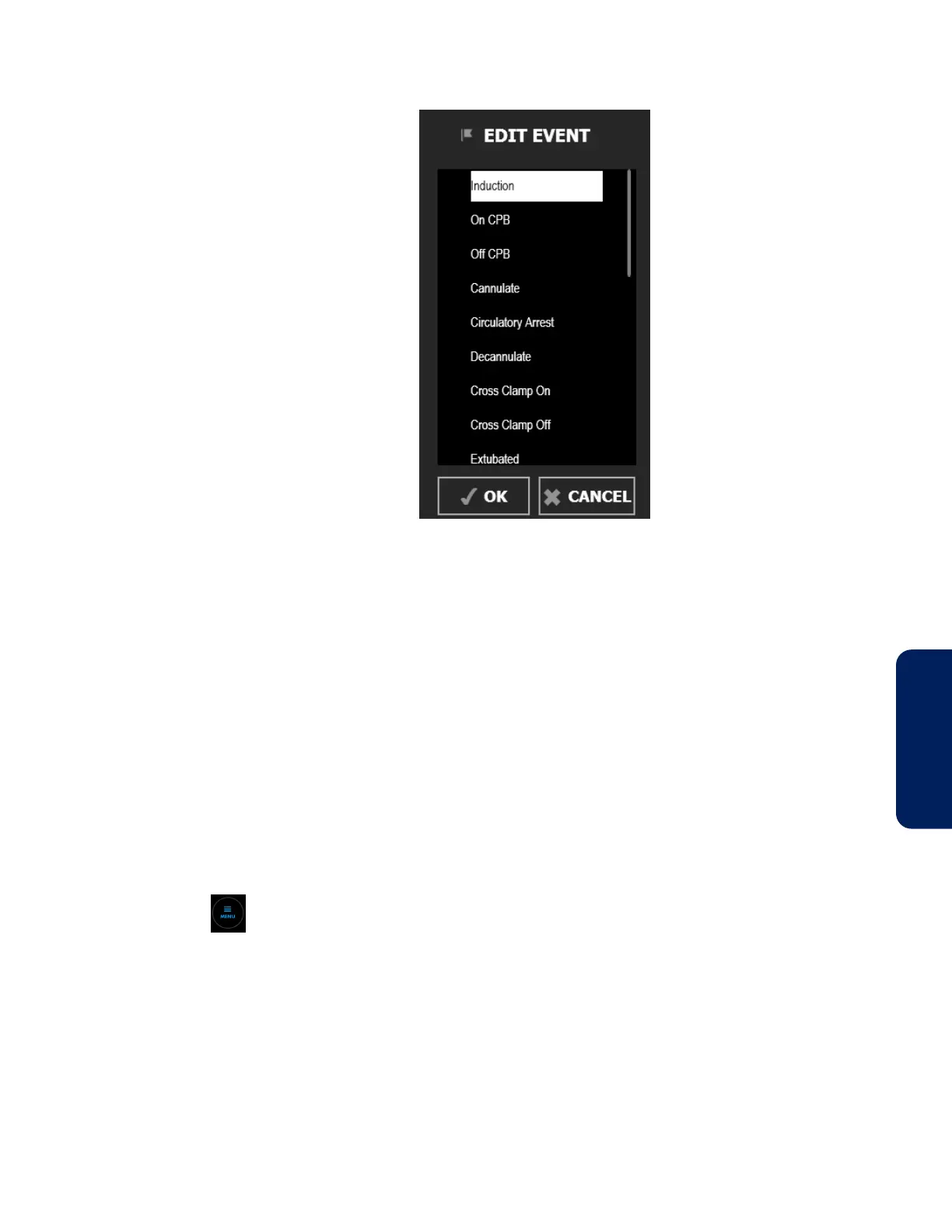
Figure 61. EDIT EVENT Menu
3. Scroll through the list by pressing anywhere within the list and dragging up or
down. When you see the event you want, press it to highlight it. (If you don’t see
the event you want, see Changing the Event List, page 69.)
4. Press OK.
5. Press the flag below the event mark line to verify the change.
4.12.5. Changing the Event List
A default list of common events is provided. You can change the list before or during a
case.
Note: Be aware that changes to the list are retained across power cycles, so the list you see
may reflect a previous case. Make sure that the list of events is appropriate for your patient.
To change the event list:
1. Press MENU.
2. Press SETTINGS.
3. Press EVENTS. One of several screens of available events appears. An X next to an
event indicates that it currently appears in the ADD EVENT and EDIT EVENT menus.


 To Next Page
 Loading...


