68 Operator's Manual English
To view an event mark label:
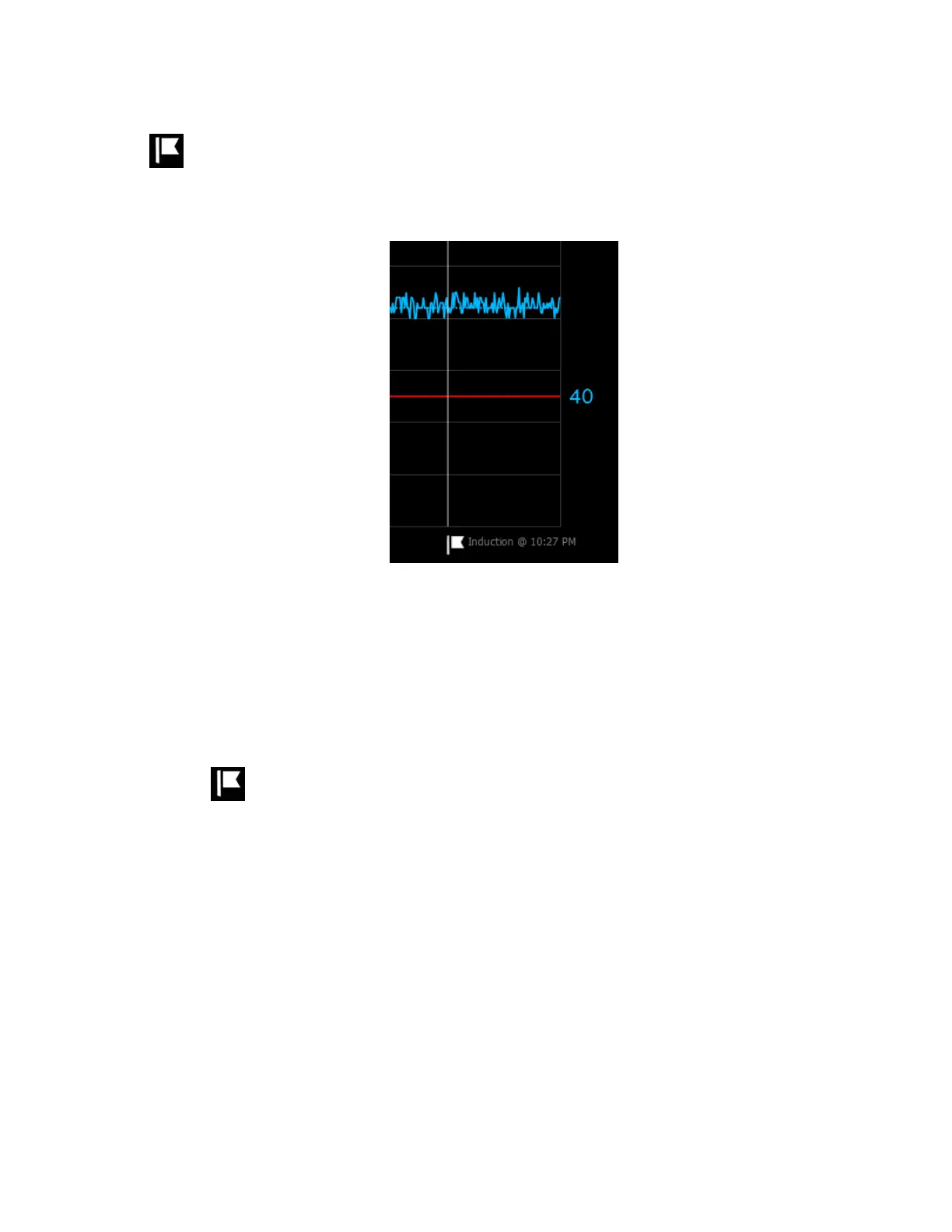
At the trend graph, press the flag below an event mark line.
The event name and time appear for approximately 5 seconds.
Figure 60. Event Mark Label
4.12.4. Renaming an Event
If an event is mis-named, you can change it at any time while monitoring or reviewing a
case history.
To rename an event:
1. At the trend graph, press the flag below an event mark line.
2. When the event mark label appears, release the flag and press the label or the flag
again. The EDIT EVENT menu appears.


 To Next Page
 Loading...


