70 Operator's Manual English
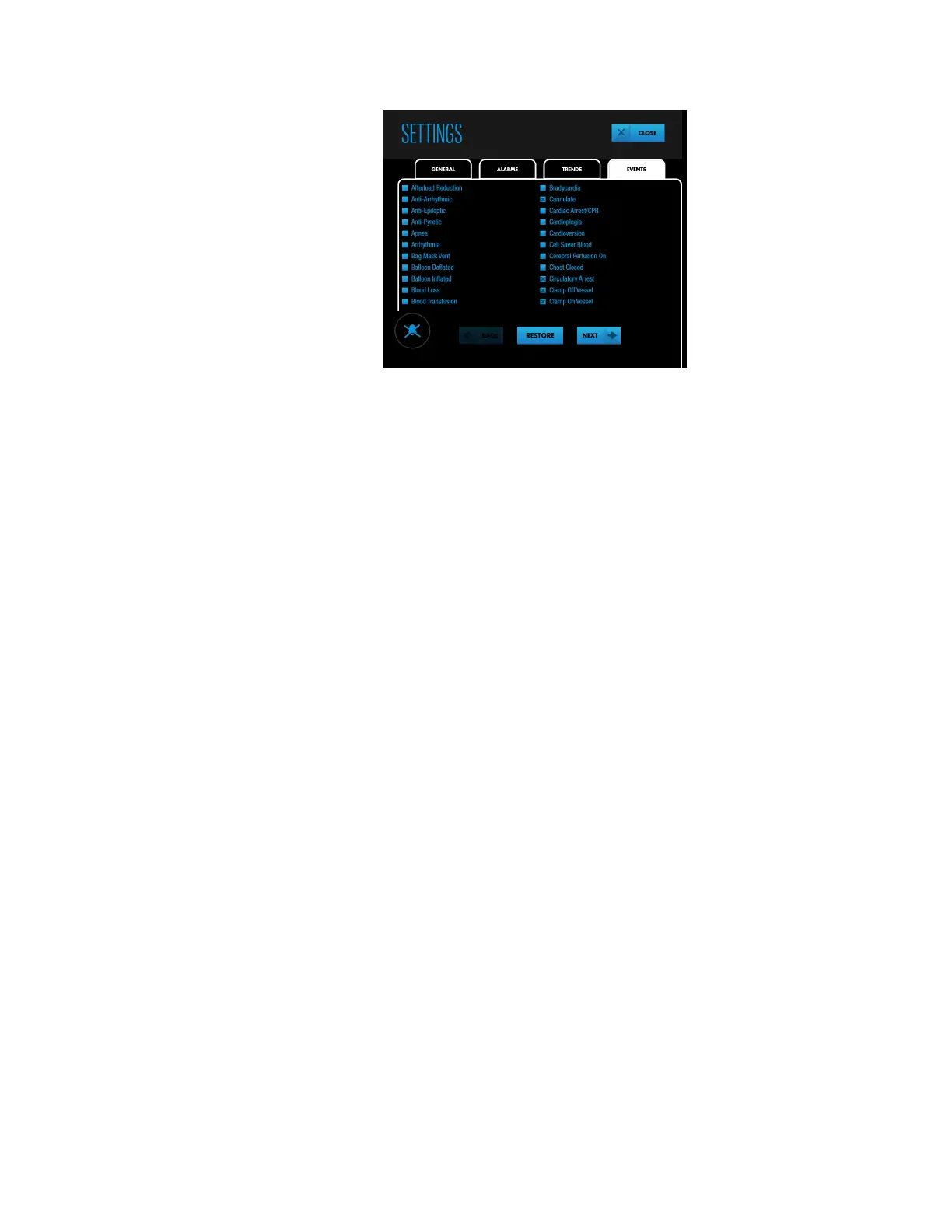
Figure 62. SETTINGS - EVENTS (Screen 1)
4. Press NEXT or BACK to view all of the available events in alphabetical order.
5. To select or de-select an individual event, press the checkbox next to the event or
the event itself. If necessary, you can restore the list to its default values by pressing
RESTORE.
6. Press CLOSE.
4.13. Area Under the Curve (AUC)
•
About Area Under the Curve (AUC), page 71
•
Changing the AUC Threshold, page 71
•
Resetting AUC Collection, page 72



 To Next Page
 Loading...

