60 Operator's Manual English
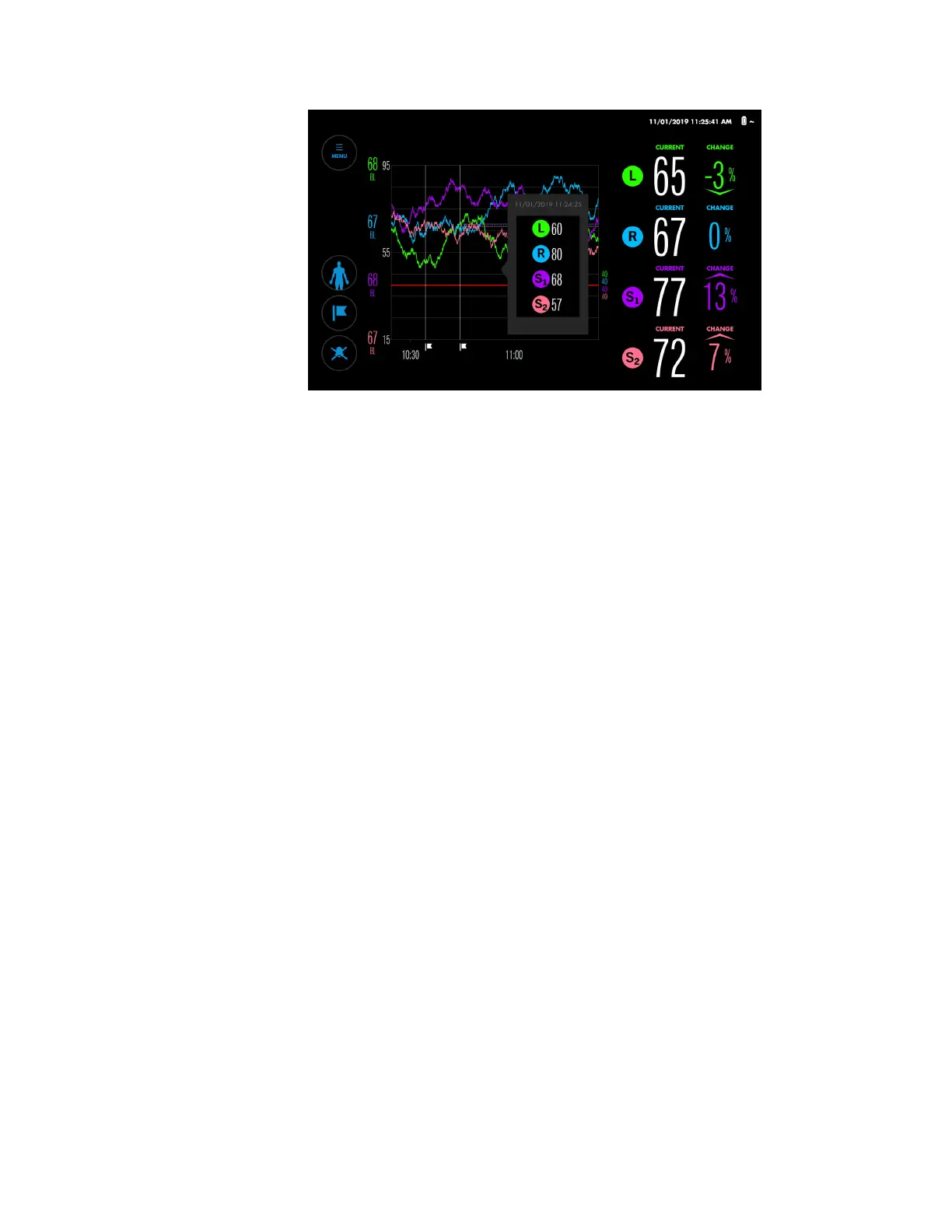
Figure 48. Monitoring Screen - Trend Graph Pop-Up
2. Slide your finger in either direction on the graph to see values at different times.
3. Release when finished viewing values.
4.11. Alarm Management
•
Alarm Indicators, page 60
•
Setting Alarm Limits, page 62
•
Changing the Alarm Volume, page 63
•
Silencing or Pausing Alarms, page 64
•
Dismissing an Alarm, page 65
Note: Refer to Table 22, page 99 for a complete list of alarm messages, priorities, and
resolutions.
4.11.1. Alarm Indicators
The monitoring system uses audio and visual indicators to identify alarms.
The message area at the top of the monitoring screen indicates active alarms (Figure 49). If
multiple alarms occur, the message area shows the color of the highest priority alarm and
indicates the total number of alarms currently active. By pressing the arrow in the message
area, you can expand the list and view all active alarms.
When an rSO
2
value crosses an alarm threshold, the background of the affected rSO
2
reading flashes yellow.
The Alarm Audio button indicates alarm audio status. When alarms are silenced or paused,
the Alarm Audio button also indicates alarm status (Table 9).


 To Next Page
 Loading...


