4
Operator's Manual English 49
4.8.3. Assigning or Modifying the Patient ID
By default, cases are identified by date and start/end time, but do not have patient IDs
assigned. As an option, you can assign an alphanumeric patient ID to a case before or
during monitoring. You can also modify a patient ID at any time while monitoring.
Note: Follow institutional protocols for assigning patient IDs. Avoid using patient-sensitive
information in IDs.
To assign a patient ID before monitoring:
1. Set up the monitoring system as described in Set Up for Patient Monitoring,
page 42, but do not begin monitoring.
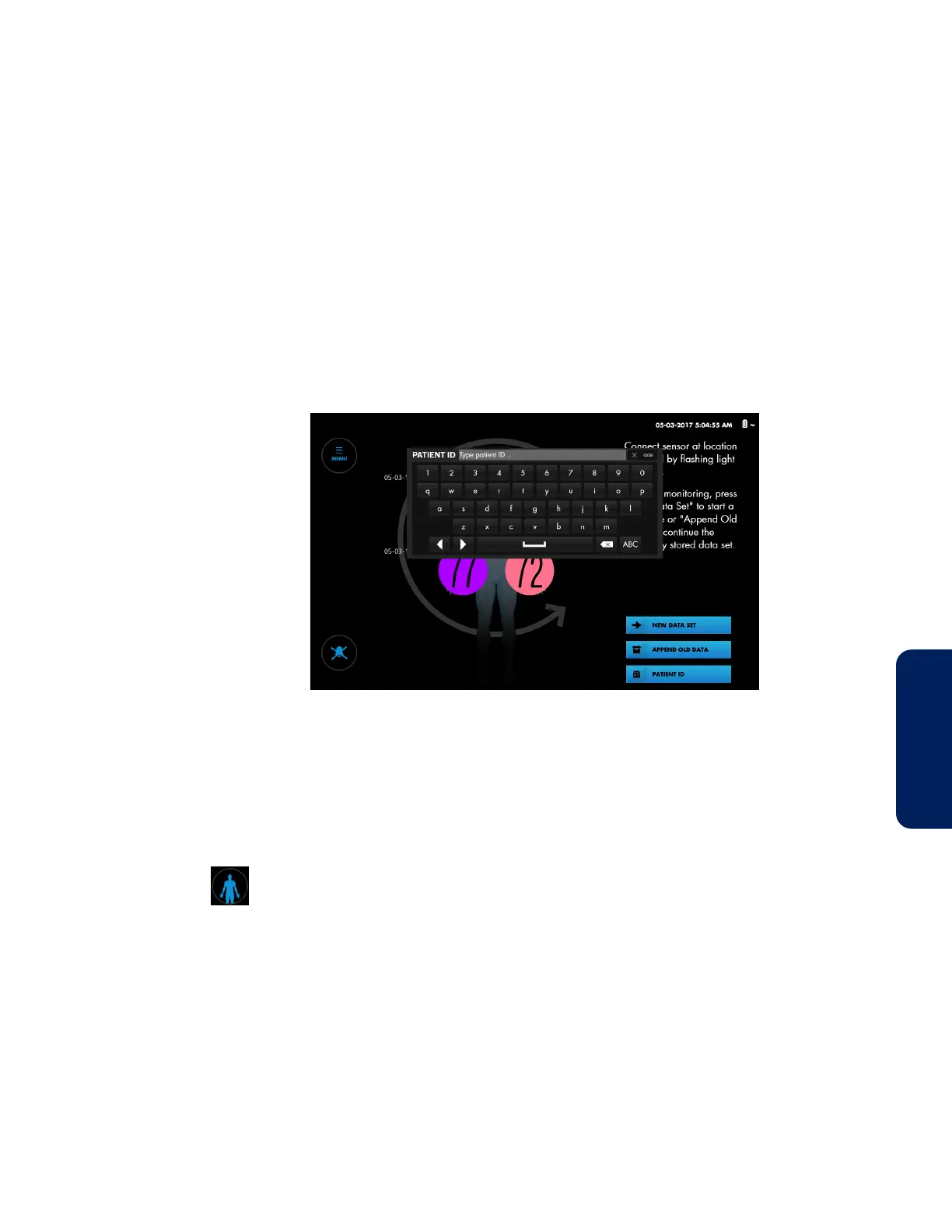
2. Press PATIENT ID. A keyboard appears.
Figure 31. Entering a Patient ID Before Monitoring
3. Type the patient ID.
4. Press CLOSE to dismiss the keyboard.
5. Begin the case by pressing NEW DATA SET.
To assign or modify a patient ID while monitoring:
1. After monitoring begins, press the Patient button.
The patient icon appears.



 To Next Page
 Loading...

