64 Operator's Manual English
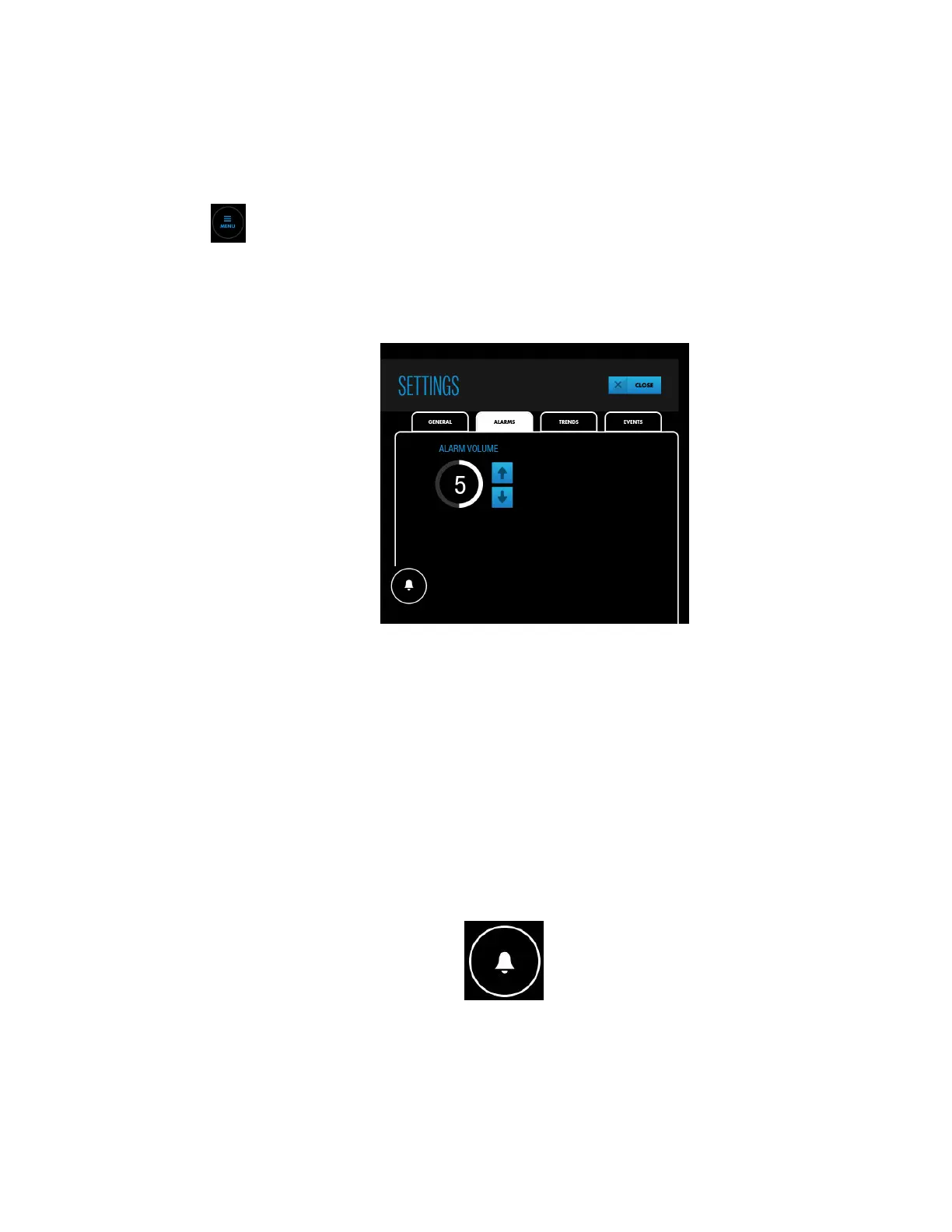
When alarm audio is on, the default alarm volume is set to 5 with a range of 1 to 10.
See Table 26, page 113 for alarm tone specifications.
To change the alarm volume:
1. Press MENU.
2. Press SETTINGS.
3. Press ALARMS.
Figure 52. SETTINGS - ALARMS - ALARM VOLUME
4. Press an arrow key to increase or decrease the alarm volume.
5. Press CLOSE.
Note: The alarm volume setting remains in effect across power cycles.
4.11.4. Silencing or Pausing Alarms
Warning: Do not silence, pause, or decrease the volume of audible alarms if patient safety
could be compromised.
Depending on your institutional default, alarm audio may be on or off when you start a
case. When alarm audio is on, you can silence or pause the audio.
A white Alarm Audio button indicates alarm audio is on.
You can silence or pause alarms by pressing the button. The button changes to indicate
whether alarms are silenced or paused (see Table 9, page 61). Whether an alarm is silenced
or paused depends on institutional default settings (see Alarm Silence Duration, page 65).
If an alarm condition occurs when alarm audio is silenced or paused, the Alarm Audio
button changes color to match the current highest-priority alarm condition (see Table 9,
page 61).


 To Next Page
 Loading...


