4
Operator's Manual English 73
4. Clean the monitoring system as required by your institution. See Cleaning the
Monitoring System, page 95.
4.15. Case Histories
•
About Case Histories, page 73
•
Viewing Case Histories, page 73
•
Exporting Case Histories, page 75
•
Deleting Case Histories, page 76
4.15.1. About Case Histories
While not actively monitoring a patient, you can view case histories stored on the
monitoring system. You can also export case histories to a USB flash drive and review or
store them off-line.
The monitoring system automatically records trend data every 5 seconds and stores up to
30 days (720 hours) of data in any combination of cases. When storage capacity is reached,
the monitoring system overwrites the oldest data to make room for new data.
4.15.2. Viewing Case Histories
To view a case history:
1. Make sure that the monitoring system is powered on but that no sensors are
connected.
2. Press MENU.
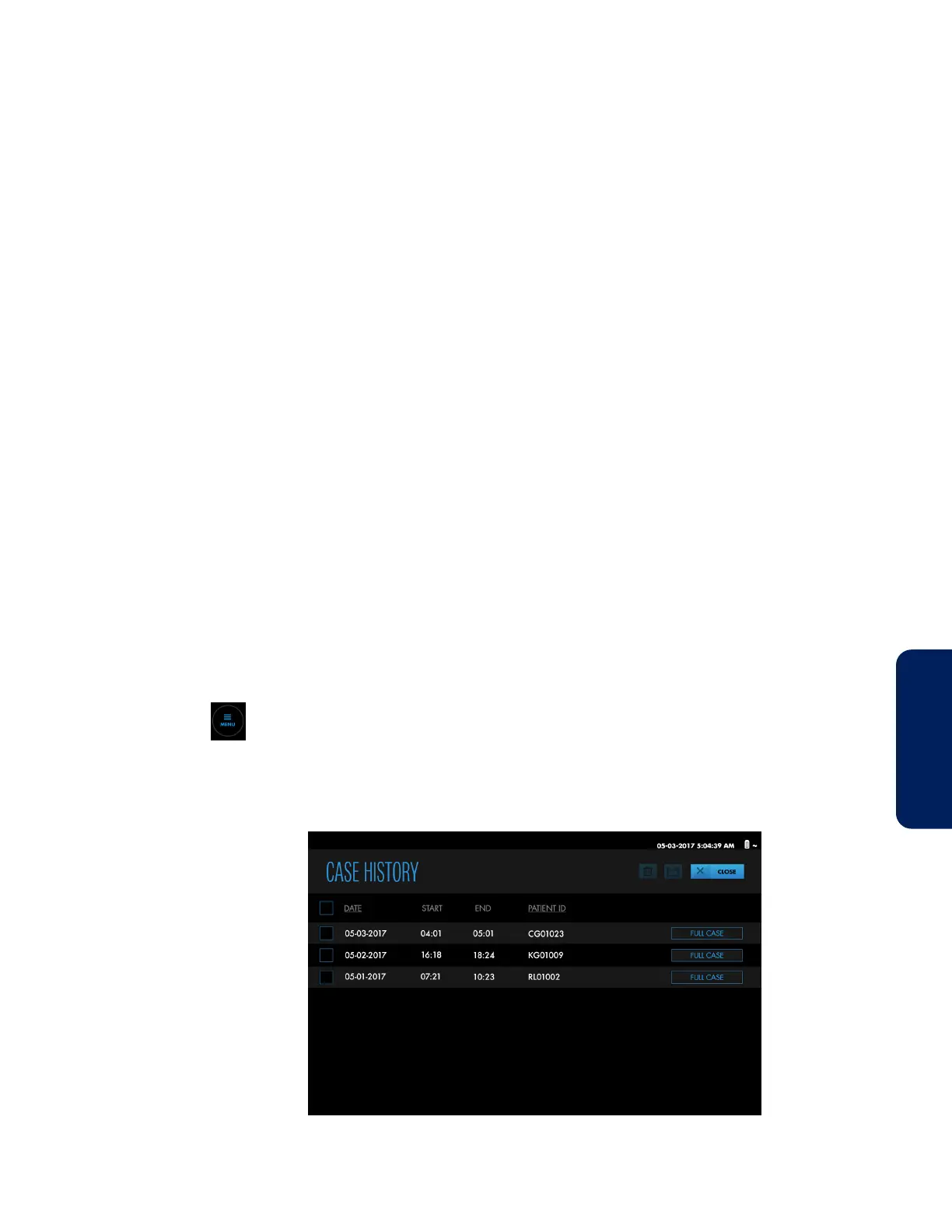
3. Press CASE HISTORIES. The CASE HISTORY list appears.
Figure 64. CASE HISTORY List


 To Next Page
 Loading...


