Chapter 2 Quick-Start Demonstration
2-20
Tolerancing
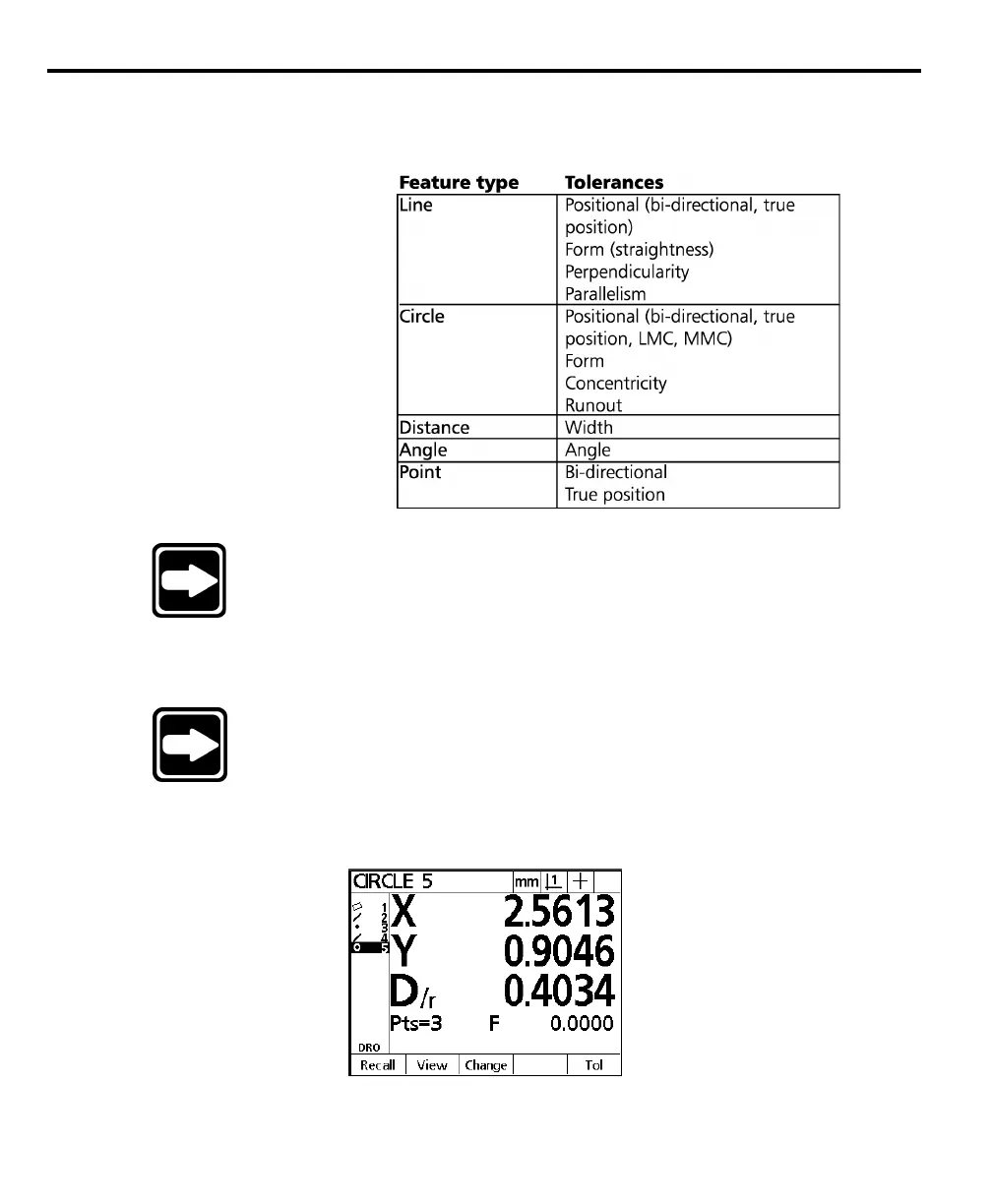
The following tolerances are available on the QC200:
NOTENOTE
NOTENOTE
NOTE
Use the following example to learn how to perform tolerancesUse the following example to learn how to perform tolerances
Use the following example to learn how to perform tolerancesUse the following example to learn how to perform tolerances
Use the following example to learn how to perform tolerances
with the QC200. See with the QC200. See
with the QC200. See with the QC200. See
with the QC200. See
chapter 3: operationchapter 3: operation
chapter 3: operationchapter 3: operation
chapter 3: operation
for complete for complete
for complete for complete
for complete
information.information.
information.information.
information.
To perform a true position tolerance on a circle
NOTENOTE
NOTENOTE
NOTE
TT
TT
T
rue position tolerancing is shown as rue position tolerancing is shown as
rue position tolerancing is shown as rue position tolerancing is shown as
rue position tolerancing is shown as
RFS (regardless of featureRFS (regardless of feature
RFS (regardless of featureRFS (regardless of feature
RFS (regardless of feature
size) tolerancing on QC200 software versions 1.20 - 1.22.size) tolerancing on QC200 software versions 1.20 - 1.22.
size) tolerancing on QC200 software versions 1.20 - 1.22.size) tolerancing on QC200 software versions 1.20 - 1.22.
size) tolerancing on QC200 software versions 1.20 - 1.22.
Step 1
Highlight a circle in the features list as shown.



 To Next Page