Chapter 3 Operation
3-26
Backward/forward annotationBackward/forward annotation
Backward/forward annotationBackward/forward annotation
Backward/forward annotation
Use forward annotation to require a specified number of points for each feature
type. Use backward annotation to allow the operator to determine the number
of points. When using forward annotation, the number of required points is
shown on the top left corner of the screen. As points are entered the number
counts down. Backward annotation displays the number of points as they are
entered. Some users prefer forward annotation because it sets a uniform num-
ber of points for feature measurements. For example, forward annotation can
be set to require 4 points when measuring a circle instead of the minimum three
points. Since the QC200 expects a certain number of points using forward
annotation the system automatically displays the feature after the last required
point is entered. It is not necessary to press the finish key in forward annotation
measurements.
NOTENOTE
NOTENOTE
NOTE
Operators can toggle between backward and forwardOperators can toggle between backward and forward
Operators can toggle between backward and forwardOperators can toggle between backward and forward
Operators can toggle between backward and forward
annotation with the procedure below. Use the annotation with the procedure below. Use the
annotation with the procedure below. Use the annotation with the procedure below. Use the
annotation with the procedure below. Use the
measure setupmeasure setup
measure setupmeasure setup
measure setup
screenscreen
screenscreen
screen
to set the required number of points for forward to set the required number of points for forward
to set the required number of points for forward to set the required number of points for forward
to set the required number of points for forward
annotation. See annotation. See
annotation. See annotation. See
annotation. See
chapter 7: setupchapter 7: setup
chapter 7: setupchapter 7: setup
chapter 7: setup
for more information. for more information.
for more information. for more information.
for more information.
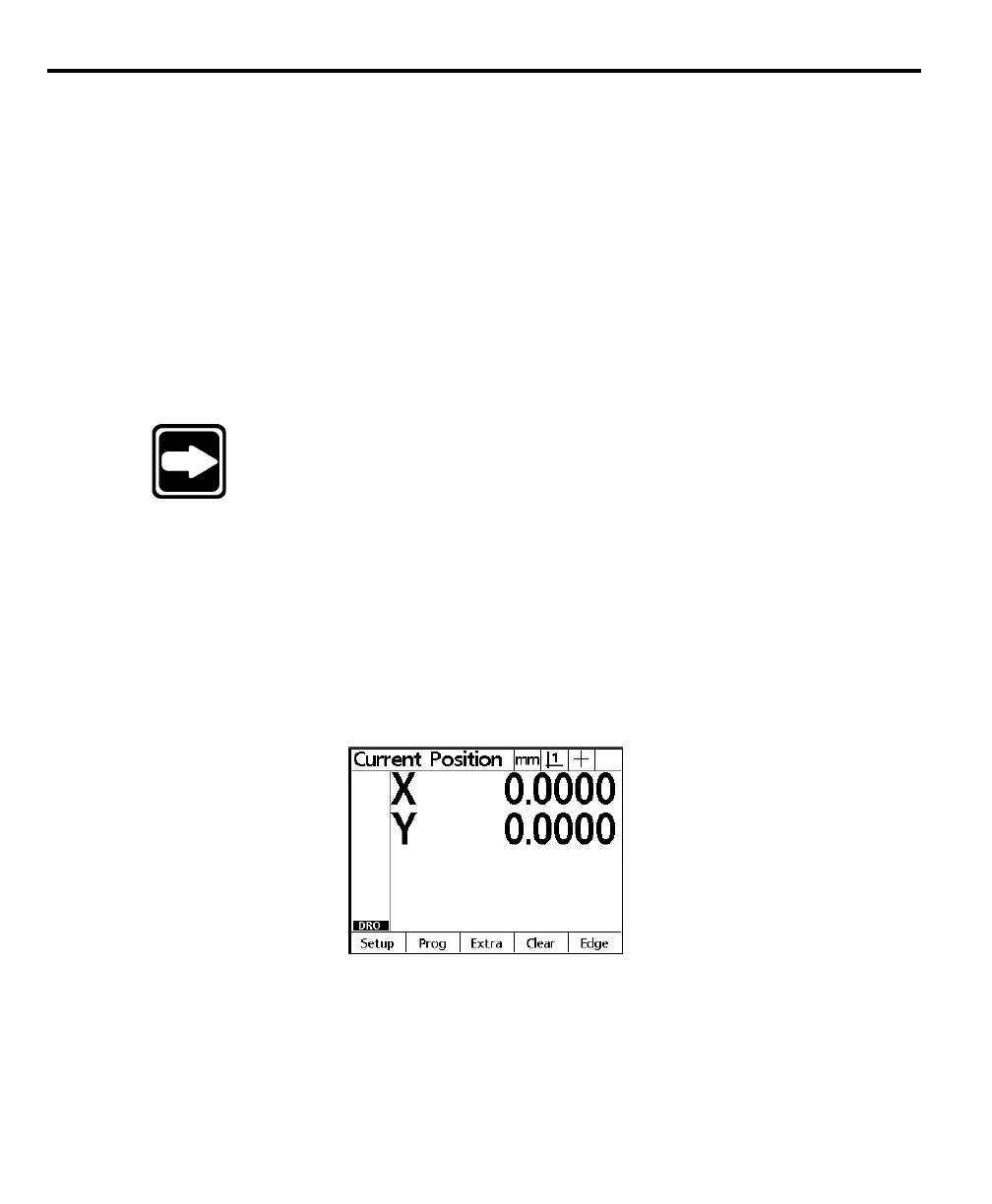
To select backward/forward annotation
Step 1
Press the menu key.
Step 2
Press the extra soft key.



 To Next Page