98
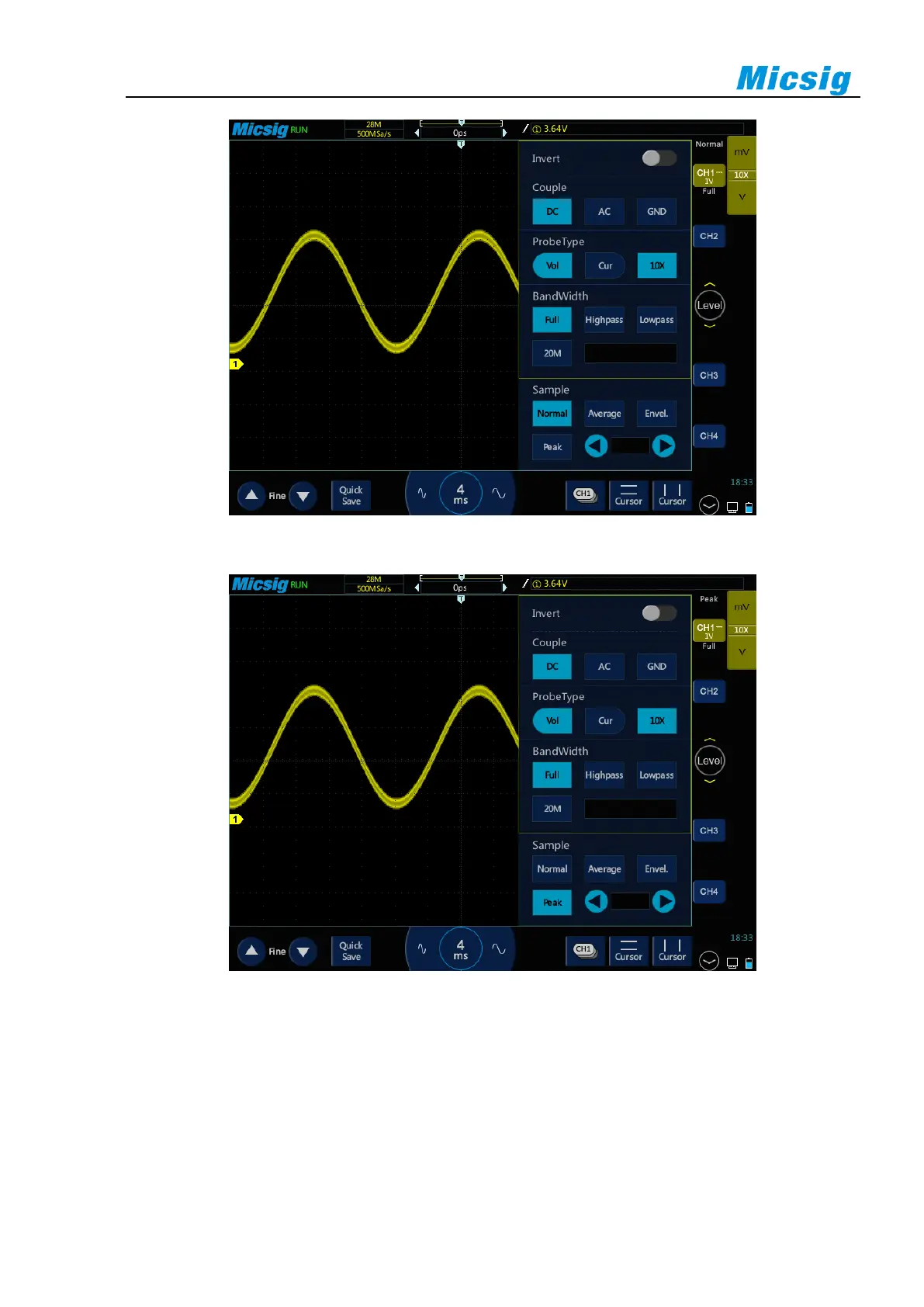
Figure 10-4 Sine Wave with Burr, Normal Sampling Mode
Figure 10-5 Sine Wave with Burr, Peak Sampling Mode
Use peak detection mode to find burrs
1) Connect signal to the oscilloscope to be stably displayed.
2) To find burr, select the peak sampling mode in Sampling Mode option in the Channel menu.
3) In the menu, tap “Display” → “Persistence”, then tap “∞” (infinite persistence). The oscilloscope will restart
sampling data and display them on the screen.



 To Next Page