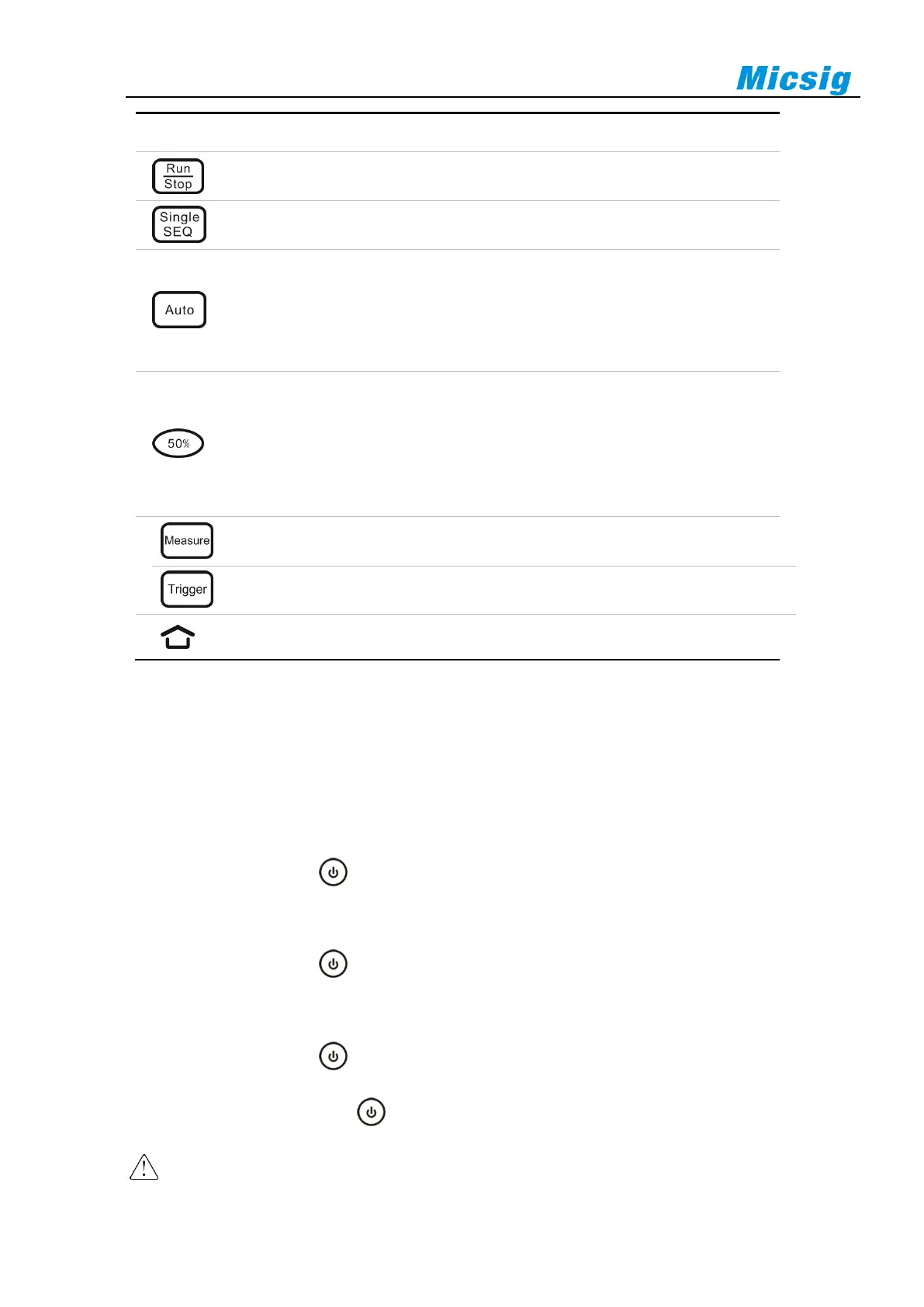
Run/Stop: Touch to start/Stop acquisition
Single SEQ: Touch to trigger on a single waveform
Auto:Touch to activate automatic waveform setup
Note: Automatic setup requires the frequency of the test signal to be at least
20Hz if the signal is sinusoidal. Otherwise, automatic setup may fail and the
quick parameter measurement function displayed in the menu will also be
unavailable
50%:Touch to set:
⚫ The channel zero point quickly returns to the center of the screen
⚫ The trigger position quickly returns to the center of the screen
⚫ Trigger level quickly returns to the center of waveform
⚫ The cursor automatically adjusts to the center of the screen on both
sides, horizontal or vertical
Measure:Touch to turn on / off measurement menu
Trigger:Touch to turn on / off trigger menu
Home:Touch to return to the homepage
Table 2-1 Description of Oscilloscope Front Panel
2.5 Power on/off the Oscilloscope
Power on/off the oscilloscope
First time start
⚫ Connect power adapter to the oscilloscope, and the oscilloscope should not be pressed on the adapter cable.
⚫ Press the power button to start the instrument.
Power on
⚫ Press the power button to start the instrument while ensuring it is connected to a power supply.
Power off
⚫ Press the power button , go to power-off interface, and click to turn off the instrument.
⚫ Long press the power button for forced power-off of the instrument.
Caution: Forced power-off may result in loss of unsaved data, please use with caution.



 To Next Page