112
In the video viewing interface, tap the "select" button at the bottom of the screen, click the video to select it, and
"√" will be displayed on the left side of the video, and click the trash can icon at the bottom right corner of the
screen to delete the video.
After connecting the U disk to the oscilloscope, if there are videos in the U disk, the videos in the U disk will be
automatically displayed in the video viewing interface.
11.8 Time
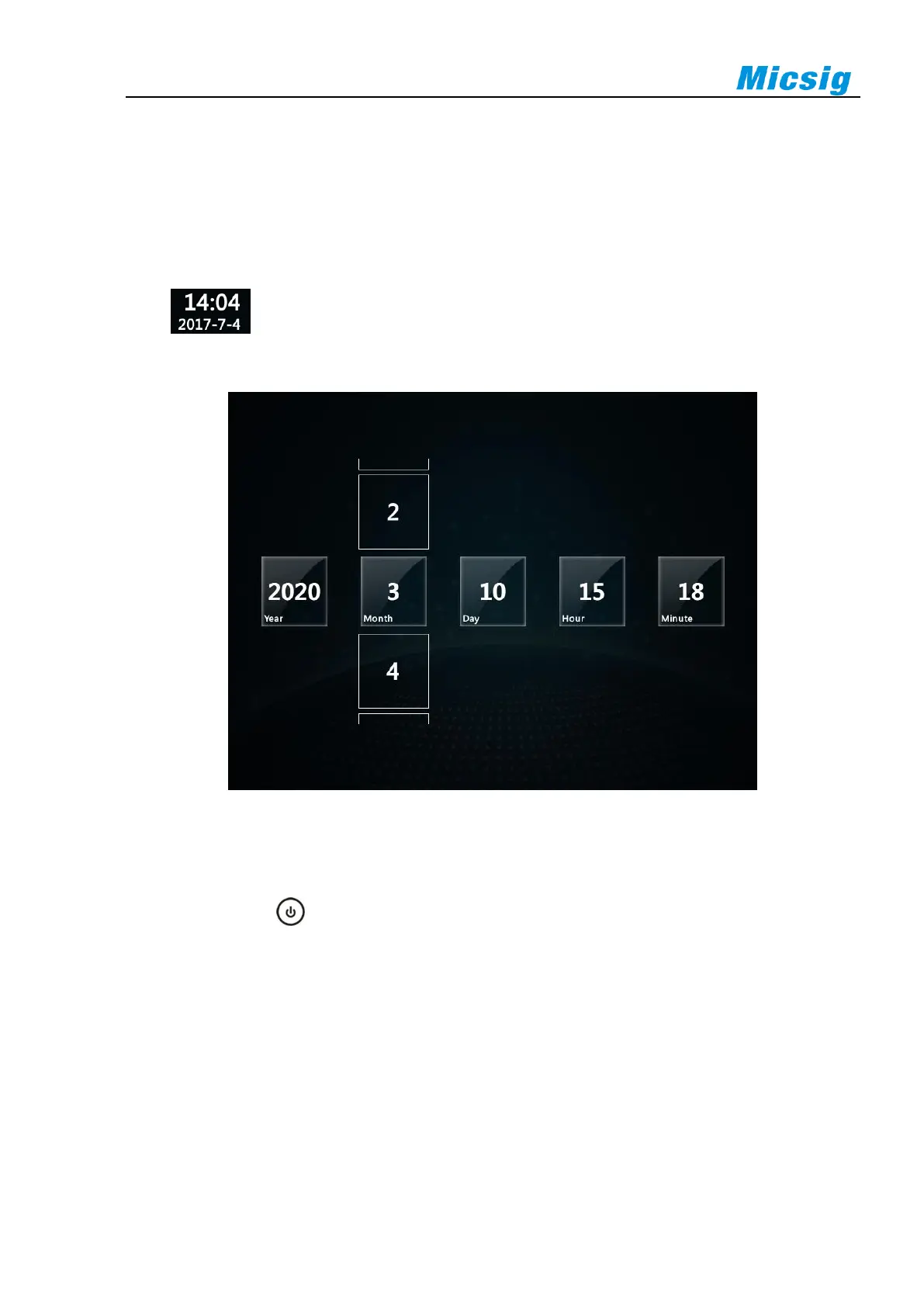
Click on the homepage to enter the system time setting interface. Click the time item to be adjusted
and drag it up and down to adjust the time. After setting, the time displayed on the homepage and oscilloscope
interface will be updated to the set time synchronously.
Figure 11-14 Time Setting
11.9 Shutdown、Lock Screen and Unlock
Press the side button to enter the shutdown interface. Shutdown includes 4 options: shutdown, restart,
screen lock or unlocking.



 To Next Page