Chapter 11 Homepage Functions
113
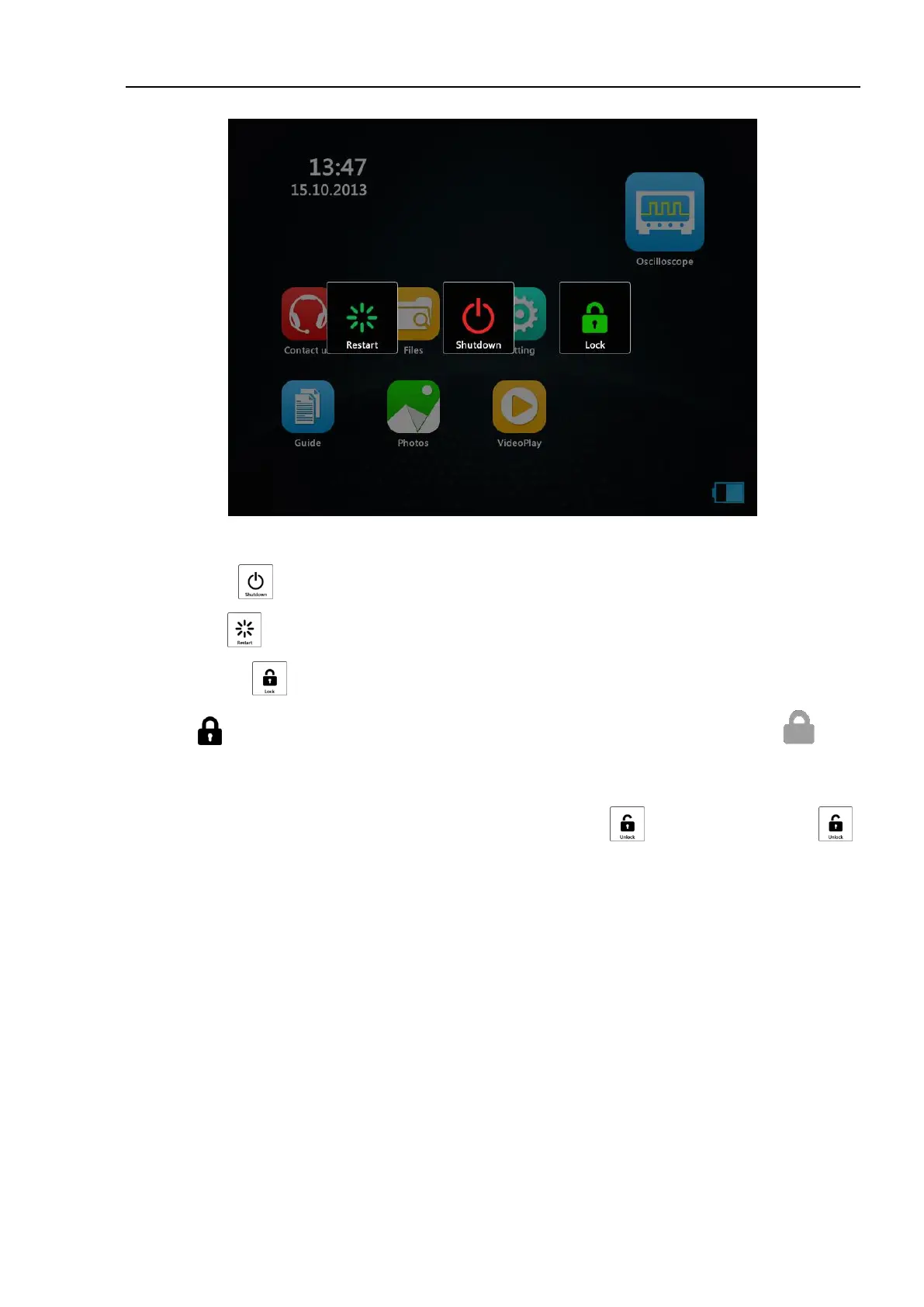
Figure 11-14 Shutdown Interface
Shut down: tap to shutdown the oscilloscope.
Restart: click to restart the oscilloscope.
Lock screen: tap , the oscilloscope screen will be locked, and the upper right corner of the screen is
displayed . No other operation is allowed except shutdown, and restart. It will be displayed when
clicking, and disappear after 1 second.
When using the mouse, the screen will lock and the touch screen will fail unless it is unlocked.
Unlocking: After the screen is locked, click the power button on the right, will appear, and then tap ,
the oscilloscope screen will be unlocked.



 To Next Page