Chapter 11 Homepage Functions
111
be automatically displayed in the picture viewing interface.
11.7 Video
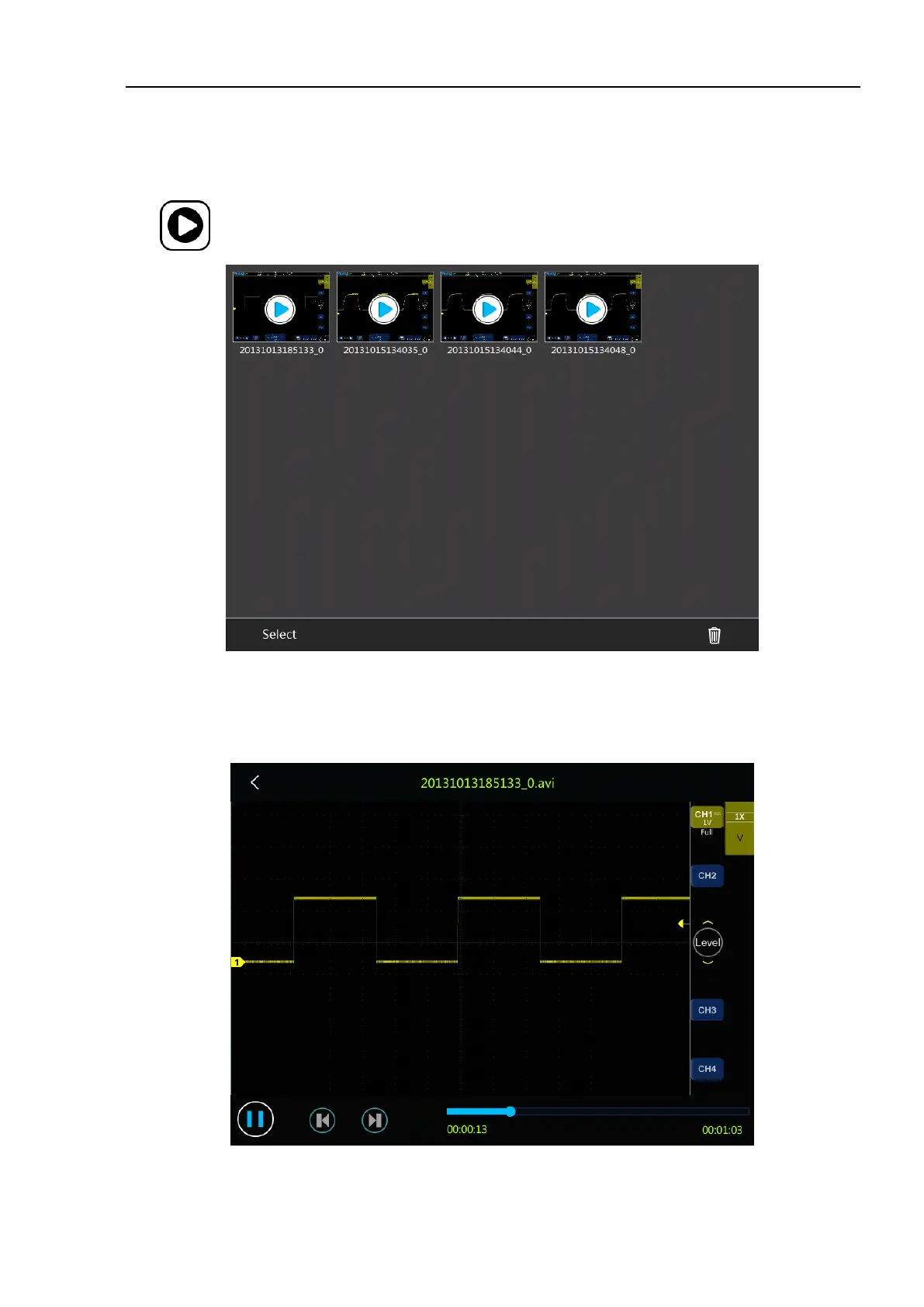
Tap in the homepage interface to enter the video viewing interface.
Figure 11-12 Video Viewing Interface
In the video viewing interface, tap video to play back the selected video file, and click return to exit playback.
During video playback, you can pause and quickly switch to the previous video and the next video through the
shortcut key.
Figure 11-13 Video Playback Interface



 To Next Page