Chapter 13 Remote Control
147
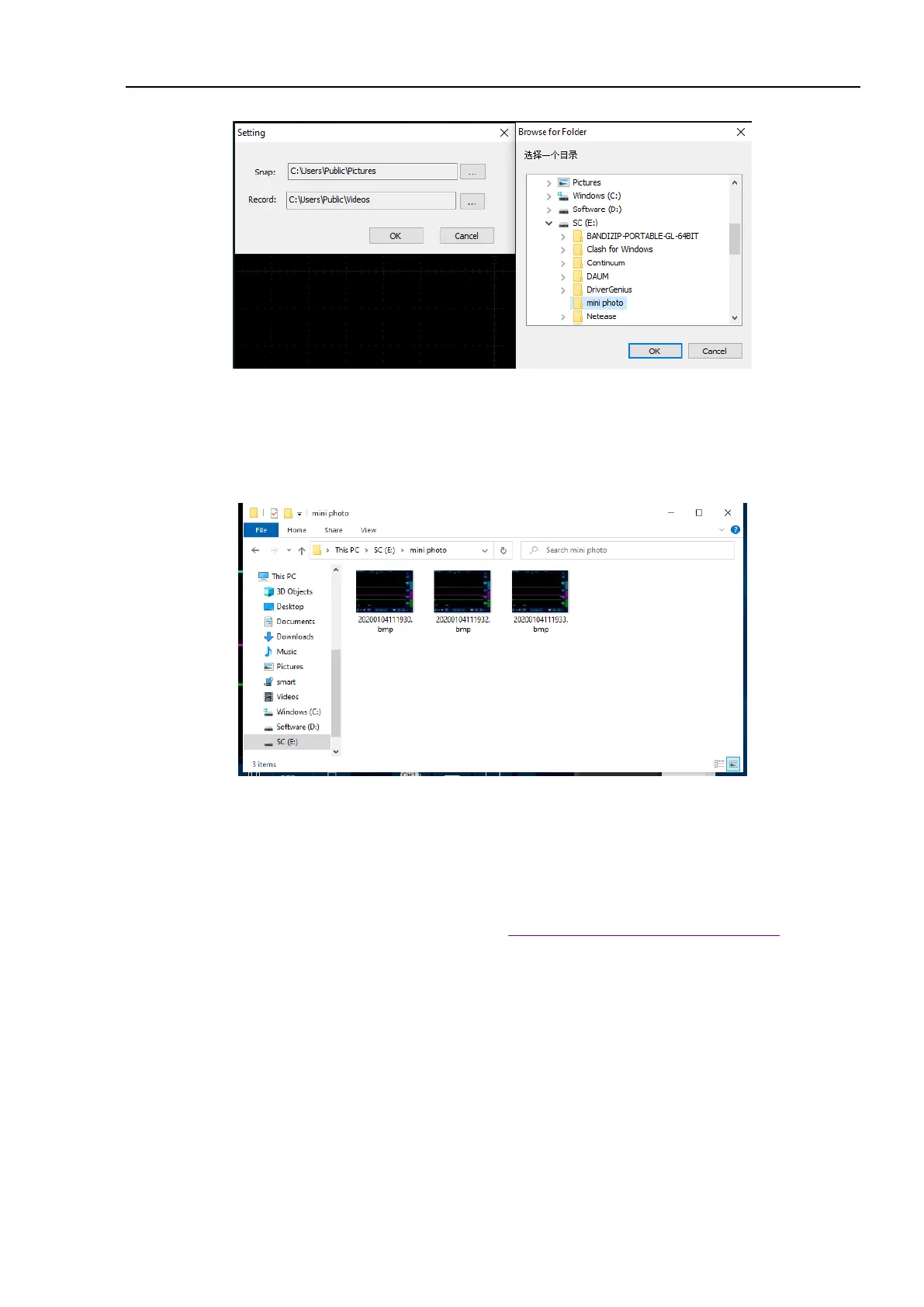
Figure 13-4 Change Storage Directory
View pictures and videos:
Open picture (video) storage directory to view pictures (videos) stored on the host computer.
Figure 13-5 View Pictures
13.2 Mobile Remote Control
Micsig tBook mini series oscilloscopes support remote control on mobile phone. You need to download
Android app from the official website of Micsig (address: http://www.micsig.com/html/list_64.html) and install
it. After App is successfully connected, Android device can be used to control the oscilloscope and display the
oscilloscope interface in a real time manner.



 To Next Page