88
Chapter 9 Display Settings and Function Buttons
This chapter contains the detailed information of the display settings and function buttons of the oscilloscope.
You are recommended to read this chapter carefully to understand the display settings and function buttons of the
tBook mini series oscilloscope.
⚫ Waveform setting
⚫ Graticule setting
⚫ Persistence setting
⚫ Horizontal expansion center
⚫ Time base mode selection
⚫ Waveform refresh rate (high refresh mode)
⚫ Run/Stop and Single SEQ
⚫ Auto
⚫ 50% function
⚫ Measurement
⚫ Trigger
⚫ Home
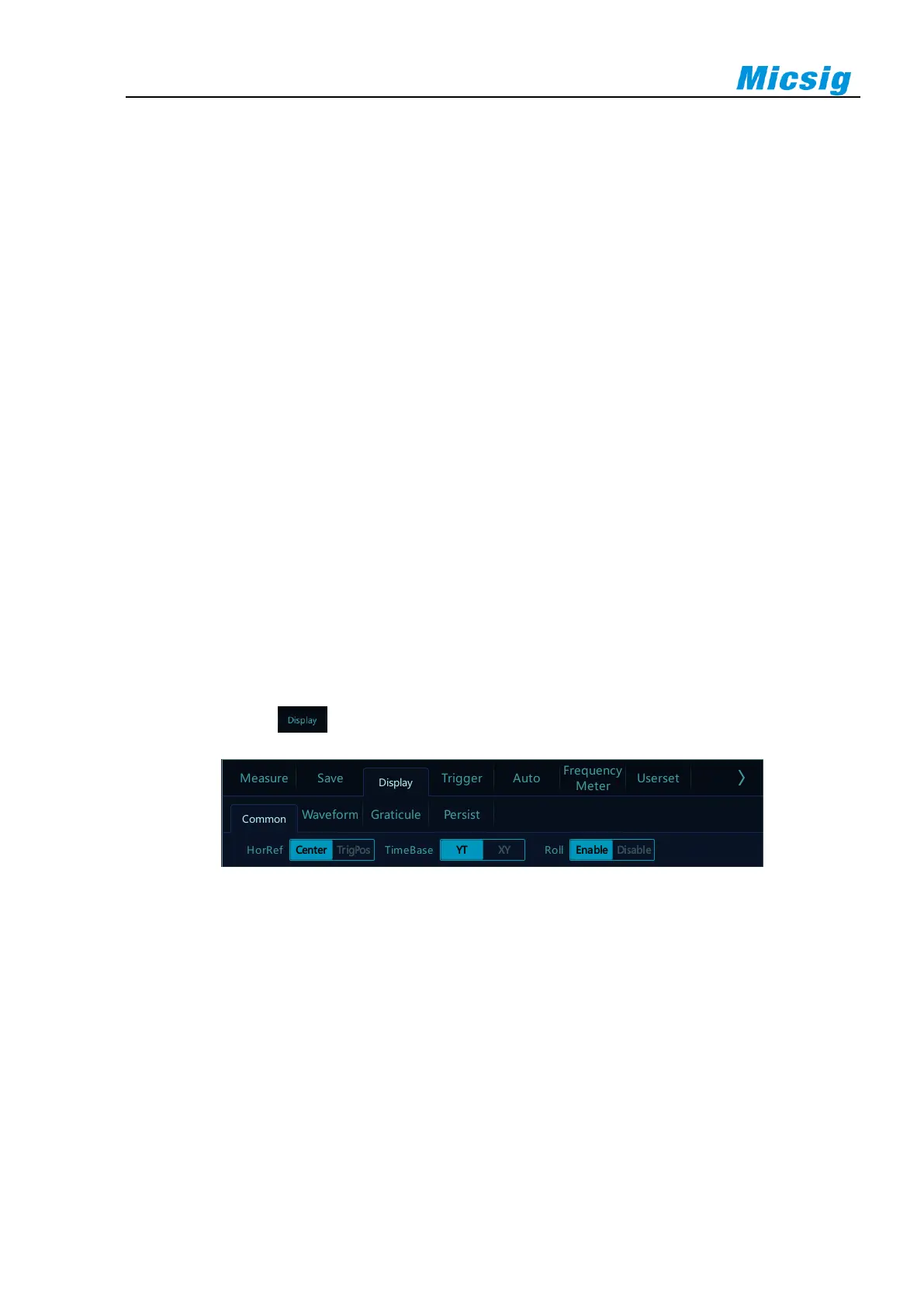
In the main menu, tap button to enter display settings menu, as shown in Figure 9-1.
Figure 9-1 Display Settings and Function Buttons



 To Next Page