Chapter 4 Vertical System
37
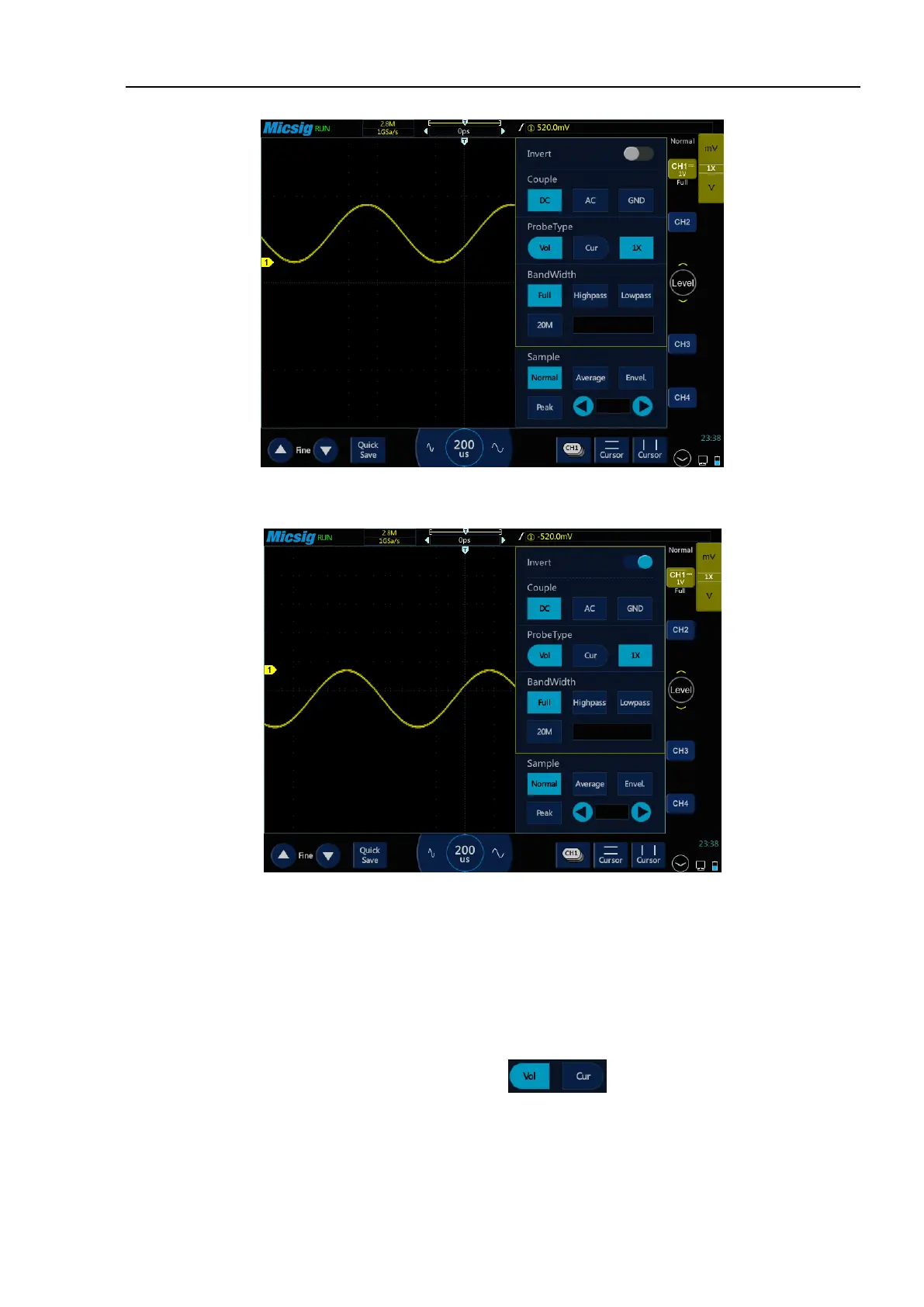
Figure 4-15 Before Inversion
Figure 4-16 After Inversion
4.4.4 Set Probe Type
Probe types are divided into voltage probe and current probe.
Probe type adjustment steps:
Open the channel menu, find the “Probe Type” checkbox in the channel menu, then select:
⚫ Vol - corresponding the voltage probe.
⚫ Cur - corresponding the current probe.



 To Next Page