110
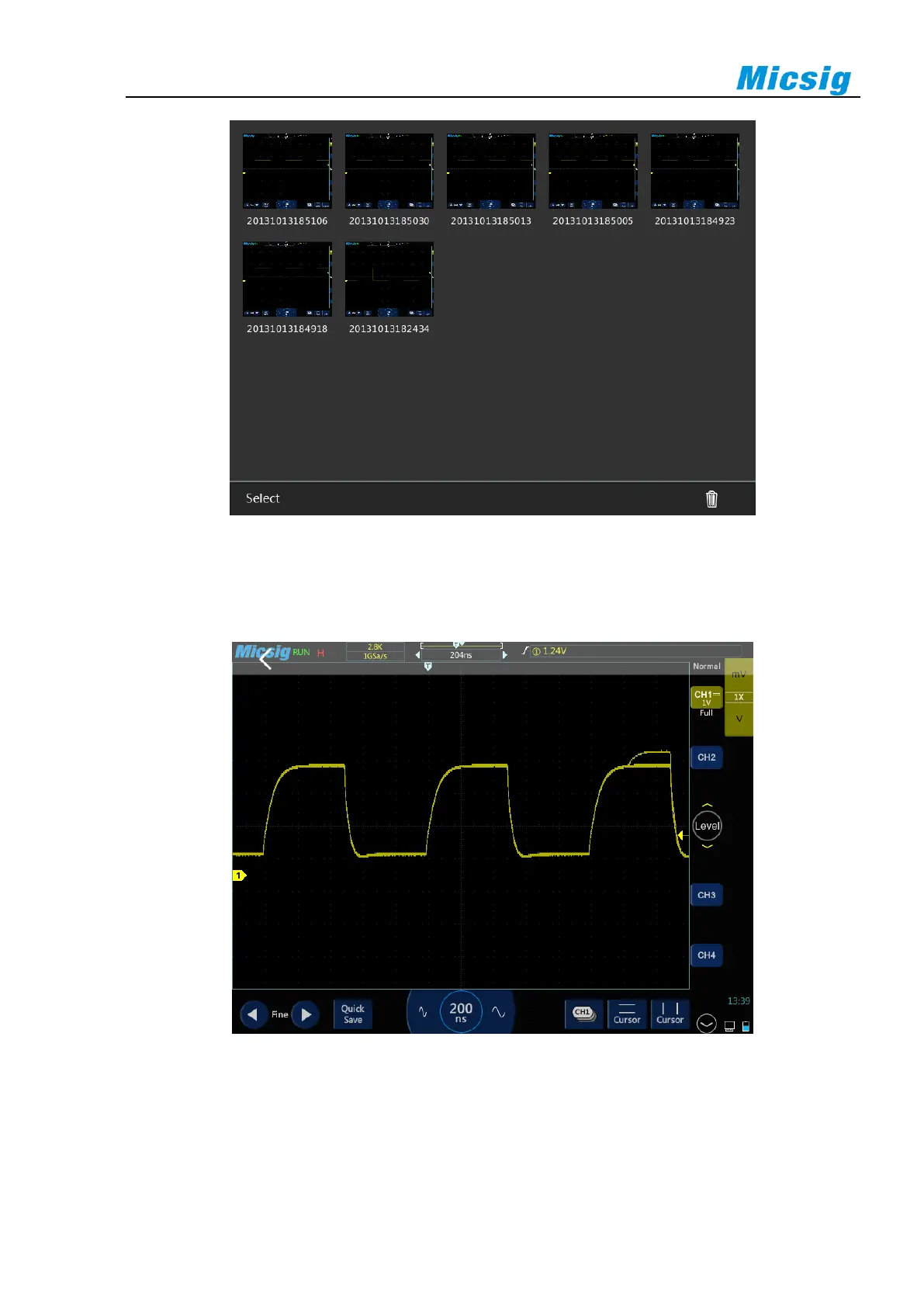
Figure 11-10 Picture Viewing Interface
In the picture viewing interface, the picture can be displayed in full screen. When the full screen is displayed,
drag the picture left and right to view the previous and next picture. Tap the return key to exit the full screen
display.
Figure 11-11 Picture Full Screen Viewing Interface
In the picture viewing interface, tap the "select" button at the bottom of the screen, click the picture to select the
picture, and "√" will be displayed on the left side of the picture, and click the trash can icon at the bottom right
corner of the screen to delete the picture.
After the U disk is connected to the oscilloscope, if there are pictures in the U disk, the pictures in the U disk will



 To Next Page