Chapter 11 Homepage Functions
105
oscilloscope program and write the oscilloscope information.
2) USB storage device: the oscilloscope can be used as a USB storage device. After connecting with the computer,
the files in the oscilloscope can be viewed, modified, deleted, and stored in the oscilloscope at the same time.
LAN
The oscilloscope provides LAN port. Through wired connection, the oscilloscope can be connected to the
network. After the LAN connection is set, the online upgrade can be carried out through the network, the internal
files of the oscilloscope can be accessed through FTP, and the web interface of the oscilloscope can be accessed.
Establishing a LAN connection
Automatic configuration
Select "automatic" for IP acquisition mode. Oscilloscope automatically obtains IP address, subnet mask,
gateway IP and DNS IP.
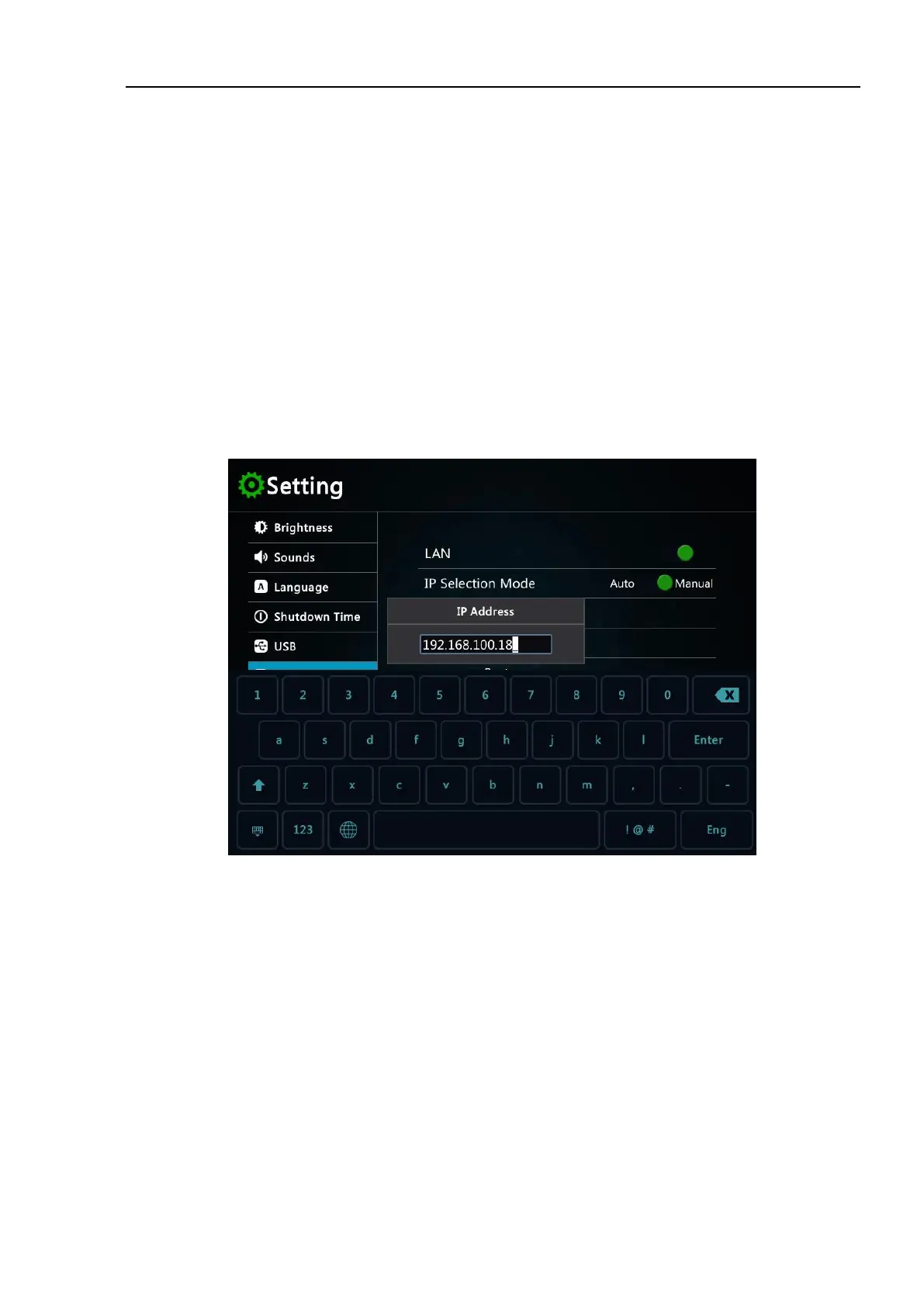
Manual configuration
Select "static" for IP acquisition mode. Click the IP address input box, pop up the virtual keyboard, and
manually enter the IP address, subnet mask, gateway IP and DNS IP values.
Figure 11-4 LAN Connection Setting
WLAN connection
Tap WiFi icon to enter WLAN setting interface.



 To Next Page