Chapter 11 Homepage Functions
107
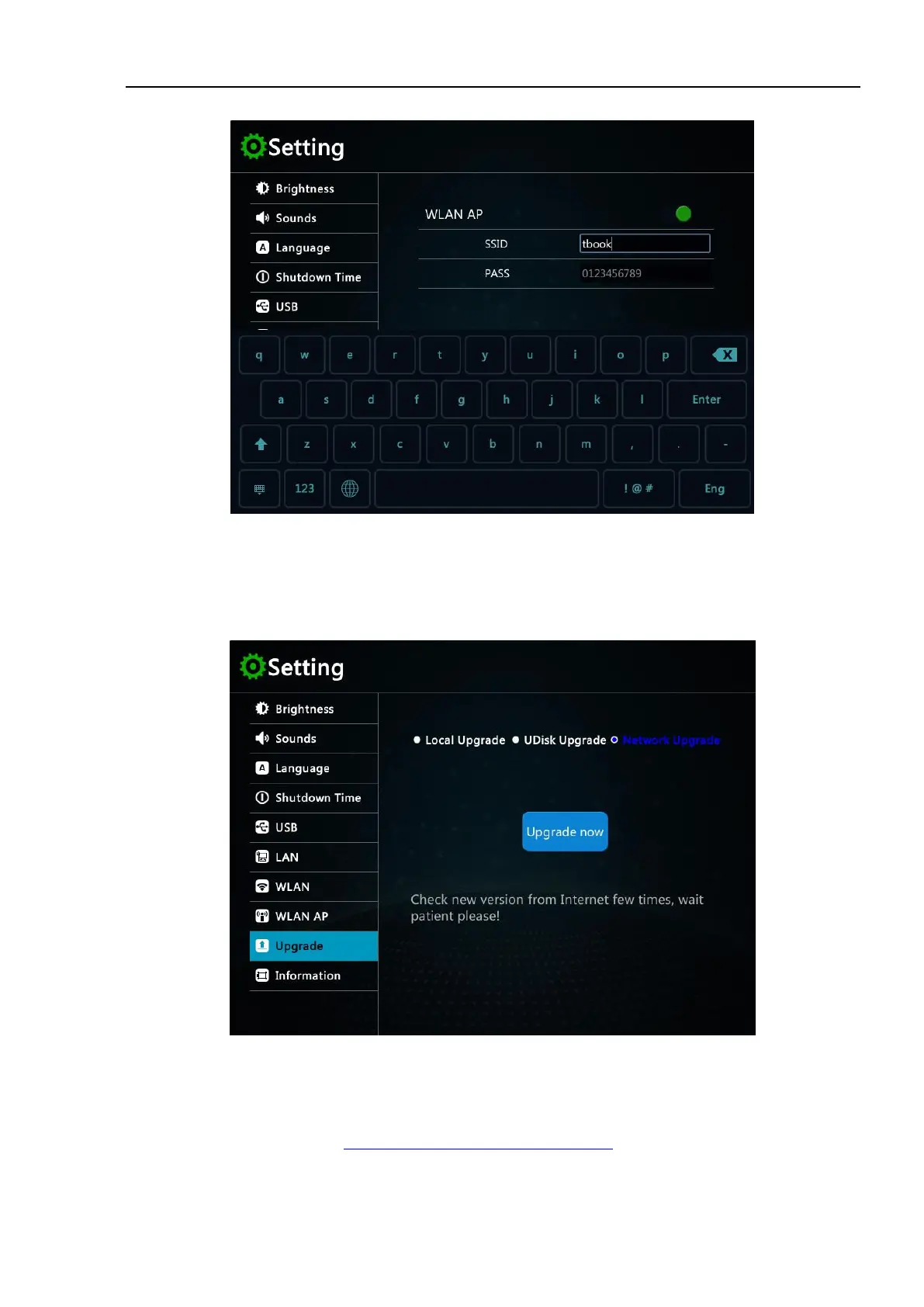
Figure 11-6 WLAN AP Setting
Upgrade
Tap the upgrade icon to enter the upgrade options interface, which supports multiple upgrade modes, including
local upgrade, U-disk upgrade and online upgrade.
Figure 11-7 Upgrade
Local upgrade
1) Contact micsig company or download the relevant upgrade package from the website (the latest upgrade
package download address: http://www.micsig.com/html/list_60.html).
2) Use USB cable to connect oscilloscope and PC.



 To Next Page