116
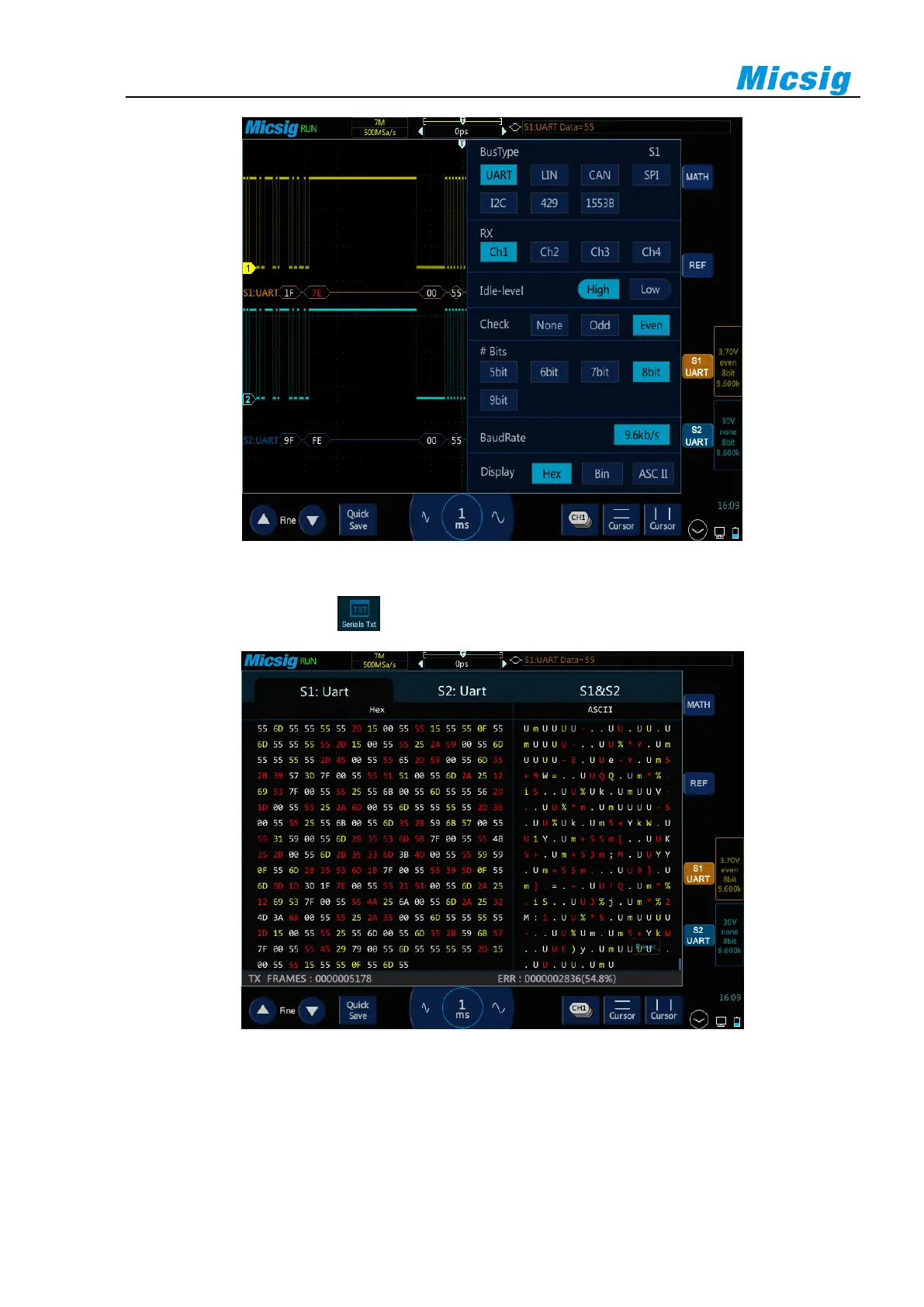
Figure 12-1 Bus Type Selection Menu
Open the pull-up menu and tap key to open or close the text mode, as shown in Figure 12-2.
Figure 12-2 Bus Decode Text Mode
Description:
Two decode channels S1&S2 in the text interface must be configured identically to be opened, and each channel
is displayed in chronological order with different colors;



 To Next Page