140
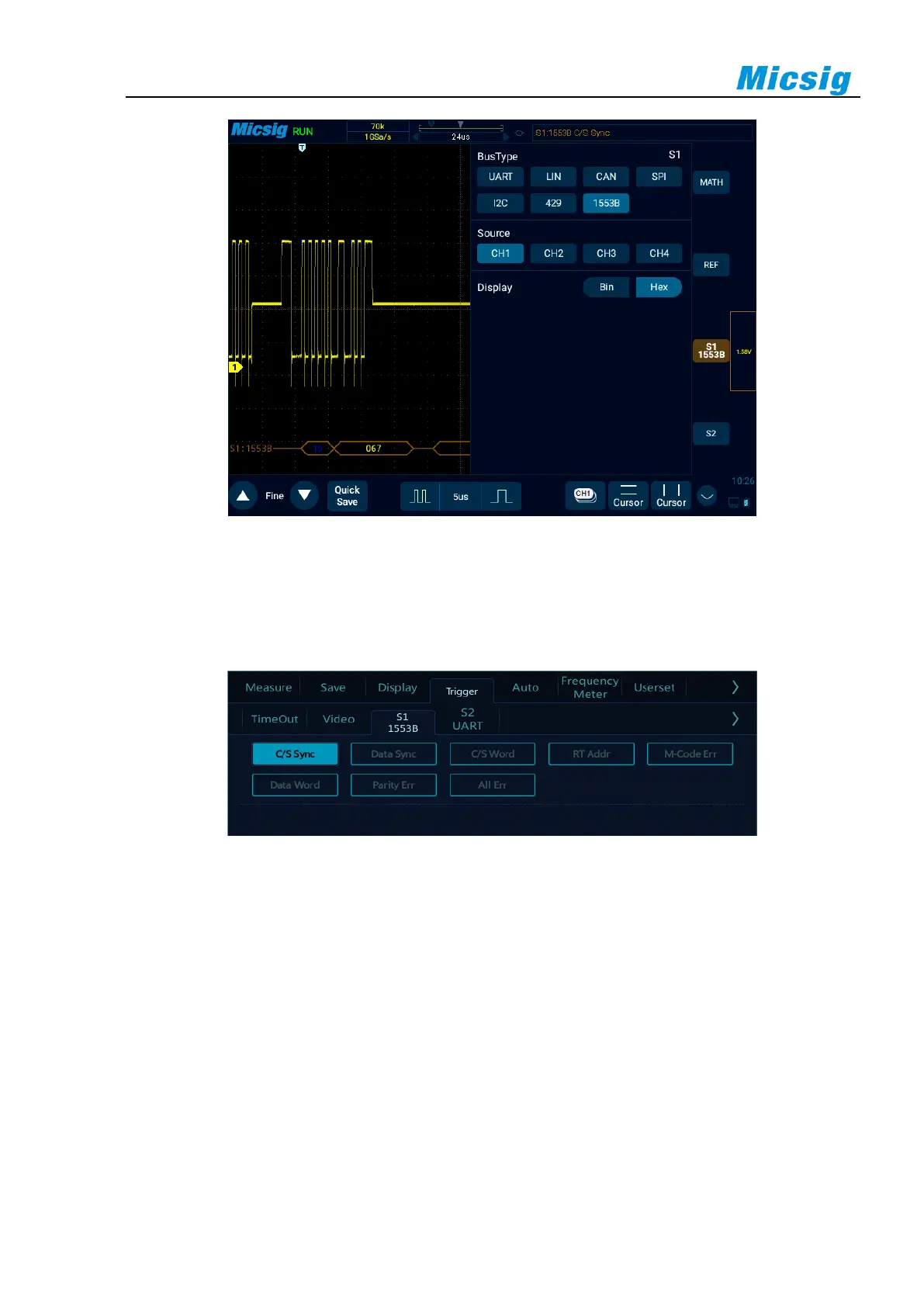
Figure 12-30 1553B Bus Configuration Menu
⚫ Trigger mode
Open the trigger configuration menu and select the appropriate trigger type. When the trigger type is
1553B bus trigger, click the trigger type on the screen, as shown in Figure 12-31:
Figure 12-31 1553B Trigger Mode Configuration Menu
Trigger configuration menu description:
a) Command/status word sync header: Triggered at the beginning of the command/status word (at the end
of valid C/S sync pulse).
b) Data word sync header: Triggered at the beginning of data word (at the end of valid data sync pulse).
c) Command/status word: Triggered when the specified command/status word is detected.
d) Remote terminal address: Triggered when RTA of command/status word matches the specified value.
e) If you select this option, RTA softkey will be available, allowing you to select the hexadecimal remote
terminal address value to be triggered on it. If you select 0xXX (irrelevant), oscilloscope will trigger
on any RTA.



 To Next Page