150
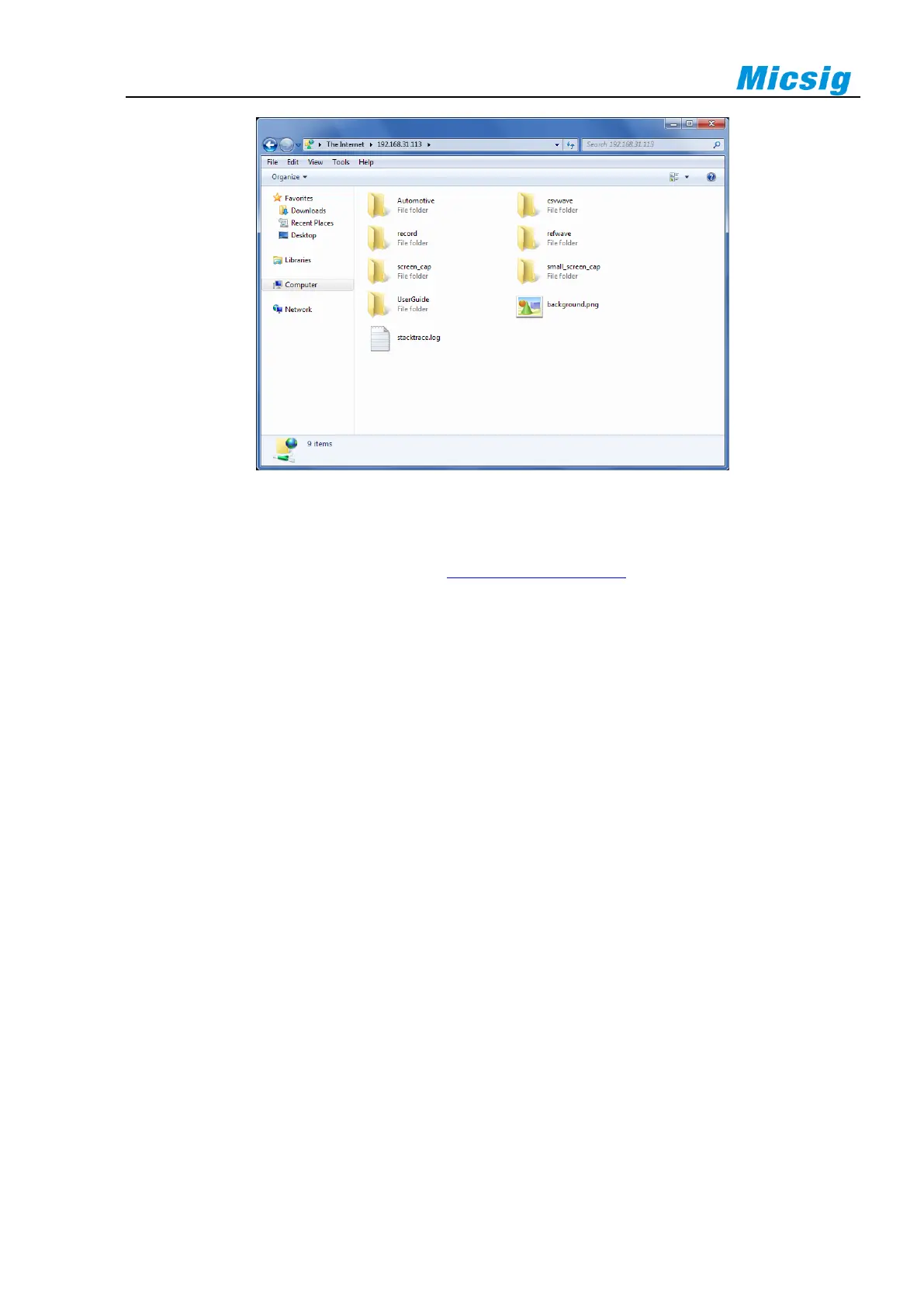
Figure 13-10 View Files
WLAN AP
Open the WLAN AP on oscilloscope (refer to 11.3 Settings - WLAN AP), connect PC to theWLAN AP of
oscilloscope, Enter oscilloscope IP address on PC (ftp://IP address), the default IP is 192.168.1.254.Then connect
to FTP server and enter the username and password. The default username and the password are “ftp”. Click Log
in, and view, call or manage files in the oscilloscope after successful login.
Tip: The connection method is the same as WLAN connection.
LAN
Connect to the FTP function through LAN. For details, refer to WLAN connection and portable hotspot
connection.
Mobile phone connection
To connect to FTP via mobile phone, download and install relevant file browser first, such as ES file browser.
Check and make sure oscilloscope and mobile phone are connected to the same network. Enter oscilloscope IP
address, account number and password through the ES browser. Click OK to log in, and then manage files on the
oscilloscope.



 To Next Page