Chapter 2. Quick Start Guide of Oscilloscope
13
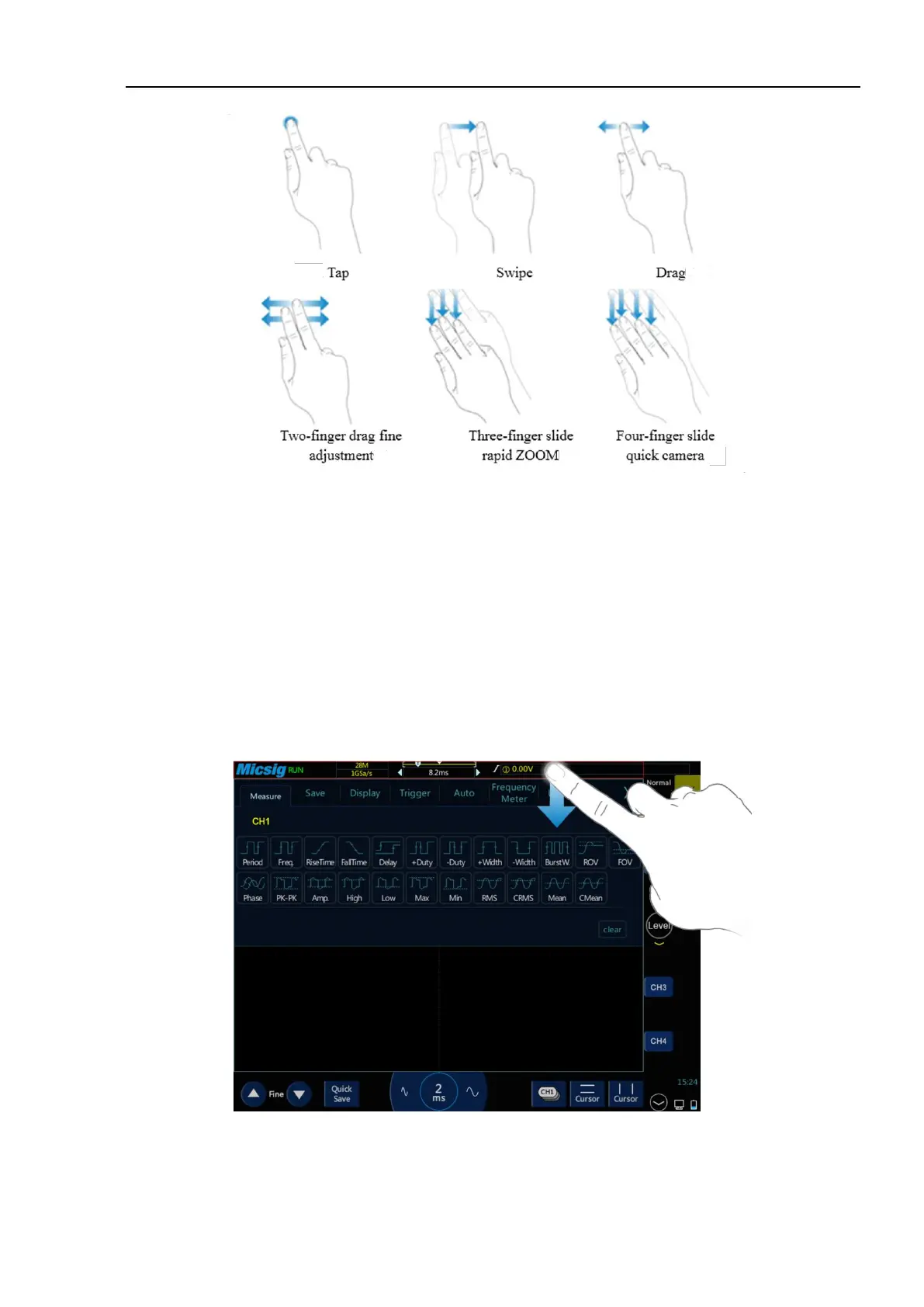
Figure 2-5 Basic Operations of tBook mini series Oscilloscope
Tap
Tap button on the touch screen to activate the corresponding menu and function. Tap any blank space on the
screen to exit the menu.
Swipe
Single-finger swipe: to open/close menus, including main menu, shortcut menu button and other channel menu
operations. For example, the main menu is opened as shown in Figure 2-6. The closing method is the opposite of
the opening method.
Figure 2-6 Slide out of Main Menu
Tap the options in the main menu to enter the corresponding submenu.



 To Next Page