24
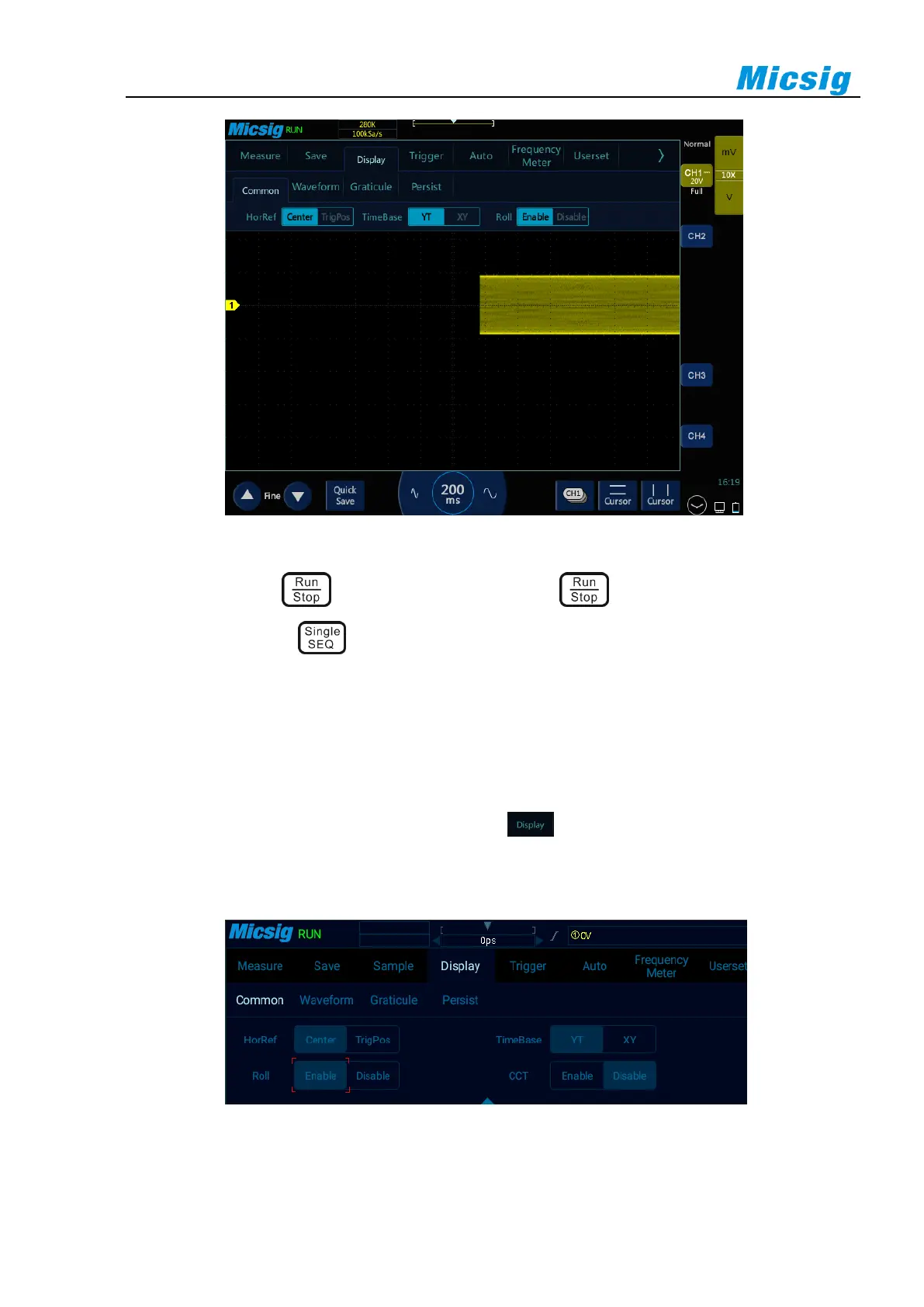
Figure 3-6 ROLL Mode
In ROLL mode, press to stop waveform display; press again to clear waveform display and
restart acquisition; press to execute single sequence, it will stop automatically after completing a full
screen acquisition.
ROLL mode is generally used to observe waveforms with frequencies below 5 Hz.
ROLL mode is defaulted as open. When the time base is greater than 100ms, it automatically enters the ROLL
mode. If the signal to be triggered under a large time base needs to be viewed, turn off the ROLL mode.
Roll mode on and off: In the main menu, tap the soft key . In the “General” option, you can turn the roll
mode on and off (refer to Figure 3-7). When the roll mode is on and the time base is within 200ms~1ks, the
oscilloscope automatically enters the roll mode.
Figure 3-7 Roll Mode On/Off



 To Next Page