44
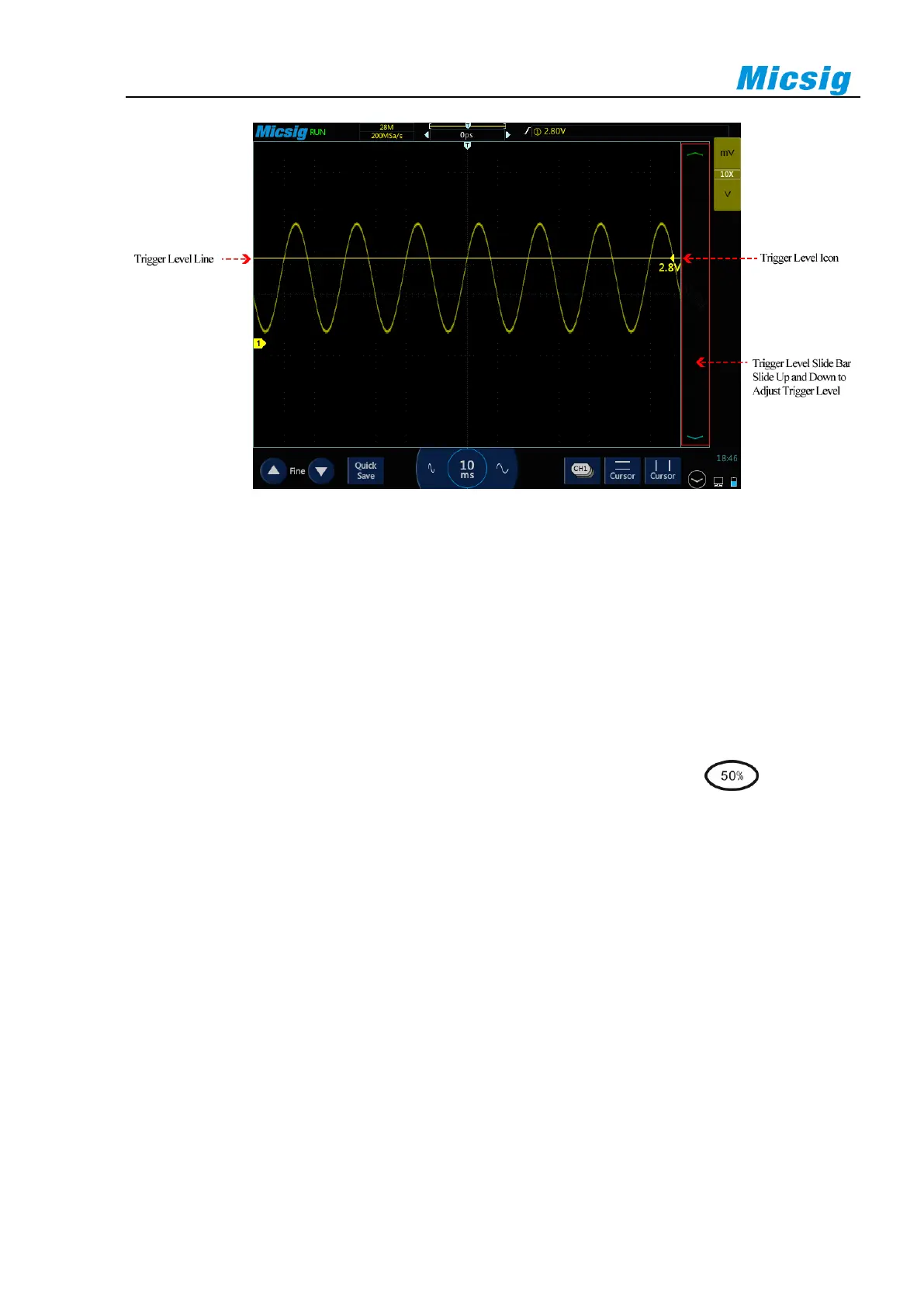
Figure 5-8 Trigger Level
Adjust trigger level
The trigger level can be coarsely adjusted and finely adjusted.
Coarse adjustment: Slide up and down in the trigger level adjustment area.
Fine adjustment: After moving the trigger level, tap the fine adjustment button in the lower left corner of the
screen for fine adjustment of the trigger level.
Note: Fine adjustment requires activation of the trigger level control function.
In addition, if the final operation of the oscilloscope is to adjust the trigger level, tap and select the
"level" item to adjust the trigger level to 50% of the waveform amplitude of the trigger source channel.
Set trigger hold-off time
The trigger rejection time can set up the waiting time of the oscilloscope after the trigger and before the trigger
circuit is reconnected. During rejection, the oscilloscope does not re-trigger until the end of the rejection time,
and the rejection time can be used to stably trigger complex waveforms. The trigger rejection time ranges from
200ns~10s.
The rejection may be used to trigger on repetitive waveforms with multiple edges (or other events) between
waveform repetitions. If the shortest time between triggers is known, the rejection may also be used to trigger on
the first edge.
For example, to obtain stable trigger on the repetitive pulse trigger shown below, set the rejection time to a
value >200ns but <600ns.



 To Next Page