Technical Information
79
CVA 265x & CVA 266x
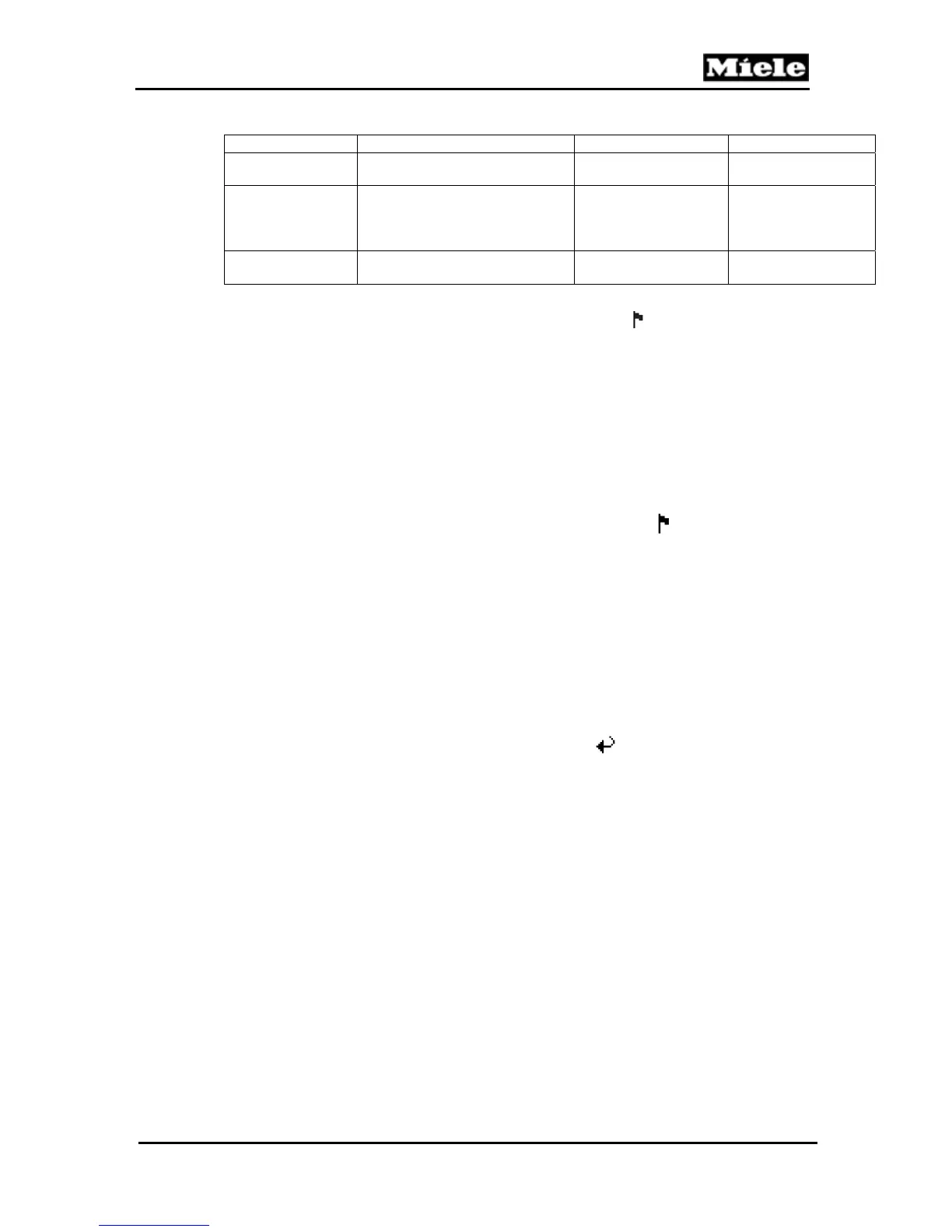
Option Setting Description Standard Setting
Info
Total number of coffees:86
Displays the number
of coffees served
-
Maintenance
rqrd.
Carry out
Carry out service
(perform capsule
cage exchange); see
Section 060-4.2
-
Factory default
Reset
Reset to standard
settings
3
-
Table 060-4: Customer Programming, CVA 2650/2660
1
If the language is set incorrectly, search for the flag symbol to enter the language
setting area.
2
Since machine no. index 14.
3
Only settings adjusted within the programming mode will be reset (the language setting
remains unchanged). Setting options adjusted within the service mode remain unchanged.
4.1.2 CVA 2652/2662
Initial requirements:
Switch on the machine.
Accessing:
Press the < or > touchpads as appropriate until Settings
is shown in the
top line of the display. Press the OK touchpad.
Acknowledgement indicator:
The display shows the various customer programming mode positions.
Options:
Press the < or > touchpads until the desired programmable option is
displayed; see Table 060-5.
Press the OK touchpad.
Press the < or > touchpads until the desired setting is displayed; see
Table 060-5.
Back: Press the < or > touchpads until Back
is displayed. Press the
OK touchpad.
Save: Press and hold the OK touchpad for 4 seconds. Press the
s
touchpad to switch off the appliance
Quit without saving: Touch the OK touchpad briefly, then switch the
appliance off.



 To Next Page